dailynewsnblog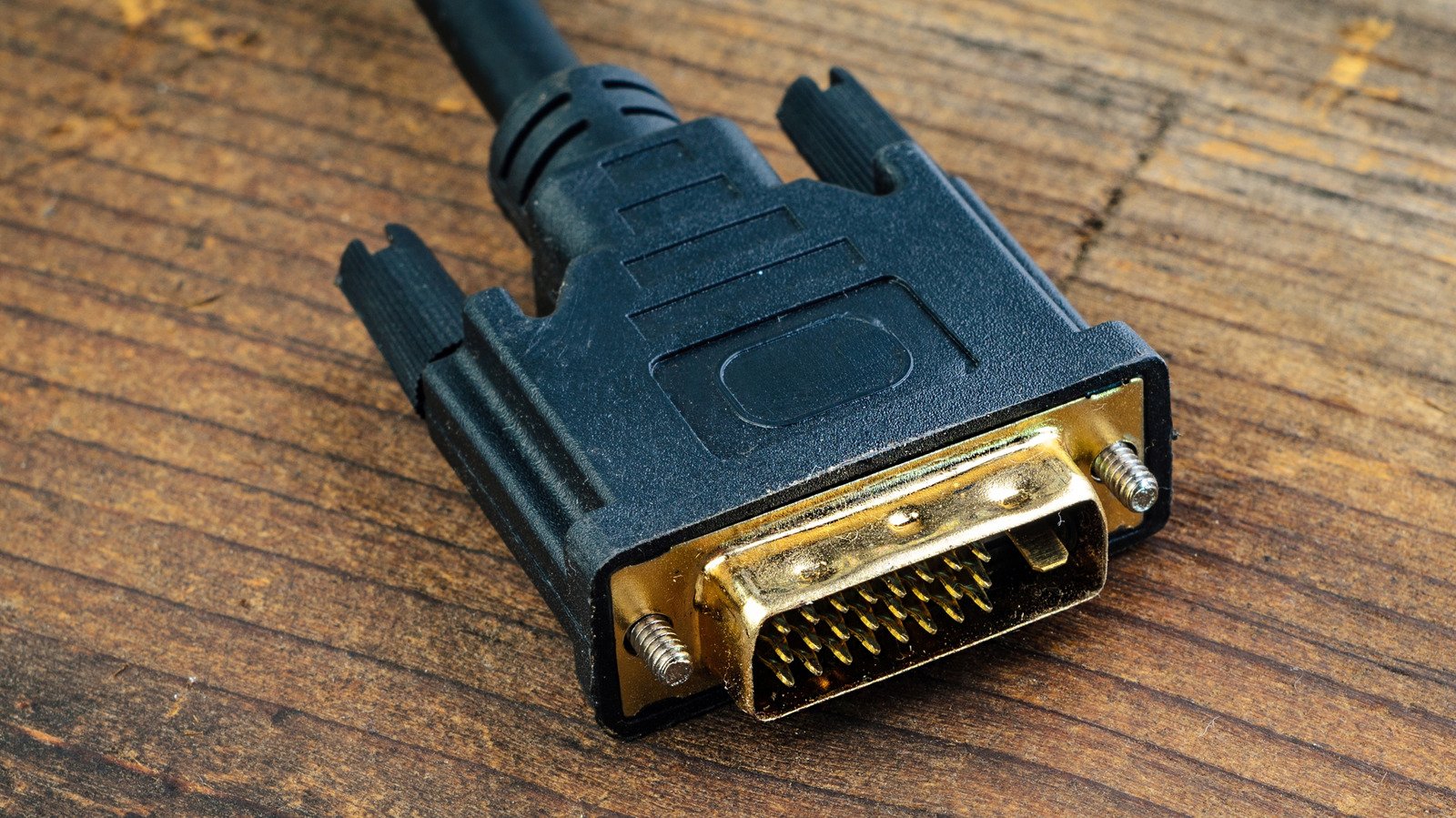
DVI to HDMI adapters are a cheap and simple way to connect up old hardware, but don’t expect miracles.
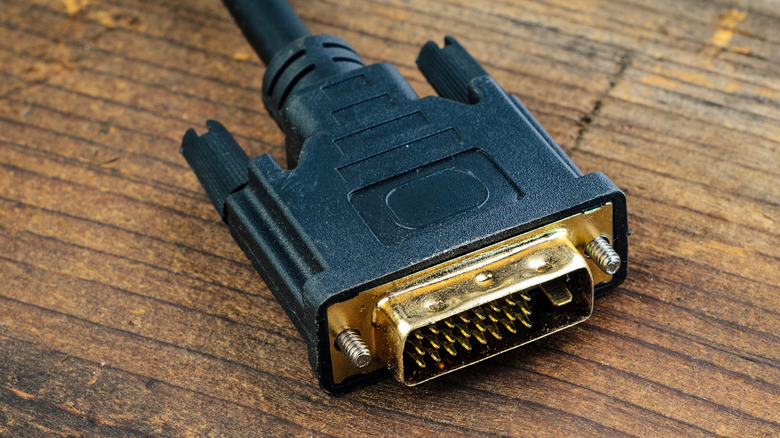
If you’ve tinkered with monitors or graphics cards, you may have seen a chunky DVI connector. With large screws flanking its three-row grid of pins, it looks like an ancient relic compared to the HDMI cables more commonplace today. The physical size of its port means it’s now a rarity on most consumer devices. Digital Visual Interface (DVI) ports were first implemented in products like Apple’s Cinema Display in 1999 and remained the industry standard for a few years until HDMI and DisplayPort took over.
If you’re dealing with a DVI cable in 2026, it’s good to know how it operates. Newer than the VGA format, it’s still used in older PC setups or projectors in office spaces featuring a mix of legacy and modern equipment. Even today, some displays made for retail kiosks support DVI cables without an adapter. Here’s what you need to know about this standard, its common use cases, and its limitations.
Can I connect DVI to HDMI?
If you have an older device and are looking to connect it to a modern display, you can typically use a simple DVI-to-HDMI adapter to connect a DVI cable to an HDMI port. Since the two standards share the same digital video protocol, the adapter just reroutes the pins and doesn’t need a conversion chip or external power. DVI-D (Digital) and DVI-I (Integrated) connections will both play nicely with HDMI, with the Dual Link versions supporting far higher resolutions. DVI-A is the one exception: It’s an analog standard and requires active conversion. Luckily, the DVI-A standard was rarely used compared to DVI-D and DVI-I, so you’re unlikely to run into a device using it.
DisplayPort and HDMI are the modern display standards of choice for most setups, owing to their superior bandwidth and multi-channel audio support. If your device has either of those ports, you should plug directly into them rather than using an adapter.
Over the past two decades, most external displays like TVs and monitors have moved on to HDMI and DisplayPort for audio and video connectivity. The latest HDMI 2.2 specification brings future-proof support for resolutions up to 16K, high dynamic range (HDR) and enhanced audio and video synchronization.
DisplayPort 2.1b is no slouch either, with the ability to link monitors in sequence with a feature known as daisy chaining. For multi-monitor setups, the standard is leagues ahead of DVI.
What are the disadvantages of using a DVI cable?
DVI has many drawbacks compared to HDMI and DisplayPort. For starters, the lack of audio support means you’ll need to scurry about for a separate audio solution. Then there’s resolution. At a standard 60Hz refresh rate, a Dual Link DVI port has a max resolution of 2,560 x 1,600, while a single-link port maxes out at 1,920 x 1,200. You can technically push higher resolutions, but doing so would require dropping down to a “cinematic” refresh rate that won’t make for a great experience.
All of which is to say, DVI isn’t a good fit for today’s high resolution, high refresh rate monitors. The connection itself is also unwieldy. While fans of older tech may enjoy tightening the connector’s screws, most people don’t want to deal with a stiff cable that hampers cable management. If DVI is your only option, though, a simple HDMI adapter should do the trick.