dailynewsnblog
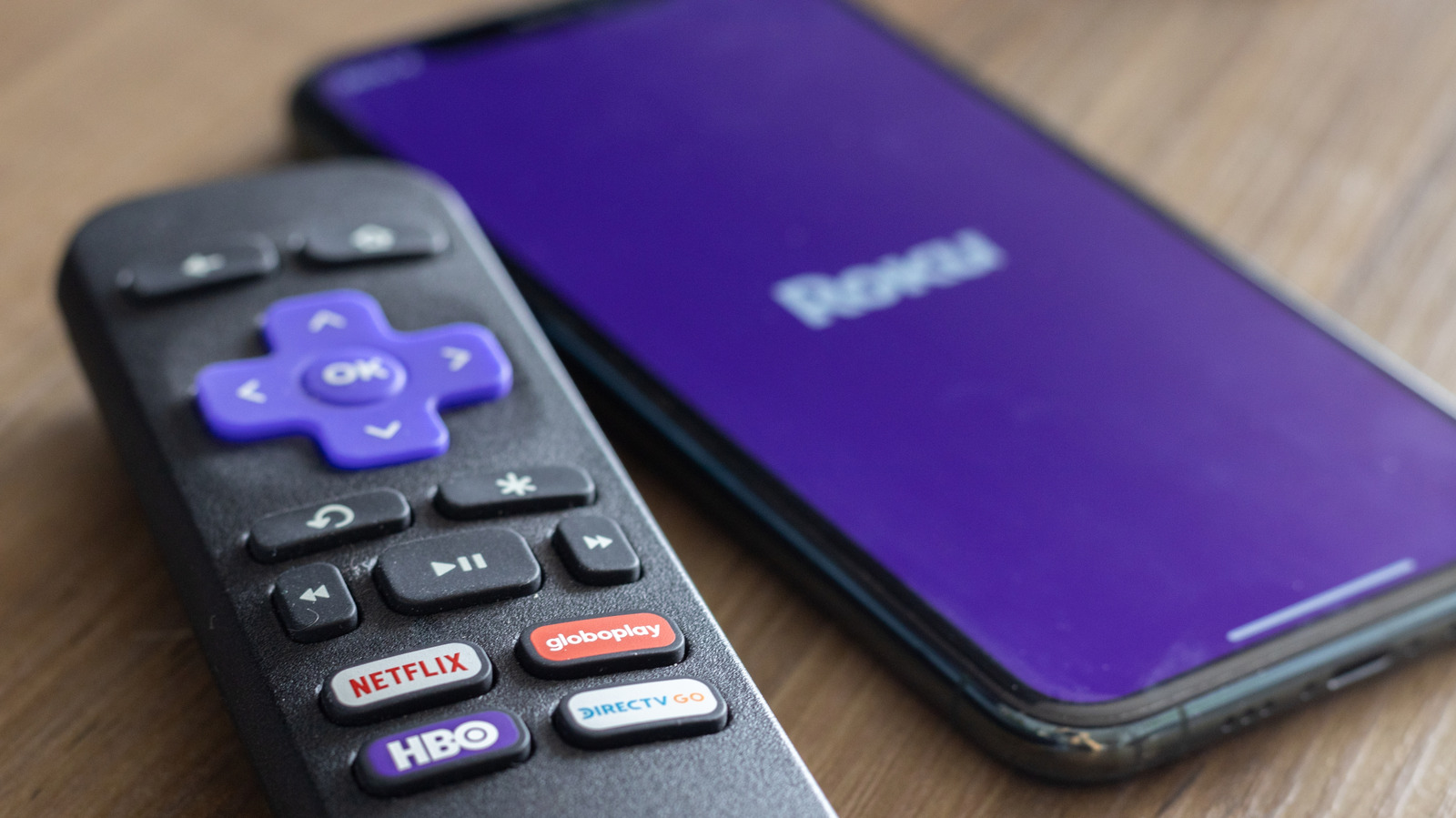
The most useful of Roku’s secret menus is its developer menu, which allows you to tap into your device’s Developer Settings menu. Here, you can access your Roku’s developer installer and manage your developer account. In doing so, you can also sideload custom applications and explore the testing environment. To access your developer menu, press Home × 3 > Up × 2 > Right > Left > Right > Left > Right.
You can use a similar shortcut to access your Network Settings, where you can check your connection, enter bandwidth saver mode and find your IP and MAC addresses. To do so, hit Home × 5 > Right > Left > Right > Left > Right. Now, if you want to dive deeper into your wireless connection, you can access your Wireless Secret Screen. Here, you can check your signal strength and glitch rate, run speed tests, and reset your network. So if you start to experience a lagging connection, check your connection by pressing Home × 5 > Up > Down > Up > Down > Up.
Roku allows you to adjust your ad experience via its Secret Screen 2 menu. Here, you can cycle through your Roku’s image service, screenshot output format and ad channels. This is also where you can adjust your screenshot output settings. Accessing your Secret Screen 2 is easy. Just press Home × 5 > Up > Right > Down > Left > Up. Critically, you may need to restart your device for ad preferences to change.
Another helpful menu is your Platform Secret Screen, which shows more granular operational information, ranging from your memory usage and remote battery levels to your device’s temperature. Here, you can also find advanced diagnostics, like your IPv6 settings, your remote button usage and your RF remote diagnostics. You can access your platform menu by pressing Home x 5 > Fast Forward > Down > Rewind > Down > Fast Forward.
Similarly, you can go into the weeds of your Roku’s HDMI Settings, where you can adjust inputs, double-check the refresh rate and keep tabs on resolution performance. You can check out this HDMI screen by pressing Home x 5> Down > Left > Up > Up > Up.
To see what versions of applications like Netflix or Kanopy your Roku is running, visit the Channel Info Menu. This menu is also helpful if you need to troubleshoot, uninstall or reboot one of your Roku apps. To visit the Channel Info menu, simply hit Home x 3 > Up x 2 > Left > Right > Left > Right > Left.
While most of these screens help you tap into your Roku’s settings, the most important may be your device’s reset and update screen. By pressing Home x 5 > Fast Forward x 3 > Rewind x 2, you can access a secret screen that allows you to initiate a factory reset of your Roku device. Such resets are particularly useful if your streaming apps consistently crash, your startup screen freezes or you begin experiencing software glitches. Moreover, you can also initiate software updates and test your USB port. If you’d rather initiate a restart more directly, simply press Home × 5 > Up > Rewind × 2 > Fast Forward × 2 to immediately reboot your device.