dailynewsnblog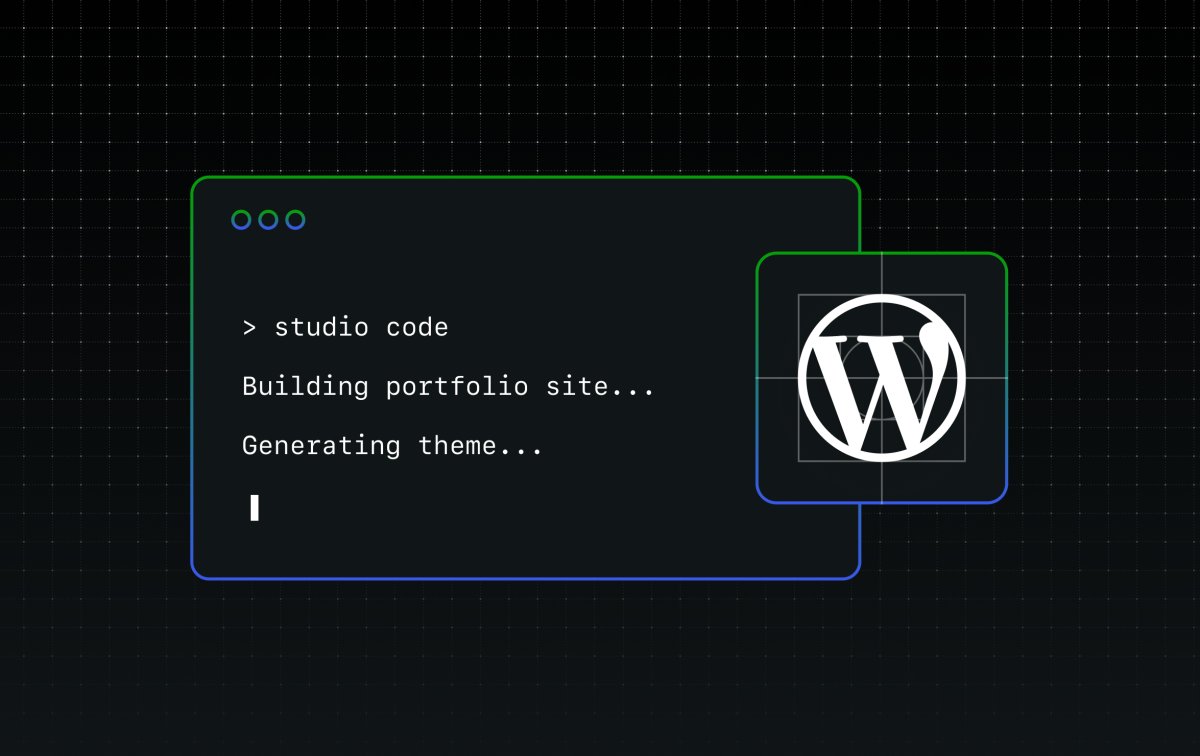
Studio Code is now in beta, and you can try it today — even though we’re still actively building it.
That’s intentional. We wanted to get it into your hands early, gather feedback, and shape the next phase of development together rather than polish it in a vacuum and call it done. Consider this the beginning of that conversation.
To try it, install Studio CLI (either from the desktop app or directly from your terminal) and then run studio code.
What is Studio Code?
Studio Code is a CLI tool — your WordPress expert in the terminal. Think of it like having a senior WordPress developer available as a command: one that reads your codebase, edits files, runs commands, can spin up local sites, and knows WordPress best practices deeply.
It’s like Claude Code or Cursor CLI, but specifically for WordPress. In fact, we’re leveraging the incredible tech of Claude Code to make Studio Code a powerful WordPress coding tool.

General-purpose coding agents don’t have the tools to act on a WordPress site out of the box — they can’t spin up a local environment, run WP-CLI commands, validate block markup against the real editor, or screenshot the result to check their own work.
Studio Code can. It’s purpose-built for WordPress: it understands block themes, knows WP-CLI inside and out, validates block markup against the real editor, and works the same feedback loop a developer would — run something, check the output, iterate until it looks right, and ship.
You describe what you want in natural language; Studio Code builds it.
What it can actually do
The honest answer: quite a lot, and it’s getting more abilities by the day.
Build a complete WordPress site from a description or reference. You give it a site concept — a bakery, a portfolio, a nonprofit landing page — or a reference URL, and it designs and builds a full block theme: layout, typography, color palette, and page content. It picks fonts, writes CSS, creates the pages, checks the visual output with a screenshot, and fixes what’s broken.
Manage your local WordPress sites. Create sites, start and stop them, install plugins, activate themes, set options, create posts and menus all through natural language. It uses WP-CLI under the hood, but you don’t have to.
Write and validate block content. Block markup has to be structurally valid or WordPress will reject it in the editor. Studio Code validates every block it generates against the real block editor before inserting it — running each block through its save() function in an actual browser.
Validate performance. Is your site fast? Run the /need-for-speed skill to run a performance audit on your local site, and you’ll get specific, actionable recommendations to speed it up.
Preview and publish to WordPress.com. Once you’re happy with your local build, you can generate a hosted preview site link and push to or pull from WordPress.com, where your site will be backed by fully managed hosting, built-in security, and 24/7 expert support.
Clean up your WordPress category taxonomy. Audit your existing categories, merge duplicates, retire dead ones, create missing ones, and re-categorize posts — all through natural language. It exports your content and applies AI-driven structure, but you don’t have to touch a single category setting yourself.

Why we’re shipping it now
We’re in the middle of building this, and we think that’s important to say out loud.
The core experience works. People are using it to build real sites, prototype ideas quickly, and skip the scaffolding work that eats time without adding value. We’ve seen it go from a brief description to a fully designed, content-filled WordPress site in a few minutes — start to finish.
But there’s more to build as AI gets better every day. We’re refining the design intelligence, improving how it handles complex layouts, and expanding what it can do with existing sites. So we’re doing the thing we believe in: shipping early, being honest about where it is, and building in public.
During the beta, we decided to keep the Studio Code experience free. That may change in the future, and we want your feedback before we can lock that in.
Give it a spin
Once you have the Studio CLI installed, simply run studio code to start using the beta.
We want to know what works, what doesn’t, and what you wish it could do. Open a GitHub issue with your thoughts, feedback, bug reports, and enhancement requests, and check out the documentation for more tips.