dailynewsnblog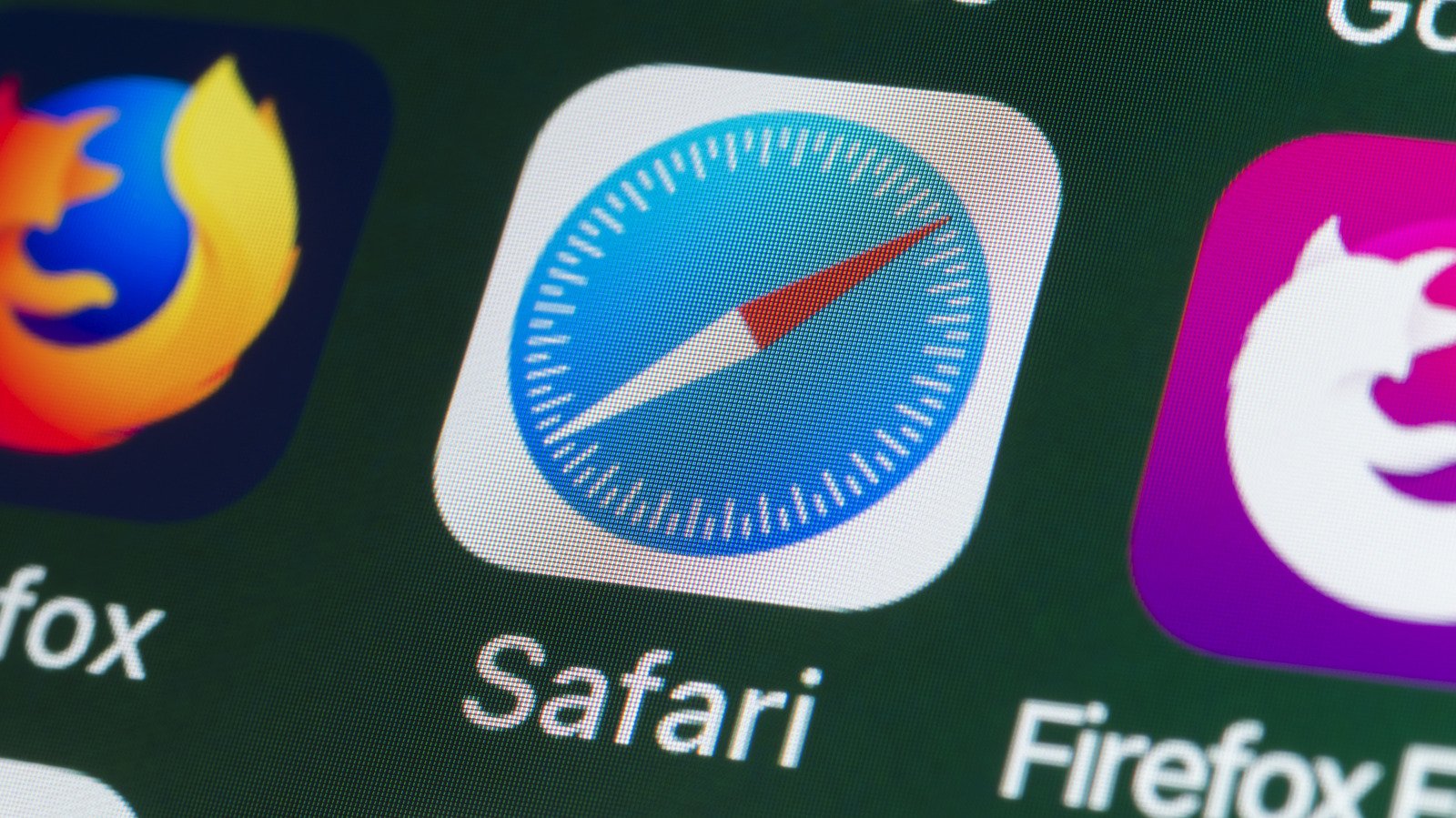
Safari limits tracking by default, but private browsing still has limitations.
The iPhone’s default Safari browser has gained a reputation for being private, especially as an alternative to Chrome for those who don’t want to turn over their entire life history to Google. According to the Safari info page, the browser blocks third-party cookies by default, uses machine learning to limit cross-site tracking, hides your IP address from known trackers and removes identifying info from certain URLs. In 2019, Apple published a white paper covering the full range of Safari’s privacy capabilities if you’re interested in the details.
All these features are important because advertising and data-broker networks (and by extension, the FBI) are itching to gobble up your private data. Tracking info often follows you throughout unrelated sites, searches, purchases and profile visits. Safari helps by cutting most of these data leeches off at the knees, limiting the data shared with those networks and making it more difficult for advertisers to build an infrastructure based on your behavior.
However, “private” doesn’t place Safari on the same pedestal as a quality VPN. Websites can still see info that’s required to serve the page you’re on, including a general idea of your location. Safari’s defaults mean the average iPhone user is unknowingly handing over less data, but the browser is far from an impenetrable shield.
What Safari actually protects
Privacy and security are distinct concepts, though they’re closely related. Privacy focuses on how your personal info is collected and used, while security refers to ways your data is protected from attack. Insecure data cannot be private, but a secure website can have poor privacy practices. Thus, we should consider features of Safari that cover both areas.
Safari’s strongest privacy tools tackle address tracking as well as account security and unsafe website behavior. Its cross-site tracking protections try to stop advertisers and third parties from recognizing you as you move from site to site. Private Browsing adds a few layers, including blocking trackers, masking your IP address from known trackers and automatically removing some tracking info from links.
Safari also supports passkeys, which let you sign in with Face ID or Touch ID instead of a traditional password. Passkeys are phishing-resistant by design because creating one is tied to a certain website; they won’t work on a fake lookalike page. Apple Pay is also integrated into Safari, so you can avoid entering your card numbers and authenticate with Face ID to use your saved cards stored privately in Apple Wallet.
But for all the good Safari does, it still has limits (as all browsers do). While it will warn you about dangerous sites, it can’t verify that every page you visit is legitimate and won’t stop you from entering your credentials on a convincing phishing site. It will warn you about poor passwords, and while Apple Intelligence in iOS 27 will be able to automatically set stronger passwords for you, this feature isn’t out yet.
Private browsing doesn’t hide your activities from your ISP or sites you’re logged into, and anti-tracking tools reduce data collection but fall short of stopping websites from collecting data you submit directly. Safari can’t protect you from what you decide to trust.
Safari vs. Chrome and Brave on iPhone
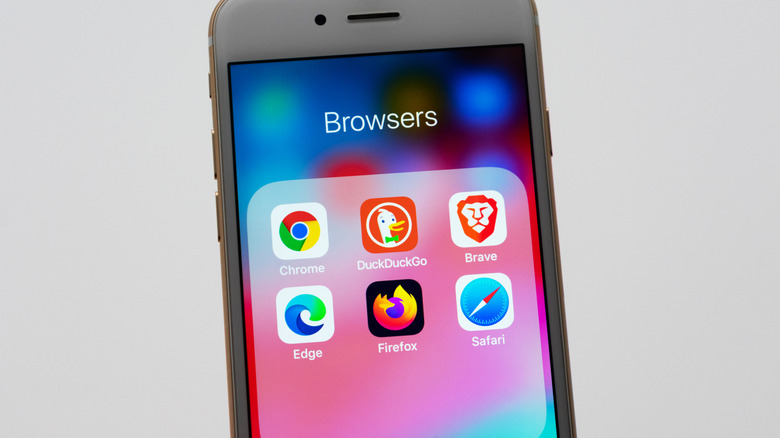
On an iPhone, the privacy differences between browsers can be smaller than their marketing suggests. Apple requires third-party browsers on iOS devices to use Safari’s WebKit rendering engine (outside of the EU), so Chrome, Firefox and Brave can’t use the same browser engines on iPhone as they do on desktop. However, there are still feature differences; PrivacyTests.org has an overview if you’d like to dive into a full comparison.
Brave is a worthwhile alternative for those seeking a stronger content blocker. Its iPhone app promotes tracker and ad blocking, as well as the privacy-focused Brave Search that doesn’t collect any data about you. This is in contrast to Safari using Google by default. Brave also offers an optional VPN/firewall subscription, if that’s something you’re interested in.
One of Safari’s advantages is that its protections are built-in and enabled by default. Apple frequently compare this to Chrome’s, which are not. However, Chrome has many of the same protections; it’s just a matter of turning them on. The question isn’t really whether Safari is perfectly private, as no browser is. The two most pertinent points are whether the browser’s default options increase your privacy and if privacy-enhancing options are available at all.
For most iPhone owners, Safari is a solid option. There’s value in using the browser designed by the same company who made your phone and the OS it runs, especially when it doesn’t require fiddling with settings to be privacy-respecting. If you want more control, however, you can always add content blockers or opt for Brave. No matter which browser you use, never assume it will protect against every scam or questionable decision.