dailynewsnblog
Wireless connectivity comes in many different flavors.

Bluetooth, Wi-Fi and 2.4GHz often get lumped together when folks think about connection types, but they’re very different. The first two are wireless technologies that differ due to their power consumption and performance, while the latter uses radio band frequencies. Wi-Fi is the only tech out of the three that allows for Internet access, Bluetooth is most commonly used for pairing audio devices to phones and tablets, whereas 2.4Ghz is often associated with connecting peripherals to PCs and laptops. Let’s get into this trio of connection technologies in more detail.
Wi-Fi vs Bluetooth vs 2.4G: Key differences explained
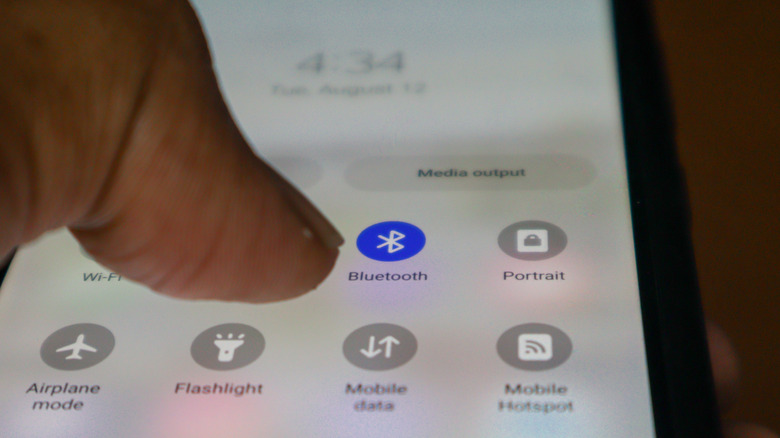
The biggest difference between Wi-Fi compared to Bluetooth or 2.4G is that it’s the only connection type that supports network connections. Wi-Fi creates a local wireless network that can support dozens of connections at once, offering greater signal range than either Bluetooth or 2.4G (up to 50m vs a max 30m range for the latter two). Though the power usage of Wi-Fi is considerably higher, this is because it’s considerably faster and has far greater bandwidth. We’re talking several Gbps with Wi-Fi 7, while Bluetooth is only around 3 Mbps and 2.4G normally under 10 Mbps.
Both Bluetooth and 2.4G provide short-range data transfers, though they’re inherently different in nature — Bluetooth is a wireless technology, while 2.4G is a radio frequency. Unlike Wi-Fi, neither require a router for connecting devices. Their power usage is also far lower than Wi-Fi, making them an ideal solution for connecting equipment where long battery life is important, such as with wireless headphones or peripherals like keyboard and mice.
Is it better to connect by Wi-Fi or Bluetooth?

It’s better to connect to Wi-Fi in many instances, simply because the technology allows for network access and Bluetooth doesn’t. Typically though, the benefits of both types of tech boils down to the specific devices you’re using. Wi-Fi offers significantly longer range than Bluetooth (often up to 50m compared to 10m). Conversely, Wi-Fi connections are a lot more power-hungry than Bluetooth, which is why so many peripherals use the latter tech.
In short, if you need the best performance, highest transfer speeds and lowest latency, Wi-Fi is the best connection type, though it obviously requires a router. For simple and (mostly) reliable pairing of devices, Bluetooth is ideal due to its low power consumption that helps preserve battery life. It’s also rarely a straight up choice. Sometimes, your only option is to connect those new headphones over Bluetooth, while you clearly need Wi-Fi if you want to connect to the Internet or stream content. There are instances where the two technologies work in tandem though, as is the case with Android Auto, which needs the higher bandwidth of Wi-Fi to power map interfaces during journeys.
Why do many PC peripherals opt for 2.4G?
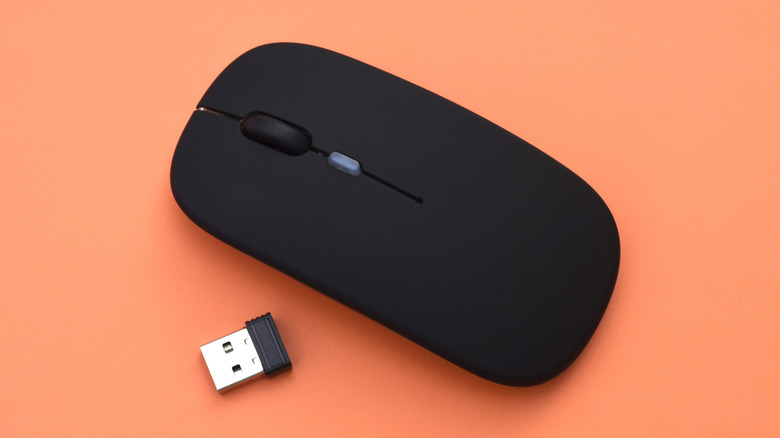
There are several reasons why many wireless keyboards and mice, gaming headsets and controllers use the 2.4GHz band. Probably the biggest factor is that 2.4G connections offer less latency than Bluetooth. Some of the best gaming mice boast ultra high polling rates (sometimes over 8,000Hz), which simply wouldn’t be possible over a Bluetooth connection. It’s a similar case with gamepads. Bluetooth adds significantly more input lag than a dedicated 2.4G connection that uses a wireless dongle. While 2.4G typically tracks at around 1-5ms, Bluetooth devices can hit up to 30ms of latency. In competitive online shooters where every frame matters, reducing input lag as much as possible is key.
Devices that use 2.4G wireless dongles also provide a more stable experience than Bluetooth, with less chance of connection drops. In the case of headsets, 2.4G models provide reduced audio latency, improved mic quality and higher bandwidth audio. As a connection type, 2.4G is also very low power, which helps to improve the battery life of peripherals.