dailynewsnblog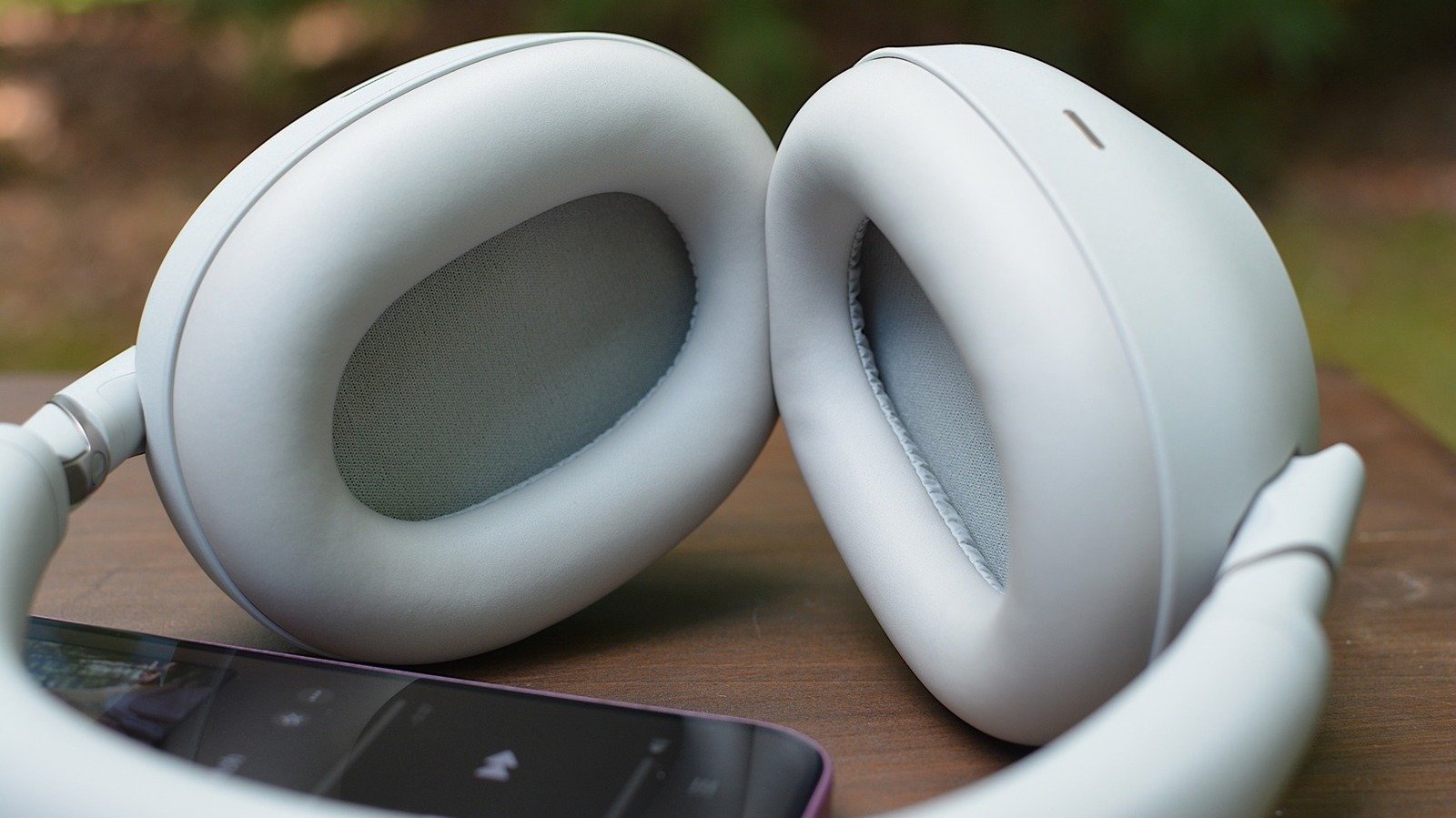
Try these adjustments before you go buy a new pair.

Getting powerful bass from your headphones doesn’t always mean buying new ones. In many cases, it’s more about tweaking some settings on the pair you already have.
But better bass doesn’t just mean more of it. The goal isn’t to make your music sound like a car trunk rattling at a stoplight. It’s about a deeper, punchier bass that doesn’t overpower everything else. Here are a few simple ways to do that.
Check your fit
Before we dive into settings, make sure your headphones have a good seal. Without that, bass is often the first casualty.
The type of headphones makes a difference. Closed-back headphones and earbuds with a tight seal are usually the best options. Open-back cans can be among the most natural-sounding, but they aren’t the best choice for punchy bass. And while open-fit earbuds like the AirPods 4 and open-ear options like the Shokz OpenFit Pro have much better bass than older models, they still aren’t the best place to start.
If you use earbuds with interchangeable tips, try a few different sizes. Tips that are too big or small can thin out the low end, making music sound weak. Foam tips can also help, since they often create a tighter seal than silicone. Software-based fit tests, like the one Apple offers for AirPods Pro, can also give you a good idea of what works.
If you use over-ear headphones, make sure the cups are comfortably covering your ears. And be mindful of things like glasses, hair or worn-down pads that could compromise your seal. Even if it’s something you can’t change, at least you’ll be aware of one factor limiting the sound.
EQ: Start with the headphone app
One common mistake is stacking equalizer (EQ) settings. For example, boosting the bass in both Spotify and the Sony Sound Connect app can lead to garbled, distorted audio. A good rule of thumb is to turn off all EQ settings, then start making gradual adjustments in the headphone app.
You’ll want to opt for the music app’s EQ if your headphones don’t have one in their companion app or if you want an adjustment that applies only to one app.
Unsure if your music app’s EQ is on? You can check Spotify’s settings at Settings and privacy > Playback > Equalizer. (On Android, Spotify’s EQ option may open the system audio settings instead.) For Apple Music, go to Settings > Apps > Music > EQ. (Apple’s are labeled by genre rather than a visible EQ curve.) Unfortunately, YouTube Music relies on the phone’s EQ settings on Android and still doesn’t offer an in-app EQ on iOS. Tidal doesn’t have an EQ option on either platform.
Once you’re in the headphones app, avoid using “bass boost” settings, which can bloat the bass in ways that might sound good for a few minutes but will quickly lead to fatigue. Instead, start with the EQ curve.
Understanding the EQ curve
The EQ curve lets you tune specific parts of the frequency range, changing the sound’s balance. Bass is the low frequencies (the left side of the graph), mids carry most vocals and instruments (the middle) and treble handles the high-pitched sounds (the right side). Moving the curve up or down raises or lowers the volume for that part.
We’re focusing on the left side. The far left (roughly 20 to 60 Hz) controls the deepest rumble, and the area just to the right of that (60 to 150 Hz) affects punch and weight. Go much higher than that, and you’re drifting out of bass territory and into the low mids.
Keep in mind that not every EQ graph will offer fine-grained control. Some apps only give you a few broad bands instead of a full multi-point curve. Apple’s new EQ curve for supported H2-chip AirPods, for example, uses three controls (one apiece for low, mid, and high) rather than a more detailed graph.
Adjusting the EQ
An ideal bass EQ isn’t always one sharp bump across the entire left side of the graph. A small lift down low might sound better than jacking up everything at once. Again, the goal is to make the bass sound more impactful, not skull-shaking.
Watch out for bass that dominates the mids and highs. The best approach is to start with a small adjustment, listen to a few songs in different genres (at a typical listening volume) and only add more if you need it. If it starts blocking out the vocals or muddying everything else, pull it back. Incremental wins the day here.
Play with different genres that span your listening habits. If a setting only makes one song sound better, it probably isn’t worth it. Also, remember that what might sound good on a quick test may not be the best choice for long listening sessions.
If you frequently switch between different listening modes, you might want to keep that in mind when testing EQ settings. On some headphone models, normal, noise-canceling and transparency modes could lead to subtle differences in bass response. Ditto for the spatial audio tricks found on Apple’s AirPods and Bose’s QuietComfort Ultra. Test the EQ in the modes you use the most.
There’s no one-size-fits-all setting. The key is to experiment with the curve, try a few songs and aim for bass that’s powerful but under control. And trust your impressions over longer sessions, not just a few seconds.