dailynewsnblog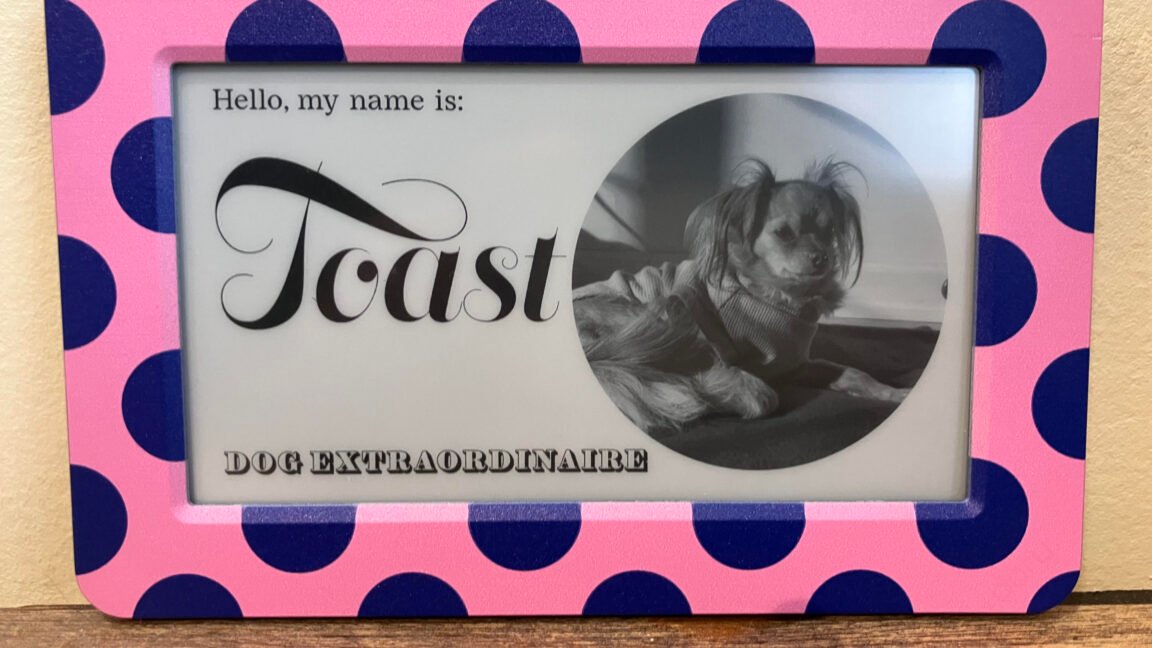
Many gadgets marketed as being “smart” make me wonder if they would be better off dumb.
Some examples are smart TVs that insist on sending your activities to businesses to track you, smart fridges that use the Internet to cycle through ads, smart gym equipment that won’t work offline, smart toothbrushes whose batteries drain too quickly, or virtually any gadget that forces you to use a minimally effective or otherwise unimpressive app.
Too often, modern technologies, like inter-device connectivity and artificial intelligence, are shoehorned into gadgets that would be more intuitive to use, affordable, accessible, and/or durable without them.
Dory Sign, however, is a reminder of how technology can improve something as simple as a sign without overshadowing the product’s most basic purpose, which in this case is effective and delightful communication.
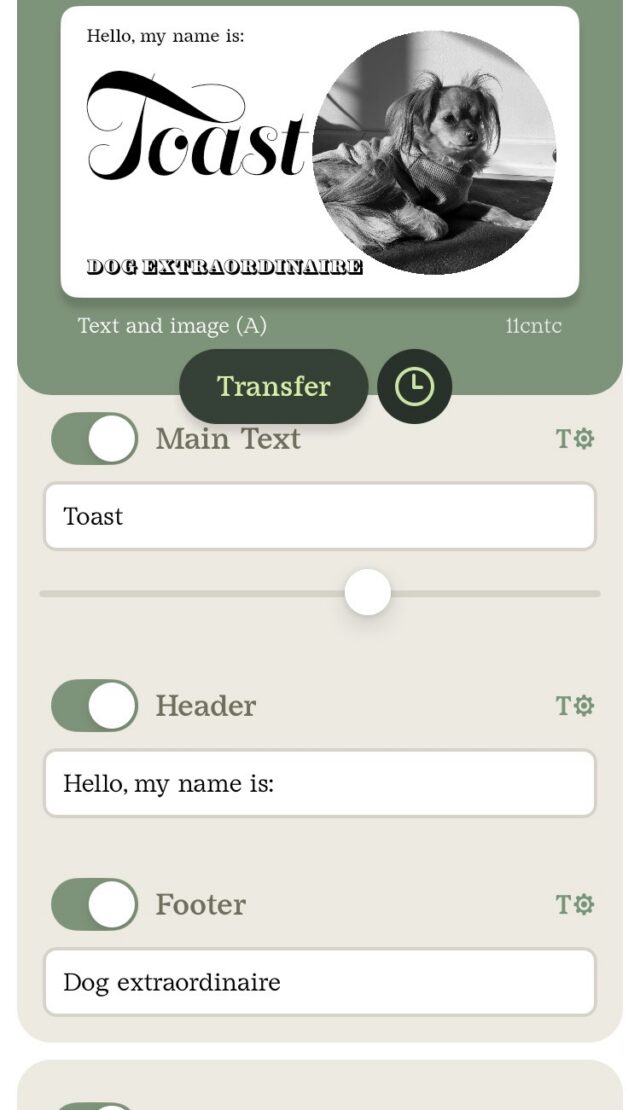
Dory is a small sign that, like many E Ink displays, is easy on the eyes because it doesn’t use bright lighting. You control what the sign displays through a free iOS or Android app that doesn’t force you to share your email or name to use it. The app has clear sections for editing the header text, main text, and footer text, adding an image, and choosing a background. It also allows more than one person to make changes to the display and communicates to the sign through Bluetooth.
Credit:
Scharon Harding/Dory
A screenshot of the Dory Sign app. Changes made to text, the image, and background appear in the preview image in real-time.
Credit:
Scharon Harding/Dory
You can upload your own image or background, but the app comes with a decent range of preloaded images, like animals, flowers, and illustrations, and preloaded backgrounds, including ones that look like brush strokes or marble and more detailed ones, like a landscape. You don’t have to spend a lot of time designing the sign, but if you want to get creative, the app has six different typefaces for text and sliders for text size, line height, letter spacing, and text color (which makes text darker or lighter).