dailynewsnblog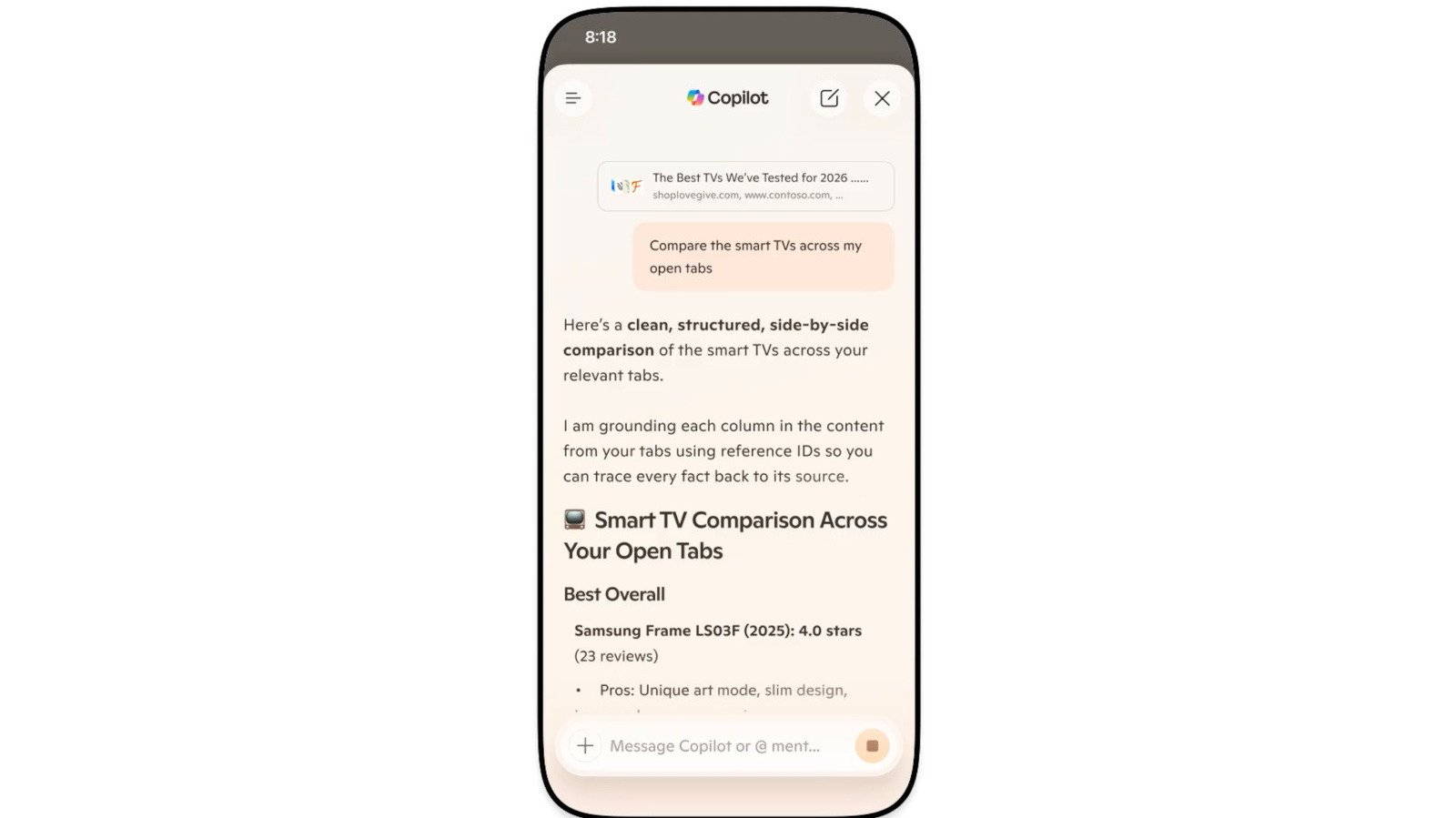
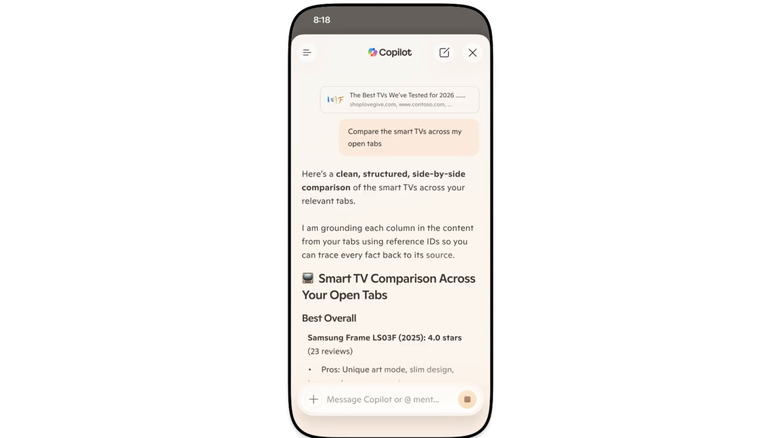
Microsoft is retiring Copilot Mode on Edge, because its features are now built directly into the browser for both desktop and mobile. If you’ll recall, Microsoft started testing Copilot Mode on Edge in July last year, allowing you to use it to search for information across multiple open browser tabs and to analyze the details on each page. Now, the feature is available not just on desktop, but also on Edge for mobile. Just ask Copilot a question or give it a command, such as “Compare the smart TVs across all my open tabs,” and it will pull info from your tabs to give you a structured, side-by-side comparison analysis.
After the initial testing of Copilot Mode, Microsoft rolled out Journeys, which you can use to save projects you can revisit in the future. It’s now also available for free on mobile, so you can pick up planning trips or making purchases from where you left off days or weeks ago. You’ll also be able to use the Vision and Voice feature on mobile, letting you share the screen with Copilot and talk through what you’re seeing on Edge with the assistant. It provides hands-free accessibility while browsing, allowing you to talk to the assistant in natural spoken language and receive audio replies in turn. Edge on mobile is also getting the desktop versions’ redesigned tab page, where Journeys are easily accessible.
To note, Copilot can tap into your browsing history if you want to, say, pick up research you started sometime ago, return to a thread you were reading on social media or check out an item you’ve been looking at. Microsoft also gave the assistant long-term memory on both desktop and mobile so that it can recall and reference previous chats.
One new feature that could be useful if you’re in school is the Study and Learn mode, which you can use to turn references into guided study sessions and interactive quizzes. Simply type “Quiz me on this topic” in Copilot while you have reference tabs open. Meanwhile, the new Writing Assistant feature can generate drafts, rewrite them and adjust the tone as needed. Finally, you’ll now be able to turn your open tabs into a podcast you can listen to. The last feature is exclusive to English-speaking markets.
You don’t have to use any of these Copilot functions if you don’t want them, however. Microsoft says you can choose the features you want by going to your Edge browser settings and customizing your Copilot experience.