dailynewsnblog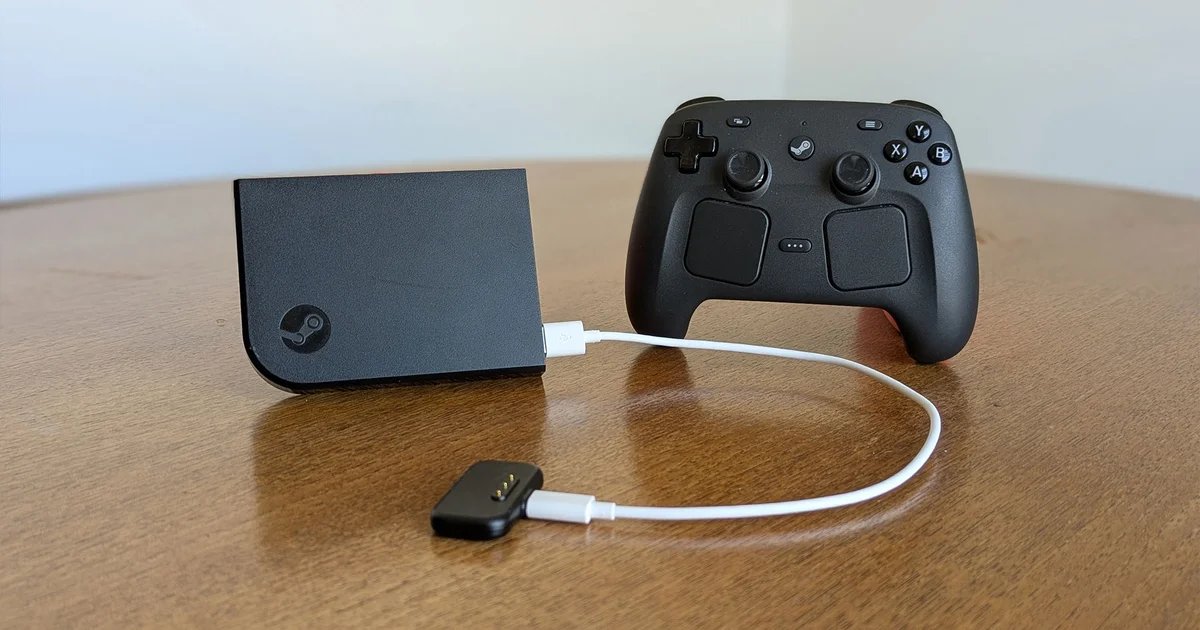
When Valve first announced the Steam Machine, Steam Controller, and Steam Frame last year, it was the dinky living room PC that I latched onto. I’ve wanted to hook my PC up to a TV and treat it like a console for more than a decade, ever since I spent a few months living at a friend’s parents who had a home cinema room. The effort of lugging the desktop tower downstairs and plugging all the wires into the projector and surround sound speakers was well worth it to experience the splendour of stomping fascists in Wolfenstein: The New Order on the big screen.
But, in the years since, the balance of reward between enjoying big screen gaming and the efforts of moving the PC to the living room have shifted. My desktop tower is wrapped in a sprawling ivy of cables under my desk. The faff of moving it with anything approaching regularity is just not practical.
When I first caught a glimpse of the sleek matte black edges of Steam Machine, that old want flickered back into life. But with no release date and no idea of price, I looked to another piece of Valve hardware, one I’ve owned for a decade and never got working: the Steam Link.
Back in 2015, Valve made their first attempts to get PC games onto living room televisions. There was the original Steam Machine, which was basically a schema for small form factor PCs that would run Valve’s Linux SteamOS and the new Steam Big Picture Mode. Alongside that, Valve also released the Steam Link. You could plug this small box into your TV’s HDMI port and stream a feed of a game running on a nearby computer to your telly.
2015 me couldn’t muster much excitement about the Steam Link, believing that the Steam Machine would come out on top. In younger me’s defence, they had been burned by OnLive, the 2012 cloud gaming tech. I’d tried to play Warhammer 40,000: Space Marine over the internet and found the input lag and constant screen artifacts and buffering impossible to struggle through. It put me off streaming and cloud gaming for years.
However, come out on top, that first Steam Machine did not. Most models shipped without Valve’s operating system (which itself lacked game support) and due to poor sales, all manufacturers discontinued their lines of living room Gabe-approved PCs in short order. The Steam Link lasted a little longer but it, too, never found wide success. Valve discontinued the Link in 2018 and significantly dropped the price to clear out their stock, eventually selling it bundled with Hollow Knight for $1. For that price, I had to give it a go.
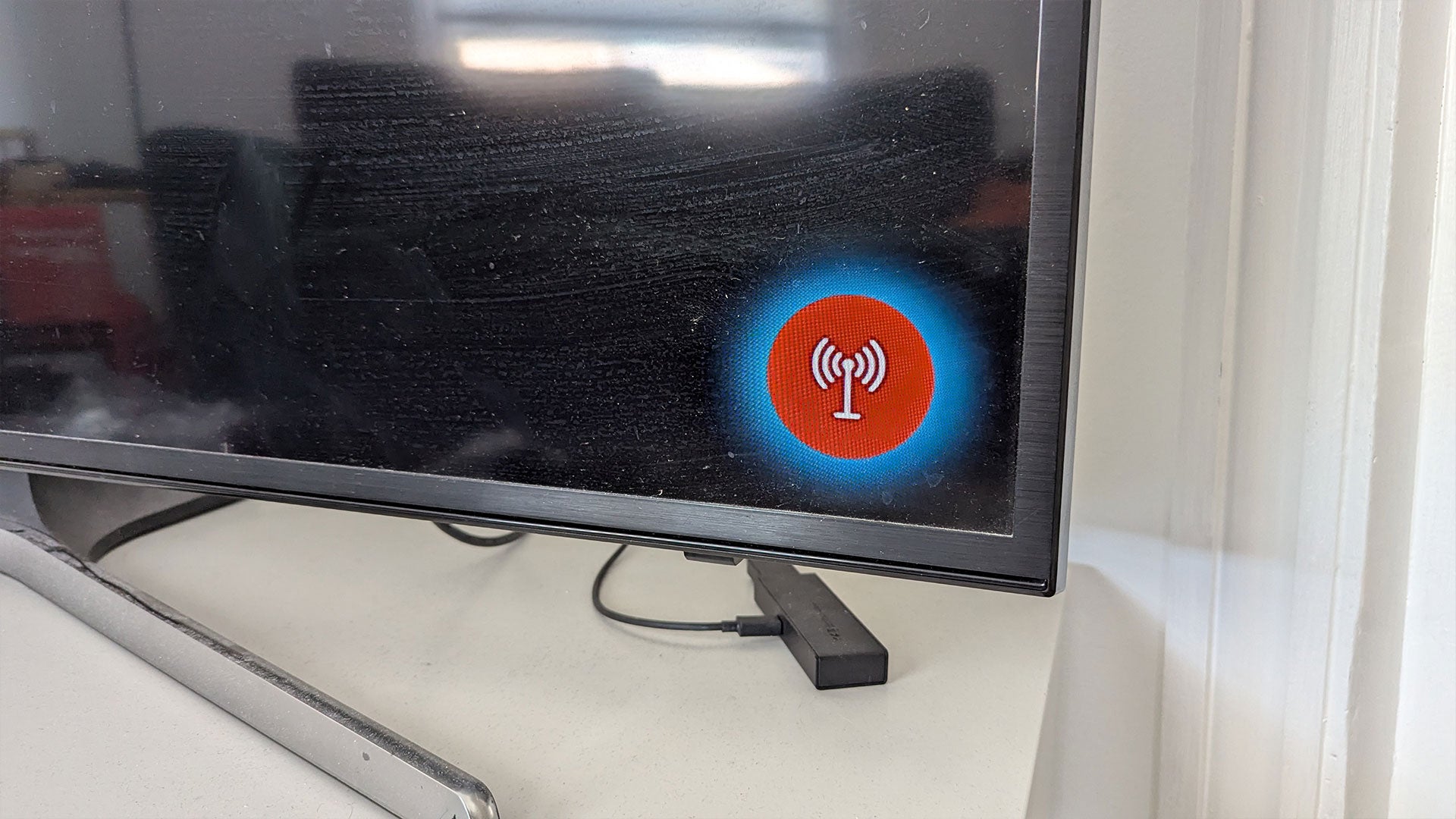
When the streaming box arrived, I plugged it into the TV, connected it to the Wi-Fi, and booted up a game. I was met with an entirely black screen except for a flashing red icon in the bottom right, indicating my connection wasn’t good enough to play. I loaded up a few other games and ran into the same problem. They displayed correctly on my desktop monitor and detected my controller inputs, but nothing came through to the TV. The $1 punt hadn’t paid off, so the Steam Link went into a drawer and I promptly forgot about it.
Over the years, I heard people talk about playing games through their Steam Link, and it would convince me to dig it out and try again. But every time, I was hit with the same bug. Always a connection issue. I reckoned it was because I was using a Wi-Fi network and the Link really only does the business when it’s wired directly to your desktop by an ethernet cable. Living in rented accommodation with flatmates, running ethernet cables between rooms was never an option, so back into the drawer it went.
In December 2024, though I had my first Steam Link success. I plugged everything in, booted up Halls of Torment and, magically, it worked. I thought it must be because my desktop and the Steam Link were both just meters from my router. But as soon as I switched to the Vampire Survivors-like I really wanted to play – Deep Rock Galactic: Survivor – that booted up with the black screen that had plagued me for years. Back in the drawer it went and it stayed there until Valve announced the new Steam Machine.
I didn’t want to wait until Valve confirmed a release date, and I knew that whatever price it would be would likely be more than I could justify spending, but I was now itching to play games on a bigger screen. I was determined to make the Steam Link work and, this time, there was reason to believe it would. In January, my partner and I moved into a home we owned. They didn’t know they were signing up for this at the time, but this meant that after 10 years of waiting, I was finally free to make whatever modifications to the flat I needed to make this work.
Every time I tried to get the Steam Link working in the past, the persistent error was one of connection speeds. The problem was likely to do with my router. While internet speed’s not really a factor with home streaming, as I’m only sending data between the PC and the Steam Link, and not downloading or uploading anything to the world wide web, I still opted for a fiber package with a more powerful router. As a renter, I could never give an engineer permission to drill through walls to run a line into our house, but that was no longer an issue. (Though, being the first person to get fibre into the building did mean I added a two month wait to my installation. So if you thought ‘Julian’s being particularly sluggish’ between the months of January and March, it’s because I was working off a 4G dongle).
When the Wi-Fi was finally installed, I got the Steam Link plugged in and connected to the same network as my desktop. Although they’re in different rooms, there’s about two metres between the TV and my PC so the connection strength would surely be as good as could be. The Big Picture Mode booted perfectly, so I started up Deep Rock Galactic: Survivor and… up popped the same black screen and red icon I’ve bashed my face against for a decade. The Steam Link shouldn’t be struggling to stream this badly. After all, it has a 802.11ac WiFi connector, so it uses the 5Ghz channel, and I can stream programmes off iPlayer in 4K with no issues. Not to be put off this time, I did what I’ve wanted to try for years: ethernet.
One shopping trip and yet more spent cash later, I returned armed with a set of ethernet cables and a splitter box hub. I ran one long ethernet cable from the Wi-Fi hub in the living room behind the radiator and sofa to the back of the television. There, I set up the four-way hub. One short cable goes into the back of the television, another into the Steam Link, and a third out the door into the corridor and into my waiting PC. (My partner has so far said nothing about this, but I’ve been looking up how to unpick the edge of the carpet and sneak it under there.)
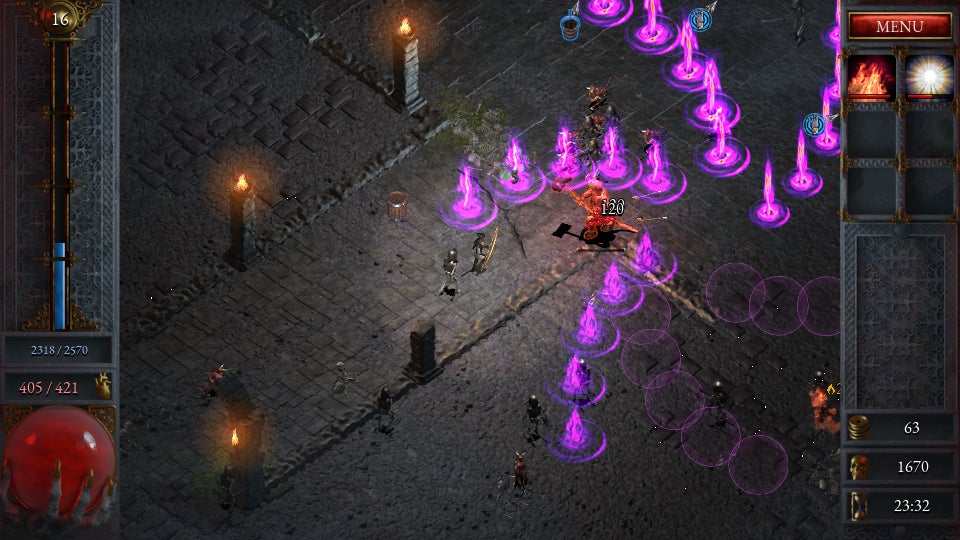
Everything plugged in, I booted up Deep Rock Galactic: Survivor. And, again, I was met by the same black screen. I booted up Firewatch, same issue. Yet, Halls of Torment, for some reason, ran absolutely fine.
Searching for solutions online was like dumpster diving in a dusty archive. There are endless threads on Reddit and the Steam forums of users trying to diagnose problems, respondents offering an equally broad range of solutions: making changes to the hardware encoding and decoding options in the advanced settings menus, setting up IP sharing, updating different drivers. These threads date back years and some of the options they reference no longer exist, or the graphics cards with notorious bugs are long out of use. None of the fixes work for my setup. And to those people who posted they had solved their problem and never shared the answer? There is a special circle in hell reserved for bastards like you.
Searching for Steam Link information is made more complicated because when Valve discontinued the hardware in 2018, they didn’t stop updating the remote streaming software. Steam Link lives on as a streaming app, one that has at times been supported by smart TVs and Amazon Fire Sticks, then blocked so it needed to be sideloaded, then finding itself available on some tech, unavailable on others, and sideloadable on still more. Steam Link is also the name of the software you can use to stream demanding VR games, like Half-Life: Alyx, to underpowered VR headsets, such as the Meta Quest 2. So troubleshooting Steam Link problems can send you down an Internet-spanning warren of rabbit holes for wildly different strands of the streaming tech’s history. It’s even more frustrating than the time I was trying to work out what the E61 error code on my Bosch dishwasher meant and kept ending up on Reddit threads about episode 61 of Amazon’s detective series.
After trying every software setting I could find recommended, and still not making any progress, I was ready to give up on the Steam Link once again. Though, as it only happened with certain games, I wondered if it was something to do with the game engines. Firewatch and Deep Rock Galactic: Survivor are both made in Unity, whereas Halls of Torment is made in Godot. Perhaps it was something to do with how those games were rendered? There was nothing I could find online, but as a final roll of the dice, I rang up friend of this parish Jeremy Peel. It’s not that he’s a big hardware head, but he’s been streaming games to his Steam Link for years. I don’t want to say he’s rubbed it in my face that his Steam Link works and mine doesn’t, but he’s certainly sounded smug about it in the past. After much gloating about his functioning Steam Link, through much gnashing of teeth, I convinced him to see if Firewatch streamed correctly on his.
As Jeremy ‘Functioning Steam Link’ Peel downloaded and installed Firewatch, I sat staring at its menu screen on my desktop. A screen that steadfastly refused to transfer over to the TV. All the while he was telling me about all the ways the Steam Link had improved his life, made him a better person, how dogs liked him more knowing that he was able to stream games to his living room. And that’s when I clocked the numbers in the top right of my monitor. Fraps’ FPS counter. I hung up on Jeremy halfway through an anecdote about how Malala Yousafzai had begged to come round and see his Steam Link in action.
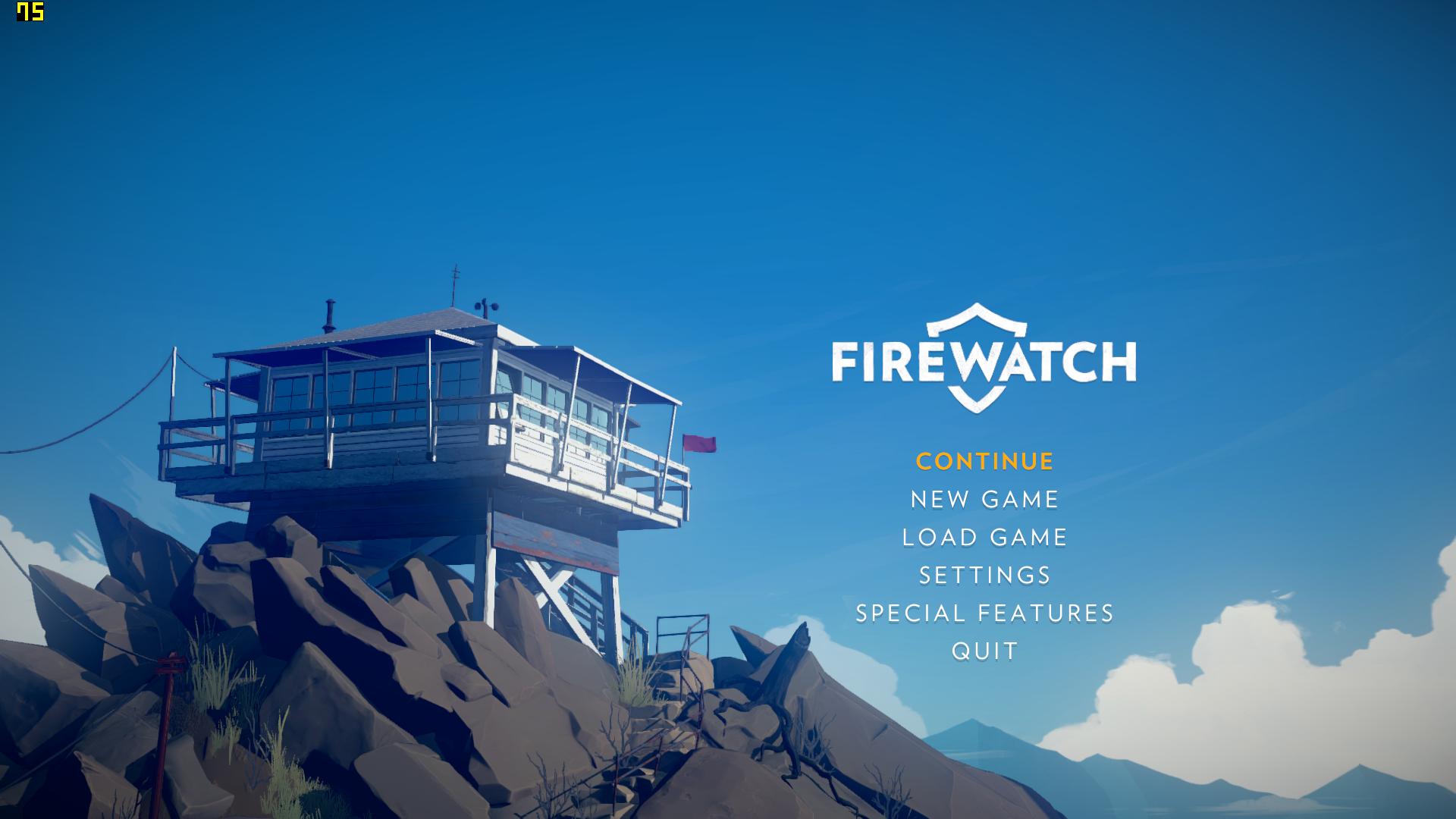
First released back in 1999, Fraps is a benchmarking tool that I’ve been using for more than 15 years, even though its last update was back in 2013. It can be set up to take screenshots every few seconds while you’re playing games, which is extremely useful when you’re reviewing something for work, and can tune out James when he moans about using Auto Screen Capture instead. I think it may have even been recommended in an ancient PC Gamer reviewer’s guide. When Fraps is running, a little FPS counter appears in the corner of the screen – a constant companion through so many games that I barely register them anymore. I Google ‘Fraps Steam Link’ and the top result is a Reddit post from ten years ago: PSA: Disable FRAPS when using Steam Link.I switched off Fraps for the first time in years and booted up Deep Rock Galactic: Survivor on my TV. It worked immediately. A decade I’ve had this problem, and it was Fraps this whole time. And by extension, an act of sabotage by cheery RPS fanzine PC Gamer. There is a special circle in hell reserved for bastards like you.
But I’m so glad I solved it.
I’ll admit, with my rubbish eyesight and a proclivity for strategy games, I’m not the best judge of framerates, resolutions, and input latency. But, I’ve been throwing every kind of game I can at the Steam Link and I’ve yet to find one that suffers. Dirt Rally is a racing game that punishes slip ups and braking delays, but I’ve played through strings of race stages on my TV with no issue. I’ve been playing Cyberpunk 2077, admiring all the lavish details of Night City which remain gorgeous when compressed and streamed to the living room. And I’ve not detected any delay while in the hectic firefights of Titanfall 2. It all just works exactly as it should.
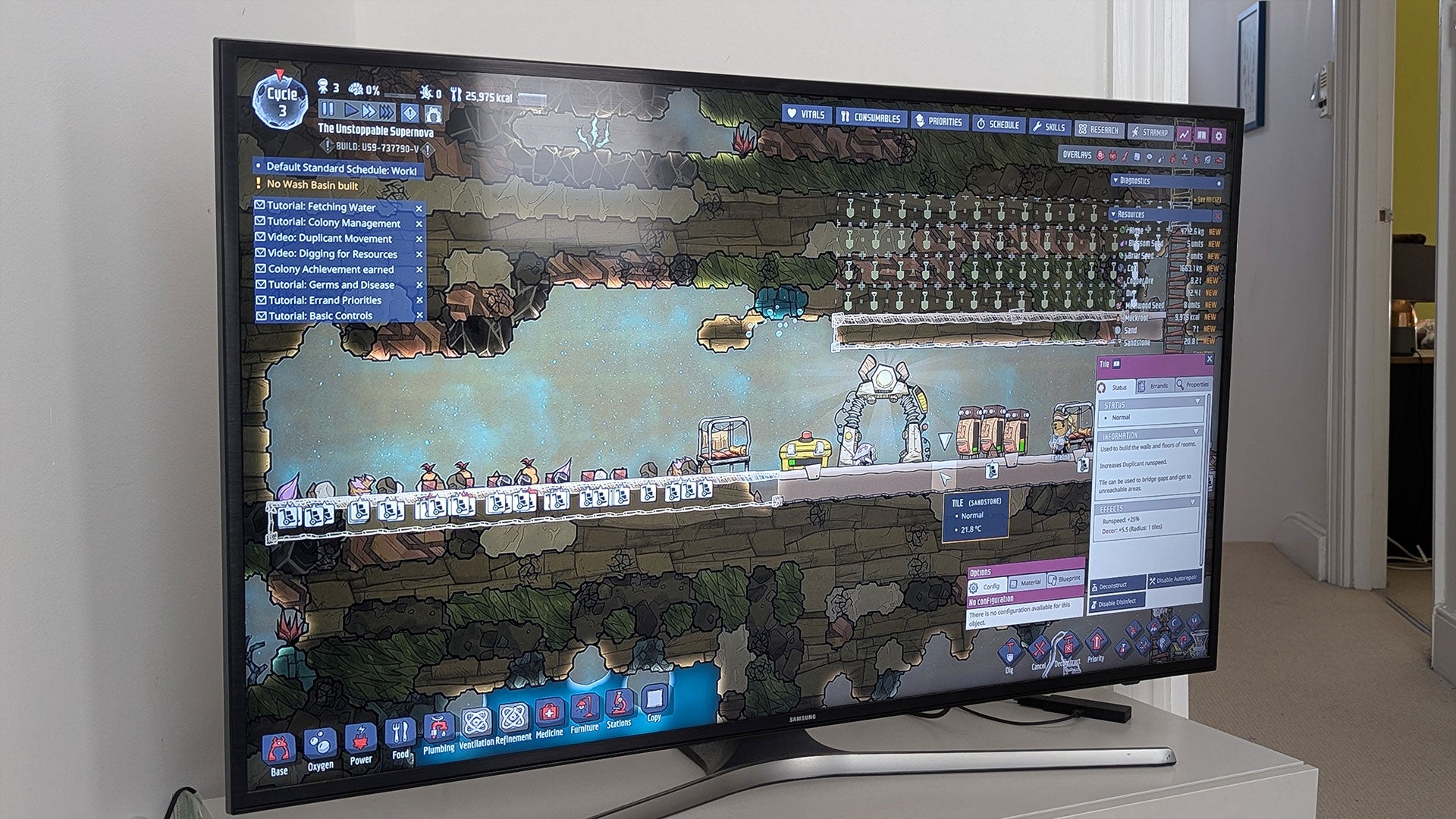
As I touched on when James and I discussed Valve’s new Steam Controller, I’ve also found it’s been great playing games that traditionally steer clear of consoles and TV screens. UI-heavy games like Oxygen Not Included (which I really struggled with on the small screen of the Steam Deck) works a treat on the TV with the mouse-like controls of the Steam Deck’s tracking pads. Likewise, Heroes of Might and Magic: Olden Era works a treat, too. I’ve also struggled playing text heavy games on smaller screens, but wordy strategy game Suzerain looks great on the TV. The USB-C charging puck plugs straight into the side of the Steam Link and the Steam Controller then wirelessly works with the streaming hardware.
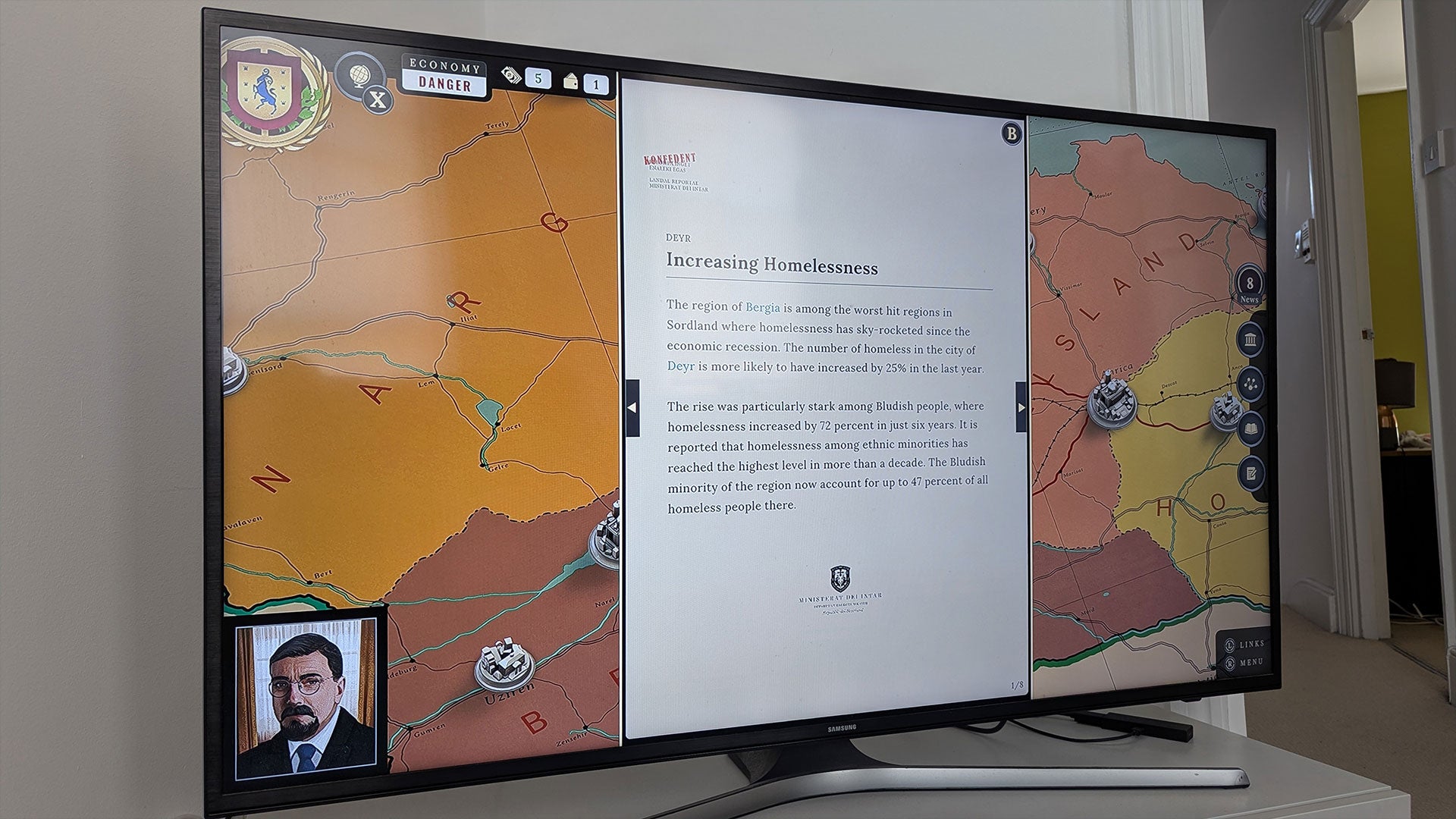
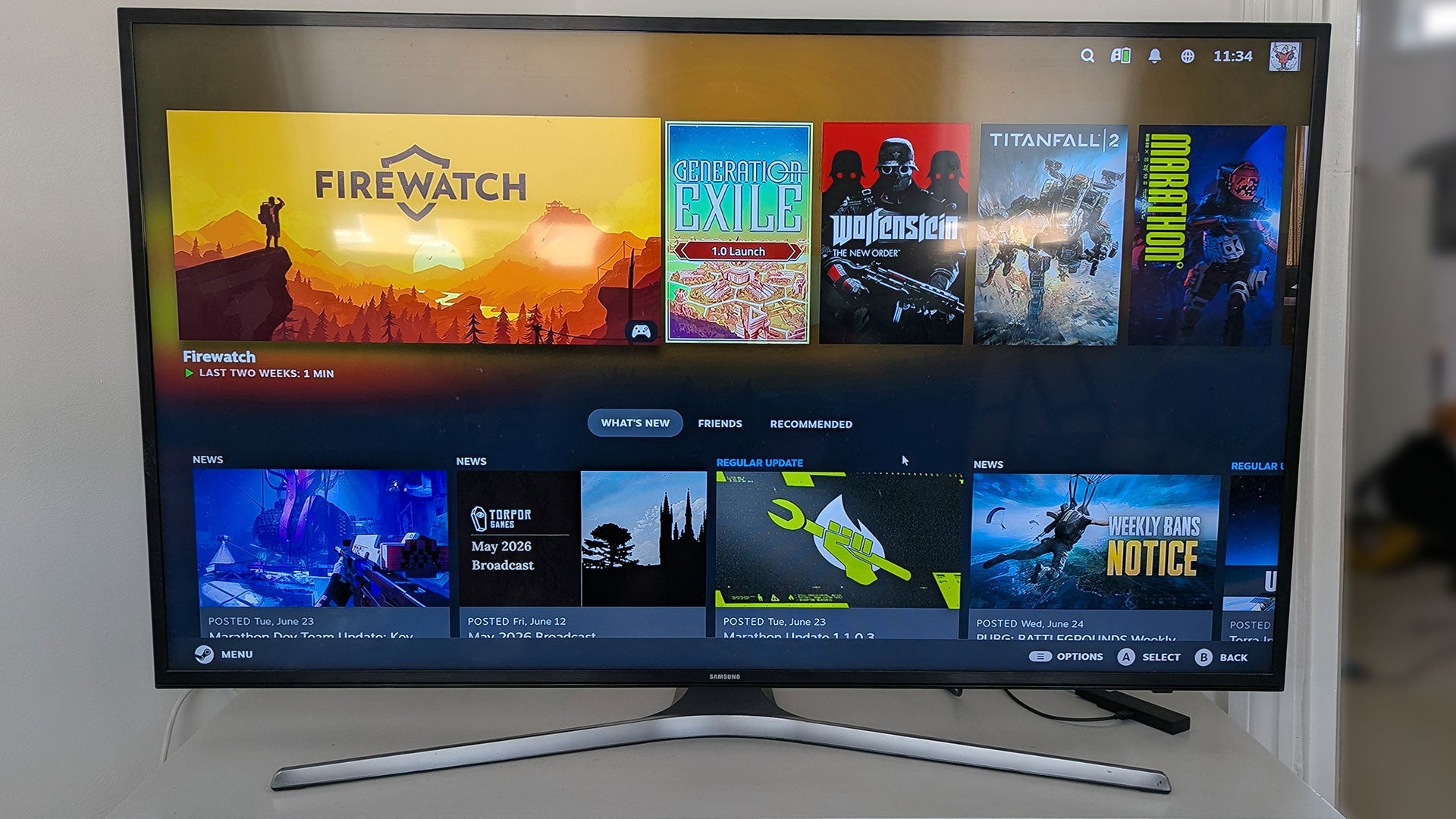
Valve are still updating the Steam Link software, and their improvements to Big Picture Mode work just as well for the streaming tech as it does for the Steam Machine and Steam Deck. While I wish I had solved the Fraps issue a decade ago, it doesn’t feel like I’m using a 10-year-old bit of kit. Plus, the Steam Controller really does make a difference. While PC support for standard gamepads has become widespread since the release of the Xbox 360, using that on a TV makes PC games feel like they’re masquerading as a console. Easily navigating menus and interfaces not designed for a standard gamepad makes this a distinctly PC experience just in a different room.
One of the best experiences I’ve had with the Steam Link recently was a night when I couldn’t sleep. Reading on my phone wasn’t an option – the light would have woken my partner and the Steam Deck was ruled out for the same reason. Nor could I get up and play something on my desktop as the computer is right next to our bedroom and the clacking of my keyboard would have disturbed them. But I could switch the desktop on and stream it to our television. And, because Valve updated the Steam Link to allow you to connect bluetooth devices, I could listen to the game on my headphones without it coming through the TV speakers. I played strategy game Surviving The Aftermath with a controller on my big telly in apparent silence from 3am – 7am. Something I’ve not been able to do since I gave away my old consoles to my nieces and nephews. Everyone’s home setup is different and what appeals for one person won’t for another, but for me, this is exactly why I’ve wanted a different way of playing my PC games for years and I’m so glad it’s here.
Reading James’ Steam Machine review, I do love the sound of that dinky living room PC. I know there are places where it would outdo the Steam Link in convenience. I have to perform the onerous task of booting up my desktop and logging in before the Steam Link can connect to the PC and access my library of games. And while pressing the home button on the Steam Controller does boot up the Link and turn on my television, I’m sure there are fancy HDMI-CEC features I’m missing out on. I also like the idea of being able to put a powerful PC in a travel bag and taking it on holiday. But those conveniences aren’t enough to tempt me to spend £1000 over and above my current set up.
If, like me, you’ve a good enough desktop PC already and you’re interested in what the Steam Machine offers but you’re put off by the price tag, I highly recommend picking up a second hand Steam Link or exploring sideloading it onto your television or device like an Amazon Fire Stick. Currently, old Steam Links pop up on ebay for about £20. And, if you’re looking for a Raspberry Pi project, you can run the Steam Link software on a Raspberry Pi 3 or higher. If nothing else, it’s a good way to try playing games in your living room and seeing if it’s for you without first buying an expensive Steam Machine.
Though, I would also say picking up a Steam Controller will make it even better. I’ll give Valve that.