dailynewsnblog
Because even background features need to be scrutinized.
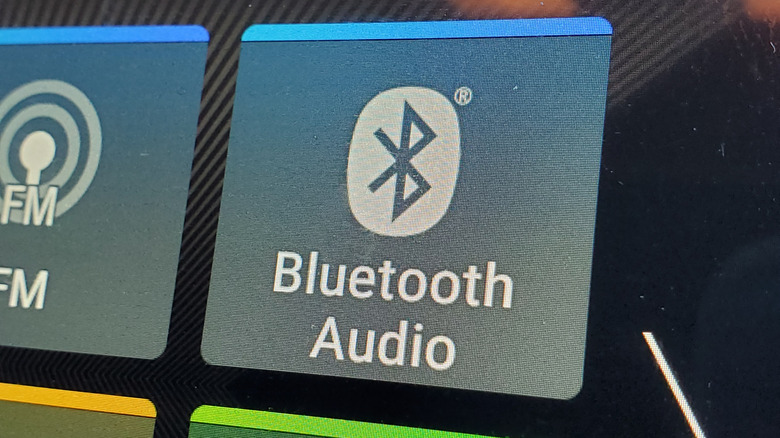
Bluetooth allows for all manner of creature comforts, from hands-free calls to wireless headphones. However, few tech conveniences can go without drawbacks, and Bluetooth is no exception. At a time when personal data is a hot commodity, it’s best to exercise caution.
Though Bluetooth requires a user’s consent before pairing with another device, that doesn’t mean hackers can’t slip through the cracks. A notable case was the discovery of a Bluetooth vulnerability in Fitbits specifically, as well as other hardware that makes use of the tech. Those vulnerabilities, based on open-source algorithms that can allow malicious actors to decode a user’s location, are only the tip of the iceberg.
Recent research from Insinuator reportedly found a vulnerability in Airoha-based hardware that would allow attackers within Bluetooth range to, among other things, eavesdrop on conversations and siphon personal data (including phone numbers, contacts, and call history).
Best practices for Bluetooth safety
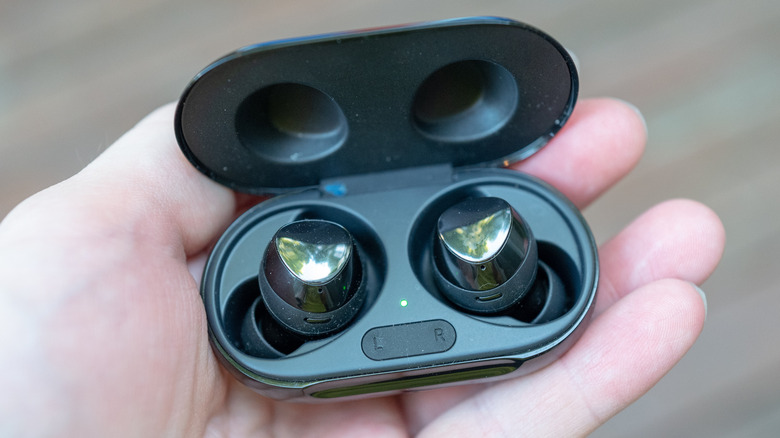
Luckily, there are simple measures users can take for better protection, starting with keeping Bluetooth off when it’s not in use. This will limit the window within which your device is vulnerable, making all manner of hacker attacks (such as “bluebugging” or “bluesnarfing,” both of which take advantage of a nearby connection to gain access to a device) less likely. Furthermore, users should set Bluetooth to “hidden” mode, as opposed to “discoverable” mode, which will keep unknown devices at bay.
In addition, users who connect their phone to a rental car (or plan to sell their current car) need to remember to unpair their phone and clear any personal data from the vehicle before handing it off. It’s also worth remembering that using Bluetooth in conjunction with vehicular systems like wireless Android Auto requires both Bluetooth and Wi-Fi, opening further points of vulnerability. One solution is to forgo this wireless convenience altogether, and you can prevent it from automatically turning on by setting your phone’s “Start Android Auto Automatically” setting to “Never.”
iPhone users will also want to keep an eye on the model’s Live Listen feature, which allows users to stream audio from their phone’s microphone to AirPods, hearing devices, or supported headphones. This setting uses Bluetooth, thus creating an additional vulnerability to bluebugging attacks. If you want to make sure this setting is turned off, simply head to your phone’s accessibility settings and turn off Live Listen.
Bluetooth vulnerabilities continue to surface

It’s important to keep track of vulnerability reports when it comes to hardware that relies on Bluetooth tech, as specific devices can come with specific issues. One such example was a flaw found in 17 Google Fast Pair audio devices, where researchers from Belgium’s KU Leuven University (as reported by Wired) found that hackers could possibly track location data and eavesdrop on users just by knowing a device’s model number. The researchers involved released the WhisperPair.eu tool, which you can use to find out if your device is vulnerable.
Ultimately, simply keeping Bluetooth switched off when not in use, while also adhering to other FCC recommendations, can go a long way towards improving personal security and keeping personal data safe. With the fast-growing cottage industry around tech privacy continuing to balloon, the above steps are a good inroad towards more peace of mind, and a good start towards better protection and precaution.