dailynewsnblog
Give your controllers a good clean.
We may receive a commission on purchases made from links.
Stick drift in modern video game controllers has been a problem for years at this point. Hall Effect thumbsticks can reduce stick drift, so it’s extra annoying that neither the PS5 DualSense or the Xbox Wireless Controller uses this tech. You can easily identify stick drift if you’re not touching your controller but the in-game camera starts to pan without your input or your character/vehicle gently begins to move.
While this defect is irritating, it can be fixed in certain instances. We’ll run you through some simple cleaning tips that can help reduce stick drift on PS5 and Xbox controllers below, before breaking down why this fault occurs in the first place. One final word of caution: If your sticks are having issues, please don’t open up your controller. Instead, if the pad is still under warranty, contact Microsoft or Sony to enquire about getting your controller either repaired or replaced.
How to fix PS5 stick drift
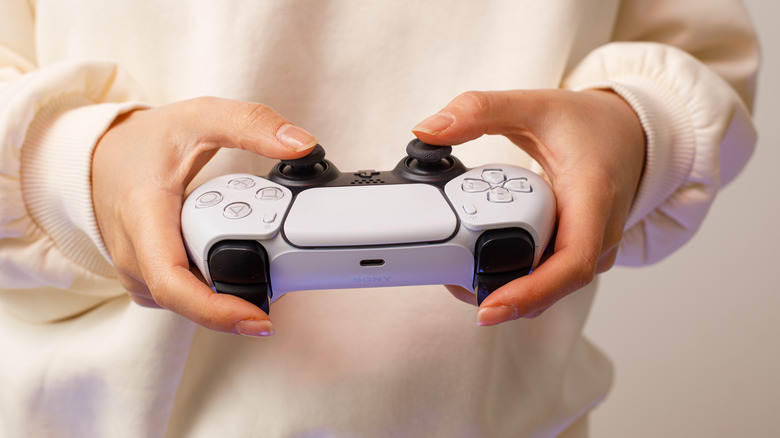
Your first port of call should be to give your DualSense a good clean. Dust, grime and the sweat from your fingers can all negatively impact your controller’s sensors. As for how you should clean your pad’s sticks, your best options are either to use a can of compressed air or a cue tip/cotton bud lightly dipped in rubbing alcohol. With the former method, ensure you only use short, intermittent sprays; as for the latter, please don’t overdue it with the alcohol. Whatever method you go for, turn your DualSense off before you attempt to clean it.
Resetting a PS5 controller can also help eliminate stick drift. After you switch off your DualSense, turn it over and locate the small reset pinhole on its rear. Once you’ve found it, use a paperclip to gently press down on this button for at least five seconds. You can then pair the pad with your PS5 using a USB cable.
Though stick drift is mostly caused by hardware problems, software issues can also wreak havoc with your gamepad’s inputs. If the above cleaning or reset methods fail to work, try updating your controller’s firmware. You can do this by going to Settings > Accessories > Controller (General) > DualSense Wireless Controller Device Software.
For those of you who own Sony’s ultra-expensive DualSense Edge, you have an additional option to banish stick drift (though sadly it’s not free). If none of the methods above work for you, you can buy a new DualSense Edge Stick Module for $30. Though it’s annoying Sony doesn’t ship its $200 pad with replacement modules, at least they’re easy to swap in.
First up, slide the release latch on the back of the controller to the left, then pull off the plate surrounding the sticks. Each stick has a metallic release latch that can be pulled up to allow you to slide a faulty stick out. Once you yank the stick out, you can simply insert the new one, before securing it in place by lowering the release latch. Pop the plate back on and your new stick will be good to go.
How to fix Xbox stick drift
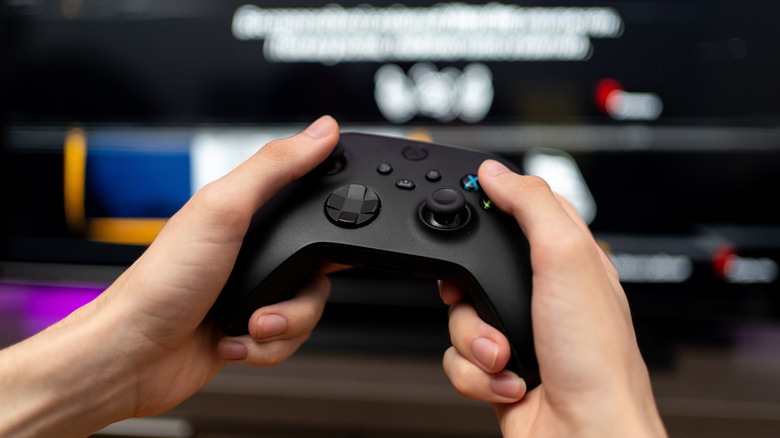
Attempting to fix a Xbox Wireless Controller that is experiencing stick drift involves the same processes as the DualSense. The cleaning methods mentioned previously should be the first things you try if you’re suffering from erratic camera or character movement due to faulty stick behavior. From our experience, the cotton bud/rubbing alcohol method works best.
As with the DualSense, it’s also worth updating your Xbox Wireless Controller’s firmware. To do this, press the Xbox button on your pad, then navigate to Profile and system > Settings > Device and connections > Accessories. Choose your controller, and if there’s a new firmware update available, install it. You should also download the Xbox Accessories app from the Xbox Store. This free software has calibration tools that allow you to adjust/test the dead zones of your controller’s sticks.
What causes stick drift?
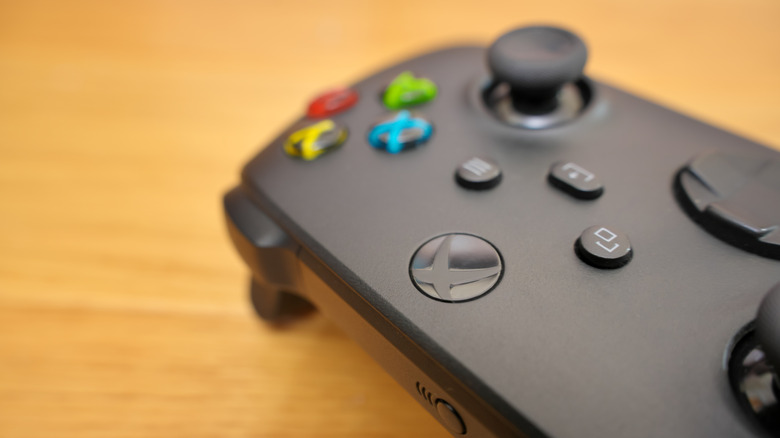
The most common cause of stick drift is simple wear and tear. The more you use your controller, the greater the chance stick drift will occur. If you’ve used your gamepad for hundreds of hours, there’s a decent chance you’ll eventually encounter this annoying defect. Controllers use devices called potentiometers to track the position of their analogue sticks, and these can wear down after heavy usage.
Accidental damage and moisture build-up can also cause stick drift. Sweat and liquid can impact the internals of your gamepad, in turn affecting its sticks. Even new controllers can be hit with stick drift. You might end up being unlucky by picking up a pad that has calibration problems straight out of the box due to manufacturing issues. Should you find your sticks are playing up and your controller is still under warranty, definitely try to get it repaired or replaced by Microsoft or Sony.