dailynewsnblog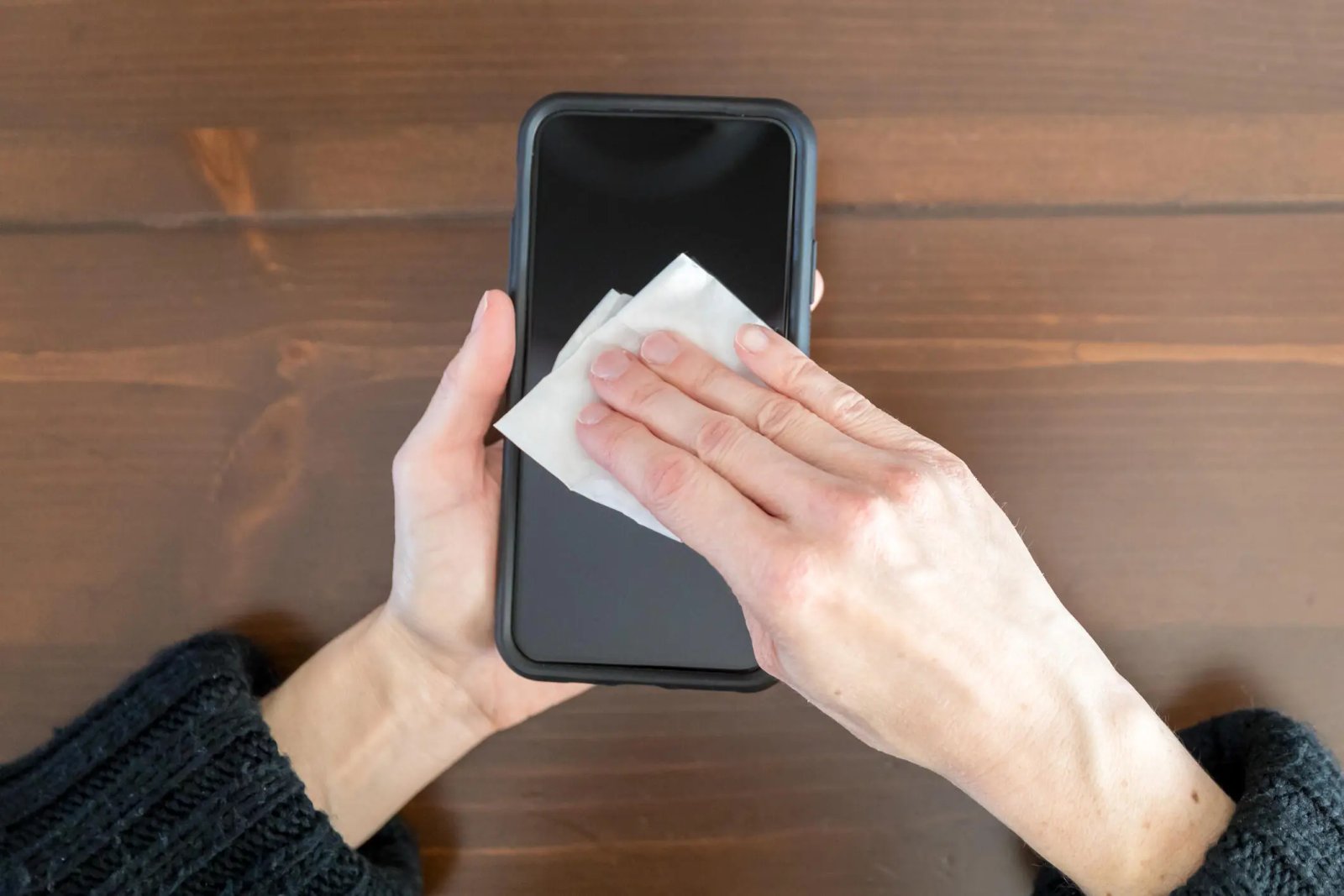
Consider what your phone encounters in a typical day. Breakfast table. Gym equipment. Public restroom counter. Office desk. Restaurant surface. Your face for every call. And then the nightstand, 3 inches from where you sleep, uncleaned. It’s a level of exposure most people would find unacceptable on any other object they handled constantly, but phones get a pass because the grime is invisible and the cleaning habit never quite formed. The routine that actually addresses bacterial buildup takes about two minutes and uses things most households already own.
The bacteria load on an average smartphone screen has been the subject of enough research to make the numbers unpleasant to think about — which is why most people don’t. Here’s the right way to sanitize your phone without damaging its screen or finish.

If you’re not disinfecting your phone daily, you’re letting layers of bacteria build up on the one object you touch more than anything else. In fact, the Federal Communications Commission recommends cleaning your phone every day. But harsh chemicals and abrasive materials can strip protective coatings and permanently damage your screen.
Before you grab a paper towel or spray it down with household cleaner, read this guide first. You don’t need a UV sanitizer or expensive cleaning kit. With the right cloth and a safe, simple solution, you can kill germs without ruining your device. Here’s how to clean your phone properly, so both it and your hands stay truly clean.
What are the best products for daily cleaning?
After touching surfaces that see a lot of action from the public — such as door handles, seats on public transportation, grocery carts and gas pumps — you might think you need a heavy-duty cleaning agent for your phone. However, you should avoid rubbing alcohol or products containing straight alcohol, as they can damage the protective coatings that prevent oil and water from harming your screen.
Some suggest making your own alcohol-water mix, but getting the concentration wrong can damage your phone. The safest option is to use disinfectant wipes containing 70% isopropyl alcohol. For daily cleaning, consider a UV light product like PhoneSoap, which kills 99.99% of germs and bacteria. We can also turn to phone manufacturers and cell service companies for guidance.
Apple now approves using Clorox Wipes and similar disinfectants, which were not recommended before the pandemic since they were thought to be too abrasive on the screen’s coating. AT&T advises spraying a 70% isopropyl alcohol solution on a soft, lint-free cloth and wiping your device down. Samsung also recommends using a 70% alcohol solution with a microfiber cloth. Always make sure your phone is powered off before cleaning it.
What are the best methods for removing fingerprints, sand and makeup?
Sometimes your phone needs a more specific treatment when washing up. The recommended daily cleaning process may not be enough to remove pesky sand grains after a beach vacation or stubborn foundation stains.
Get rid of fingerprints
Fingerprint smudges are inevitable since your skin produces oils. Every time you pick up your phone, your screen will get fingerprints. The safest way to make your screen print-free is with a microfiber cloth. For a deeper clean, dampen the cloth with distilled water (never apply water directly to the screen) and wipe down the surface. This works for the back and sides of your phone as well.
Alternatively, try a microfiber screen cleaner sticker that sticks to the back of your phone for easy wiping.
Remove sand and small particles
Grains of sand and lint can easily get stuck in your phone’s ports and crevices. To remove it, we recommend you use Scotch tape. Press it along the creases and speaker, then roll it up and gently insert it into the ports. The tape will pull out any debris, after which you can throw it away for easy cleanup.
For smaller speaker holes, use a toothpick gently or a small vacuum crevice tool to suck out the debris. These tools also work well for other small appliances or hard-to-reach areas in your car.

Sand and small particles can be tricky to remove. A piece of tape should do the trick.
MartenBG/Getty Images
Wash makeup from your phone screen
When you wear makeup and skin care products, such as foundation and moisturizers, you’ll leave residue on your phone screen. While makeup remover works on your face, it’s not safe for screens because it may contain potentially harmful chemicals. Instead, try a screen-safe makeup remover like Whoosh, which is alcohol-free and gentle on all screens.
Alternatively, use a damp microfiber cloth to clean your phone, then wash the cloth afterward. Make sure the cloth is only slightly wet to avoid soaking your phone in water.
What if my phone is waterproof?
For waterproof phones (rated IP67 and above), it’s best to clean the device with a damp cloth instead of submerging or running it under water — even if the phone advertises that it can withstand submersion for a certain amount of time.
Afterward, dry your phone with a soft cloth, ensuring all ports and speakers are patted dry. While your phone can withstand water, submersion can cause water to enter the ports, delaying charging. Remember, water resistance is meant for accidents, not swimming or regular cleaning.

Fingerprint smudges on your phone are inevitable since your skin produces oils that rub off on the screen.
Serhii Shleihel/Getty Images
Things to avoid when cleaning your phone
We’ve already covered why you should avoid makeup remover and rubbing alcohol, but those aren’t a comprehensive list of harmful cleaning agents. Here are a few other items and products you should never use to clean your phone:
- Hand sanitizer: Fragrances and ethyl alcohol found in many sanitizers can harm your phone.
- Window or kitchen cleaners: Harsh cleaners can strip the protective coating on your phone, leaving it more vulnerable to scratches.
- Paper towels: Paper can shred, making debris on your phone even worse, and their rough texture can leave scratches on your screen.
- Dish and hand soap: Most soaps require you to combine them with water, and since you should keep water away from your phone, it’s best to stick to a damp cloth.
- Vinegar: Like cleaners and alcohols, vinegar will strip your phone screen’s coating.
- Compressed air: Blowing air directly and forcefully into your phone’s ports can cause damage, especially to your mic. Apple specifically warns iPhone owners not to use compressed air.
For more cleaning tips, explore how to clean your Apple Watch.

See full bio