dailynewsnblog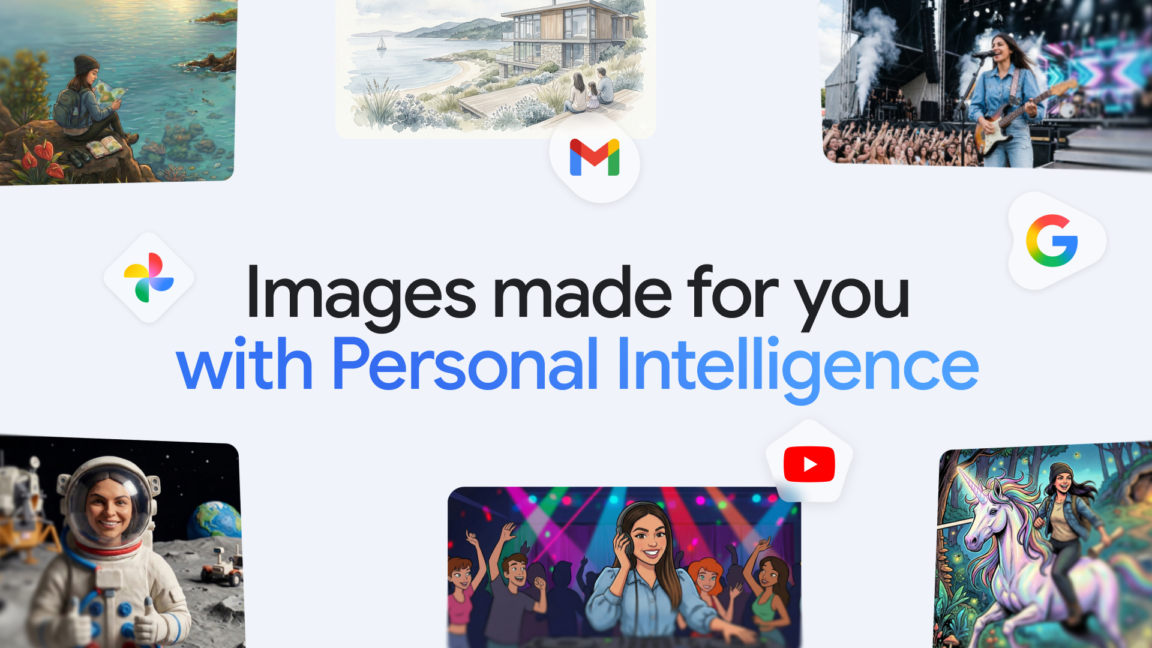
Perfectly imperfect
Google notes that the new feature is still evolving, so it might not always choose the right images. If that happens, you may want to check the sources list to see what went wrong. It will list the images referenced in the prompt, and you can also ask Gemini in a follow-up prompt about the images it chose. Manually selecting photos with the plus button in Gemini can help address these shortcomings.
While Nano Banana 2 can now peruse your Google Photos library when generating an image, Google stresses that it’s not retaining that data for training. The distinction between using your data in a prompt and training AI with it can be confusing, but Google says it doesn’t use any images from your library in training. However, it does use the inputs (what you type) and outputs (what the model does as a result) to improve AI products. That can still include personal data about you, but it’s not the same as pouring all your photos into Nano Banana’s training data.
Regardless, the entire endeavor may still give people the creeps. The good news is that you don’t have to let Nano Banana into your photo library, even if you use it to generate images. Personal intelligence is off by default, and it’s currently only available to those on paid Google AI plans (the Nano Banana tie-in is available even for those on the budget Plus plan).
However, as we’ve seen in the past, AI features often start on the paid tiers before expanding to everyone with a Google account. Gemini is aggressive about asking users to enable personal intelligence, so you’ll probably see these popups in the future, even if you’re not paying for AI. Personal intelligence also connects Gemini to Gmail, YouTube, and other Google services, but you can decide which ones are allowed when you set it up.