dailynewsnblog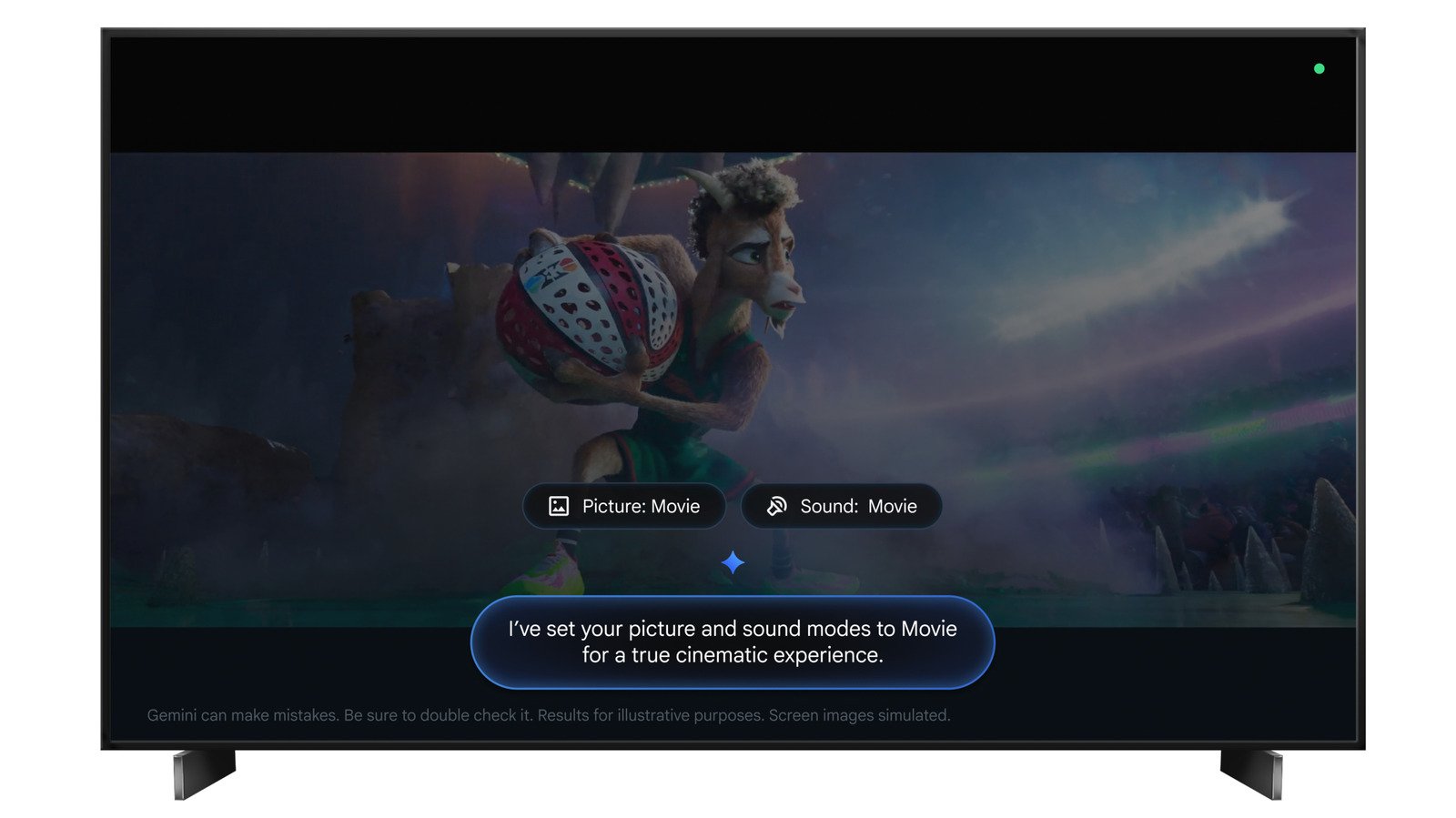
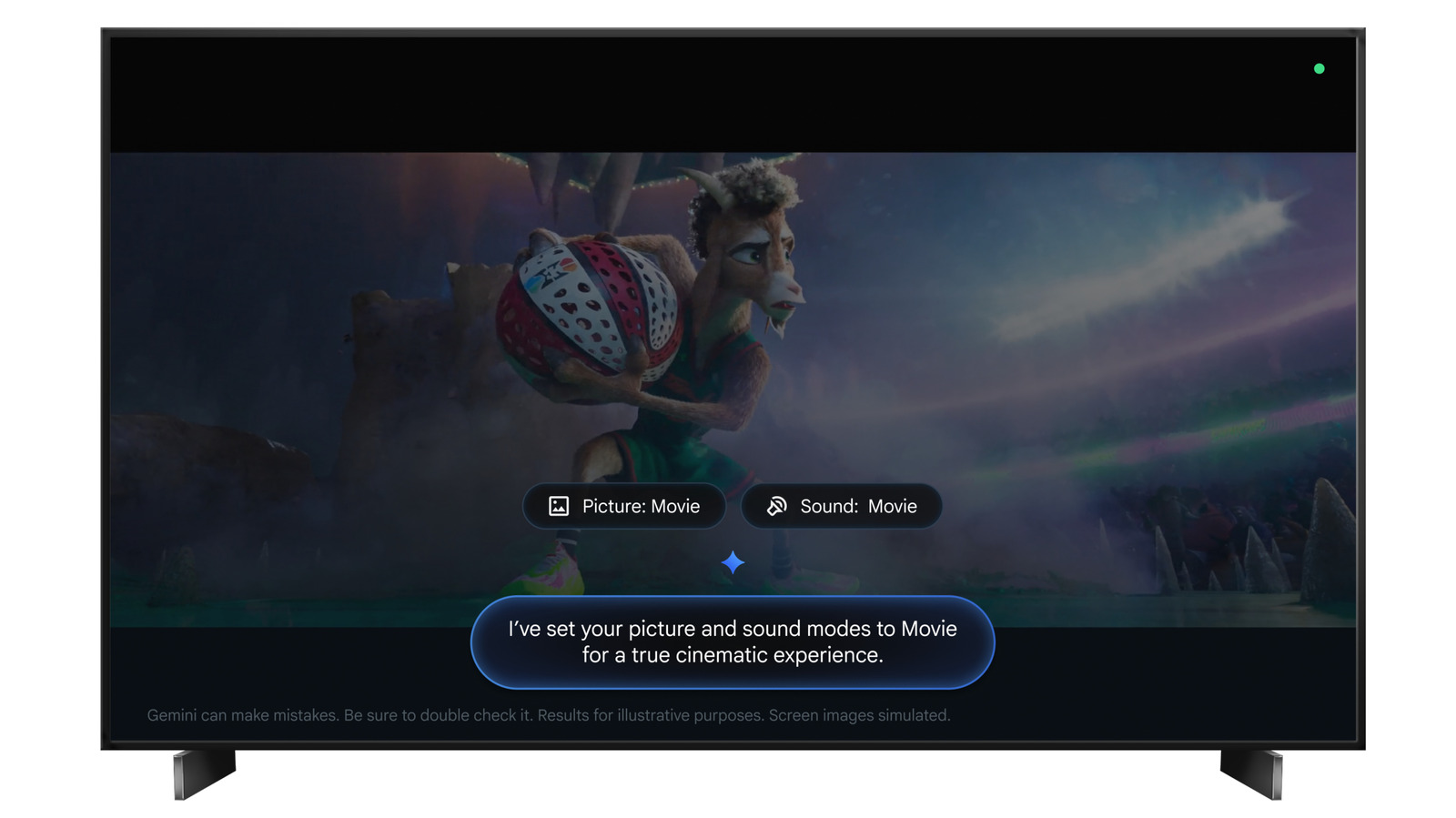
Modern TV-watching is as much about anxiously messing around with settings to make sure the picture doesn’t look terrible as it is about actually enjoying a show. Happily, Google TV now lets you offload all the hassle onto Gemini.
First announced during a Google TV news dump at CES at the beginning of 2026, the new functionality allows you to adjust picture and audio settings with natural language voice commands. You can set brightness and contrast levels, change the picture mode, increase volume and tweak the EQ without needing to reach for your remote (although you can also summon Gemini by holding the microphone button if you’d rather not use the wake word).
As well as specific commands like “set picture mode to Sport” (likely to be a popular one in the coming weeks given the World Cup has just started), you can also troubleshoot if something doesn’t look or sound right. If you say “Hey Google, the screen is too dark,” Gemini will attempt to correct the issue for you. Tell it you can’t hear dialogue clearly and it will boost voices. That kind of thing.
You can also use Gemini for mood-setting if you want a theater-worthy movie night, and if you don’t entirely trust the AI’s calibration skills, you can instead just ask it to save you a few clicks by opening the exact settings menu you’re looking for before taking over.
Google points out that picture and sound modes vary across devices, so it’s probably wise to make sure you know what your TV can do before using the new voice features. Otherwise you might spend even longer trying to get it looking and sounding right than you would using the old-fashioned manual solution.
The other thing to note is that this functionality is currently exclusive to select TCL models in the US. In the next few weeks it’ll start rolling out to the QM9K, X11L, QM9L, QM8L and RM9L. You’ll have to perform a system update to start using it. There’s no word on when or indeed if other models or brands will be supported.
Google TV’s Gemini-assisted functionality has been expanding over the last few months. Back in March, Google introduced its “richer visual help” feature, which tries to respond to commands with more useful information. Ask for current sports scores, for example, and Gemini will display both a live scorecard and information on where you can watch that game.
Sport briefs, which are essentially a sports-oriented version of the news roundups that debuted last year, also arrived in March, as well as visual “deep dives” on specific topics.