dailynewsnblog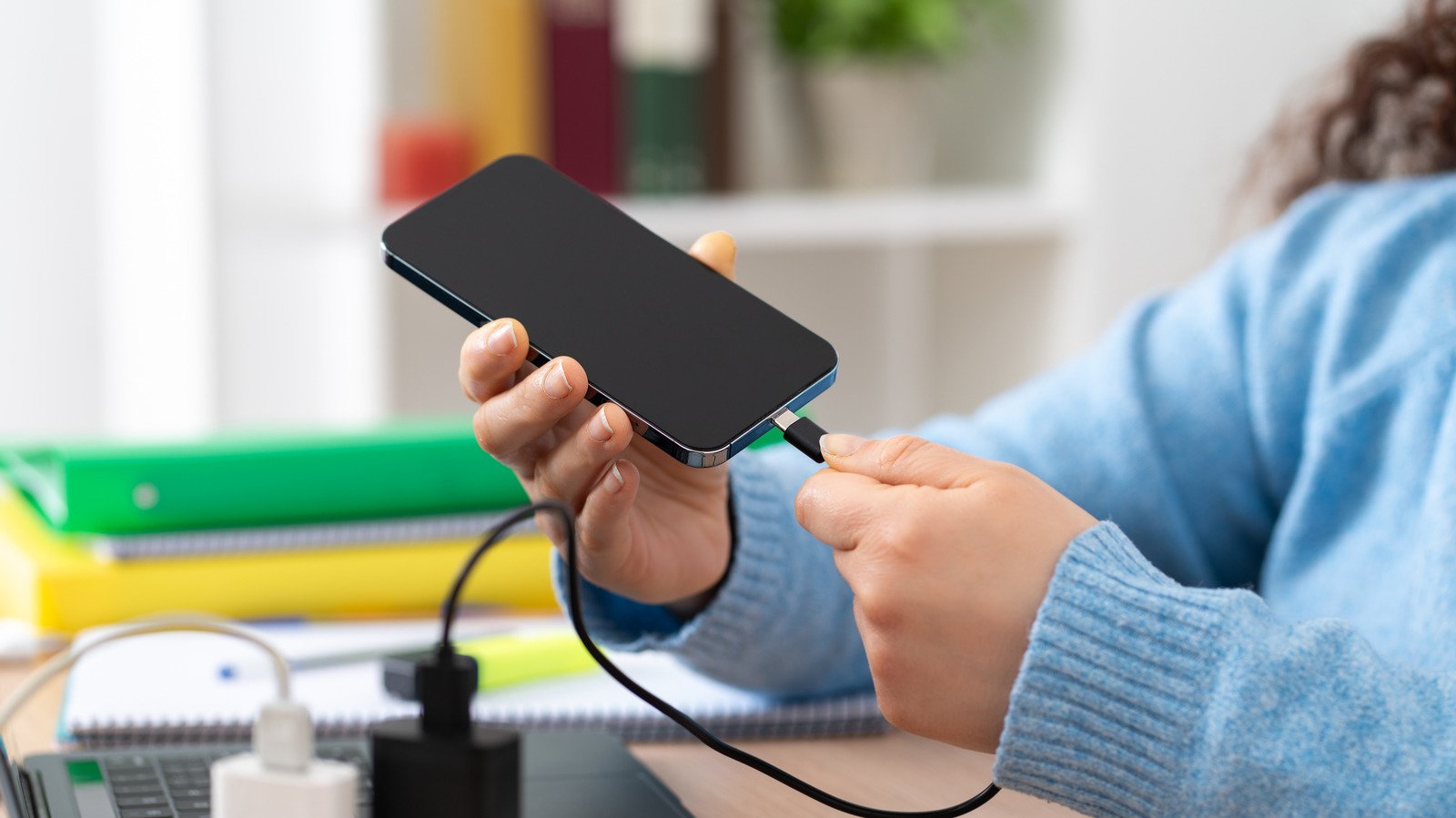
And do you need to let the battery fully drain before recharging?
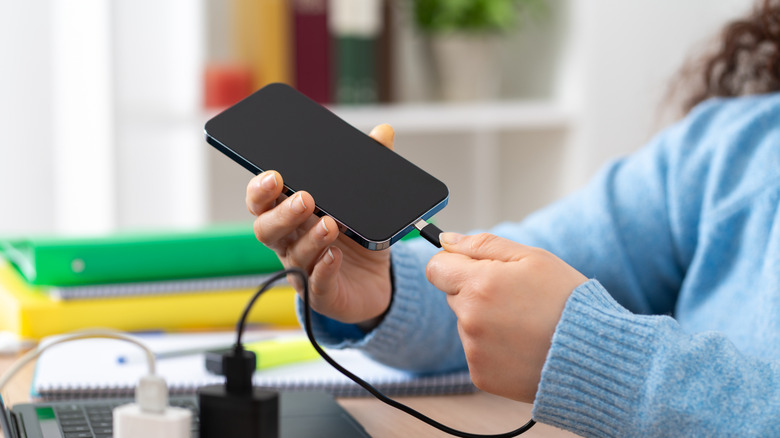
We’re so connected to our smartphones nowadays that even when they’re charging, we feel the need to use them. I have a charging cable beside my living room couch so I can fuel my phone while I scroll social media and watch TV. I also have a variety of portable power banks, both wired and wireless, that I bring along to keep my phone charged while I continue to use it. But you might wonder if using your phone while it’s charging can impact the battery life.
The short answer is no. While your phone might charge more slowly if you don’t give it a rest to do so, using your phone while it’s charging won’t do anything to battery life in general. That’s in large part thanks to bypass charging and heat dissipation technology.
How bypass charging works

With bypass charging, when you plug your phone in to charge and continue using it, the phone shifts its resources from recharging to running your apps and sort of pauses recharging. This ensures you get a good experience but also protects the phone’s battery from heat that can damage it. Using your phone for intensive activities like mobile gaming can potentially lead to the phone getting excessively hot. So, this feature helps prevent that.
The drawback is that once you unplug the phone after using it for intense activities like video editing or gaming, the battery percentage probably hasn’t changed by much, if at all. That’s because the power has been going right to the device to fuel your use, not to its battery.
One of the first times bypass charging was cited was with the Sony Xperia 1 II in 2020 as a feature called Heat Suppression Power Control. Today, it’s available in many of the best smartphones from all the top brands, including Samsung, Google, Xiaomi and ZTE. Note, however, that Apple iPhones do not yet support bypass charging. Even without it, however, your phone will just charge more slowly if you use it while it’s plugged in. If you notice the phone getting overly warm, stop using it to prevent battery damage. But most modern phones have advanced battery management and heat dissipation systems to help manage increases in temperature overall.
So, even though it’s not inherently bad to use your phone while it’s charging, it’s a good idea to refrain from doing so when possible. If you need to check a message, make a call, snap a photo or post something quickly, go ahead. When necessary to use it for more intensive tasks, like continuing to record your daughter’s school concert while using a battery pack, watch for heat, but don’t worry that it will damage the phone’s battery. Your phone just won’t charge at its normal speed.
Other phone-charging myths
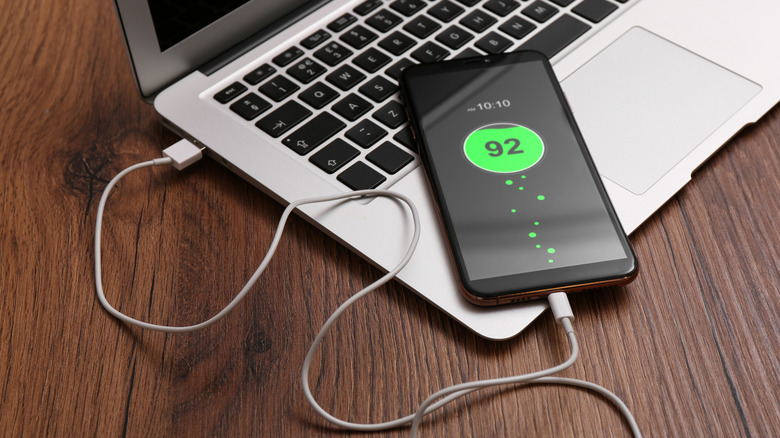
The idea that you can’t use your smartphone while it’s charging is one of many phone battery charging myths about making smartphones last longer. Another is that you shouldn’t leave your phone plugged in to charge overnight. This is not true. While this means some phantom power is being consumed from the outlet to which the charging cable is connected, your phone won’t overcharge. All the latest phones have protections in place that stop charging once the device gets to 100 percent. In fact, many learn your habits and optimize charging by trickle charging to conserve the battery while ensuring your phone is full by the morning. My 14-year-old son leaves his phone charging in the kitchen every night, and it will often charge to about 60 percent before optimized battery charging kicks in. When this happens, the phone charges more slowly up to 100 percent, and it’s ready by the time he gets up in the morning.
Also, you don’t need to let your phone drain completely before charging. In fact, to improve battery life on your smartphone, you’re better off plugging in when you’re somewhere between 20 and 80 percent instead of letting the battery fully drain before recharging.
Bottom line: using your phone while it’s charging should not damage the battery unless it causes overheating. But it’s still a good idea to limit usage when possible. Mostly, however, this is to ensure that the battery recharges as quickly as possible, not to protect it.