dailynewsnblog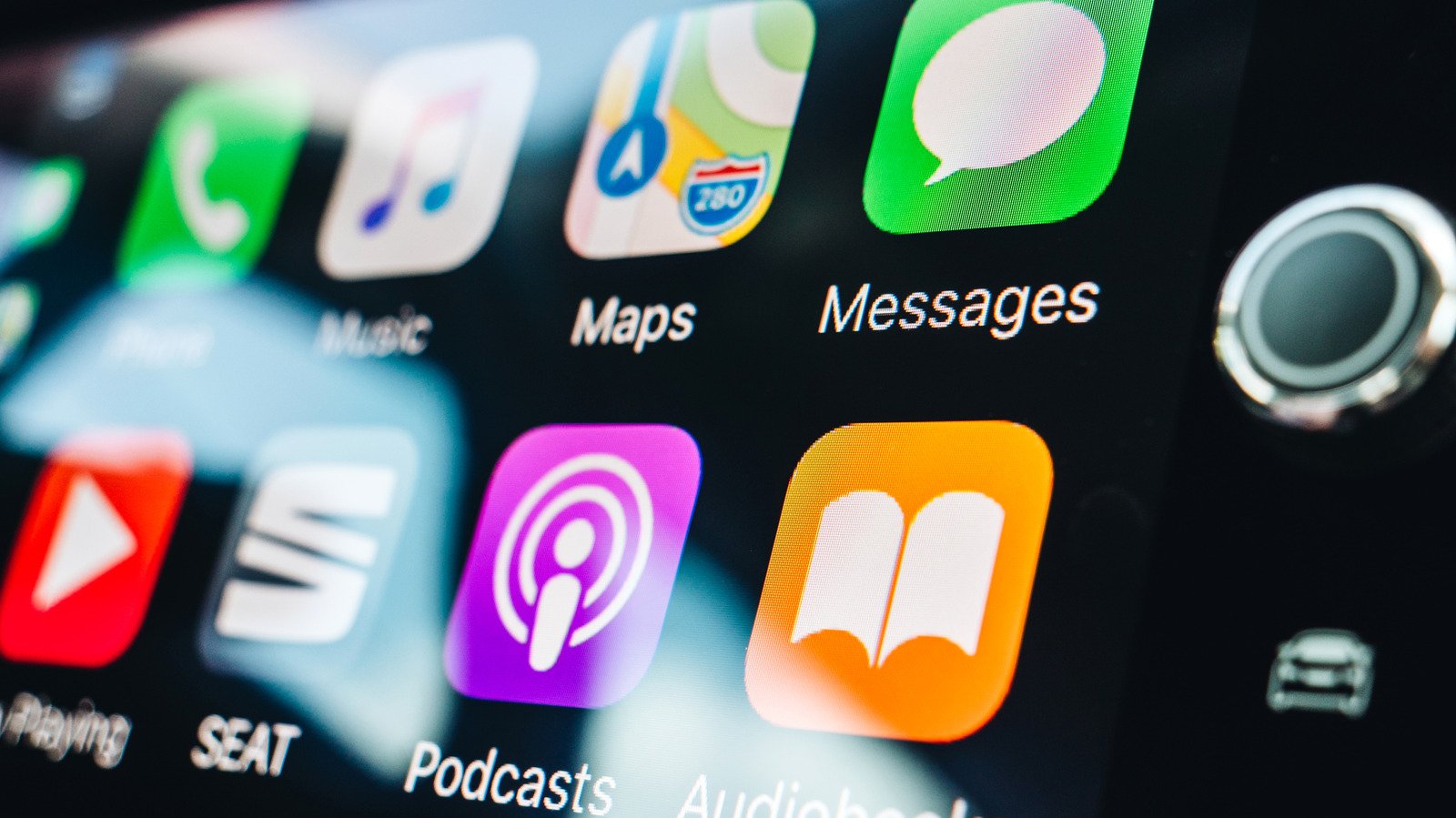
Bluetooth handles pairing and reconnection, Wi-Fi does the rest.

Wireless CarPlay uses both Bluetooth and Wi-Fi, but not for the same job. Bluetooth helps your iPhone and car find each other, pair and reconnect, while Wi-Fi carries the active CarPlay session. Apple says that includes CarPlay’s audio, video and control data, even the audio from phone calls.
Bluetooth starts and reconnects wireless CarPlay
During the first wireless setup, Bluetooth pairs the iPhone with the car. The car then gives the iPhone the information it needs to join its Wi-Fi network, and CarPlay starts over that connection. Once the Wi-Fi session is running, the car ends its Bluetooth connection to that iPhone.
Bluetooth still has a job on later drives. The car can use the saved Bluetooth pairing to find the iPhone and start the wireless connection again. If a CarPlay session drops and Wi-Fi can’t reconnect quickly, Bluetooth can also help reestablish it.
There are a couple of ways to complete that initial setup. If your car supports both wired and wireless CarPlay, connecting the iPhone by USB can handle the pairing before the phone offers to connect wirelessly on later drives. If you set it up without a cable, Apple tells users to make sure Bluetooth and Wi-Fi are enabled, put the car into wireless or Bluetooth pairing mode and select the vehicle under Settings > General > CarPlay.
Wi-Fi carries the active CarPlay session
Once CarPlay is running, Wi-Fi takes over the work that matters to the dashboard. The connection carries CarPlay’s audio, control data and the video used to render its interface on the car’s display.
That includes something you might normally associate with a Bluetooth connection: phone calls. During an active Wireless CarPlay session, Apple says phone-call audio also travels over Wi-Fi rather than switching back to ordinary Bluetooth audio.
Apple recommends 5GHz Wi-Fi for wireless CarPlay because it offers more available channels and is generally less congested than 2.4GHz. That isn’t a universal requirement, though. Apple’s technical documentation acknowledges that 2.4GHz implementations can exist.
Wireless CarPlay needs Wi-Fi, but not a separate internet network
That distinction can make the common question “Can I use wireless CarPlay without Wi-Fi?” a little confusing.
If you mean turning Wi-Fi off on your iPhone, the answer is no. You need to keep Wi-Fi enabled and make sure Auto-Join is turned on for the CarPlay network. However, that doesn’t mean the car needs to join your home Wi-Fi, public Wi-Fi or a separate hotspot just to run Wireless CarPlay. The car creates the local wireless connection that CarPlay uses to communicate with the iPhone. That Wi-Fi link between the two devices is separate from whether the vehicle itself provides internet access.
Wired CarPlay and wireless adapters connect differently
Wired CarPlay carries the CarPlay session over USB instead of the car’s Wi-Fi connection. That avoids the interference considerations that come with a wireless link, but Apple doesn’t describe wired CarPlay as providing a fundamentally better CarPlay experience.
The everyday difference is more straightforward. Wired CarPlay requires you to connect a cable, while Wireless CarPlay lets the phone stay in a pocket or bag.
A wireless CarPlay adapter adds another variation. These devices are generally designed for cars that already support wired CarPlay. The adapter plugs into the USB port that normally connects to the iPhone, then acts as the wireless middleman between the phone and the car.
That means a wired-to-wireless adapter doesn’t normally add CarPlay to a vehicle that never supported it. It converts an existing wired CarPlay connection into a wireless one. Because compatibility and behavior vary by adapter, check that your particular vehicle or head unit is supported before buying one.