dailynewsnblog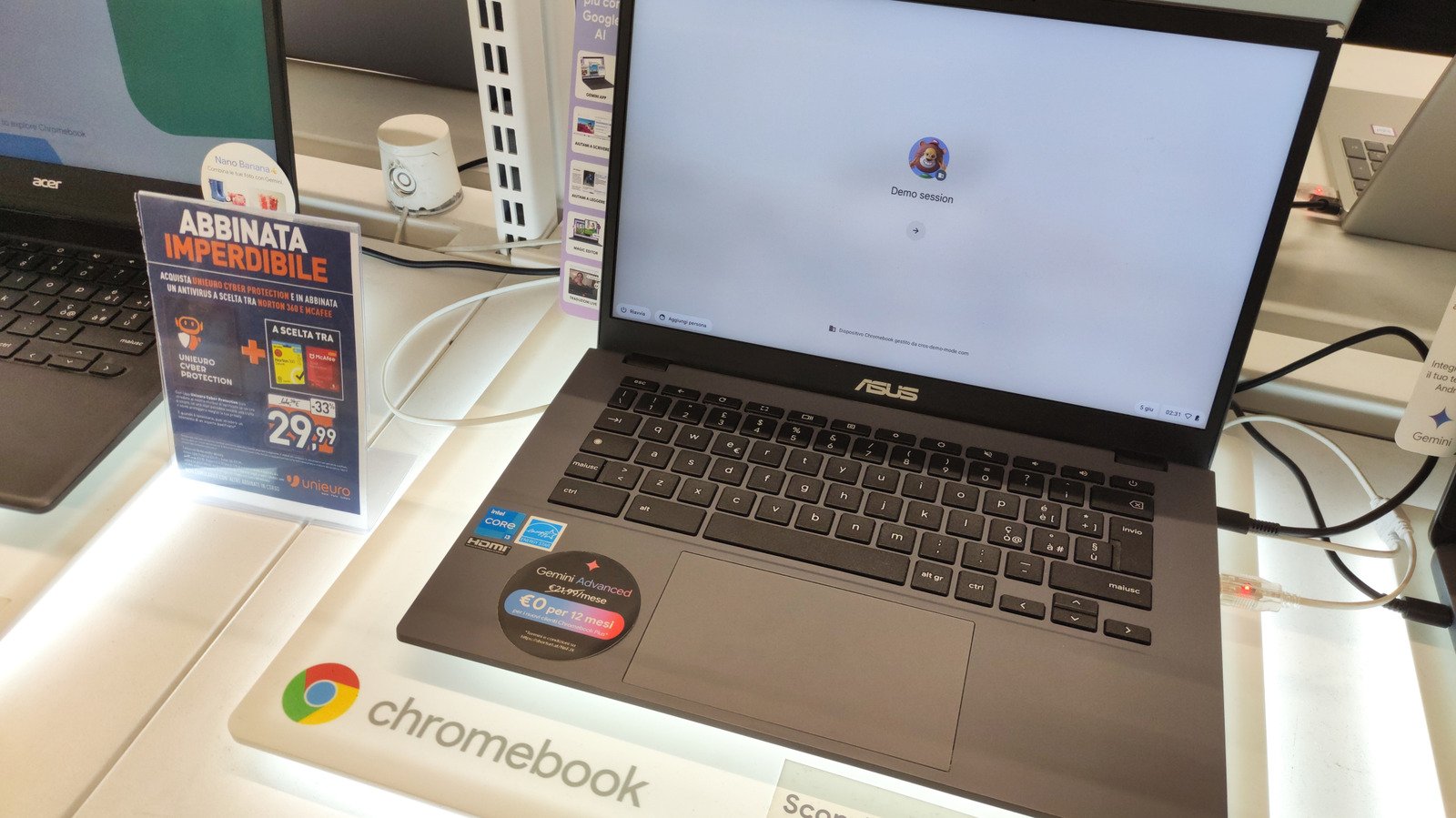
How Google’s new laptops compare to traditional Chromebooks.

What Googlebooks do that Chromebooks can’t
The main difference with Googlebooks is that they run an Android-based operating system instead of ChromeOS. While ChromeOS can run Android apps, it emulates them, leading to occasional poor performance and bugs. In contrast, Googlebooks can run most Android apps natively at full performance, taking better advantage of the hardware — although some apps might run poorly on Intel-based laptops. They have access to the full Google Play Store.
Speaking of hardware, Google is pushing for better specs, with laptops starting at 16GB of RAM and 256GB of storage. The first Googlebooks deliver around 14 hours of battery life, which is much longer than most Chromebooks.
And because they run an Android-based system, they also integrate much better with Android phones. You can open your phone apps on your laptop and access your files without having to transfer them. Many settings can also be synced between the two, such as your passwords and notifications. The idea is similar to what Apple offers when you use both a Mac and an iPhone. That is, of course, if you have a phone running Android 17 or later — don’t expect to use all these features with an iPhone or ancient Android device.
It’s also worth noting that, similar to Chromebooks, the Googlebook isn’t a single laptop. Instead, Google has been working with brands such as Acer, ASUS, Dell, HP and Lenovo to deliver Googlebook-certified laptops. They all must follow certain guidelines, such as using carbon-fiber chassis instead of cheap plastic, high-end processors (whether Intel or Snapdragon) and high-resolution screens. It’s no surprise that they all come with Gemini built-in at the system level.
So in theory, Googlebooks are an upgrade over Chromebooks in almost every way. Why would anyone choose a Chromebook over a Googlebook, then?
Where Chromebooks still make sense
Price is the main reason to consider a Chromebook over a Googlebook. Chromebook Plus models, which come with at least 8GB of RAM and 128GB of storage, usually cost less than $500. If you want to go even cheaper, there are entry-level Chromebooks with 4GB of RAM for less than $300. Googlebooks, on the other hand, start at $899 and can go as high as $1,299. That’s a significant price difference.
Of course, Chromebooks won’t suit everyone, so it’s important to think about what you need to do with your laptop. Because of their less powerful hardware, Chromebook are good for light tasks like browsing the web, streaming and editing documents. If that’s the case for you, you don’t need the performance of a more powerful device. But if you need a laptop for video editing and playing casual games, a Googlebook is a better option.
Another element to consider is that Googlebooks are a brand-new ecosystem, so there might be some growing pains early on. Chromebooks have been around for over a decade, and thus ChromeOS is a much more mature platform where you know what to expect. Longevity shouldn’t be an issue either way, since ChromeOS will still get software updates and security patches through 2034. By then, you’ll likely have already replaced your laptop. And they won’t stop working overnight, either.
Chromebooks have some big downsides, which explains why some people have never liked them. ChromeOS doesn’t run most of the popular desktop software you’ll find on Windows or macOS. Plus, very cheap Chromebooks have poor hardware, so they feel slow and their bad displays aren’t fun to look at. Still, if you only need a basic laptop, they might work for you — there are pros and cons to using a Chromebook as your PC, and we’ve rounded up the best Chromebooks you can buy in 2026.