dailynewsnblog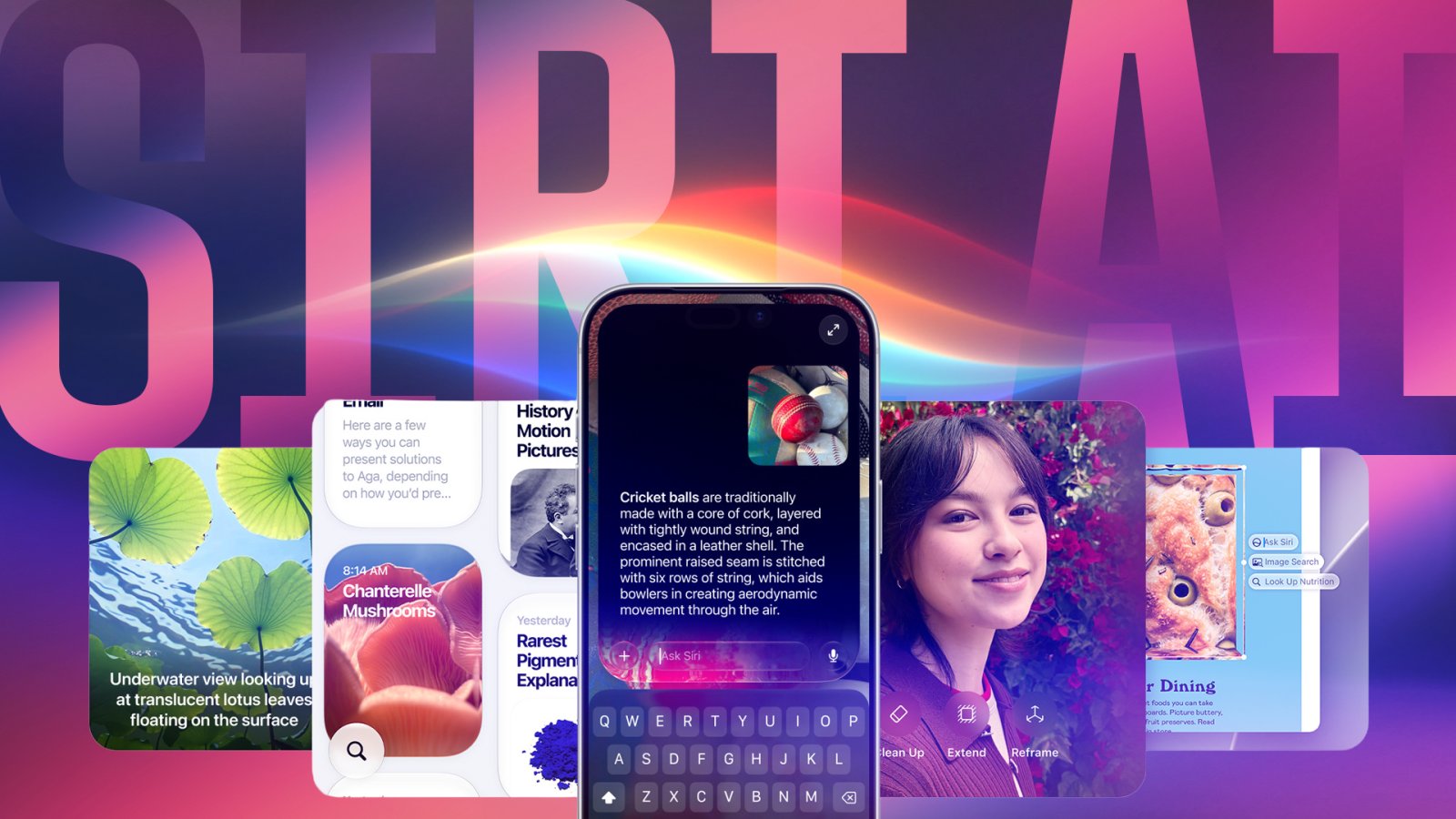
I’ve been using an iPhone since 2016 when I switched from Android to the original iPhone SE, but I’ve never bothered using Siri in all that time. When I tried it, I could never get it to reliably perform simple tasks, so it always felt easier to just do things myself.
But when Apple announced a new Siri AI in iOS 27 at its Worldwide Developers Conference in June, I was curious whether things had changed. My colleague Patrick Holland said the new Siri was more useful than ever before in the iOS 27 public beta, so I thought, “Let’s see if Siri can finally win me over.”
The parameters were simple: Use Siri AI for as many things as I could for a week. I could bypass Siri if I continued to run into issues or if Siri notified me it couldn’t do something. The goal was to see how far Siri has come since Apple launched it on the iPhone 4S way back in 2011 and see if it was worth using regularly today.
In my initial round of testing, Siri fumbled most of the tasks I vocally asked of it throughout the week, to the point where I was more surprised when Siri got something right and performed a task without issue. However, I realized that the majority of the issues I ran into had to do with Siri not activating when I gave it voice commands, rather than it not executing tasks. So for three more days, I tried to use the side button to activate Siri and typed commands as much as I could.
My experience immediately improved. While I still ran into issues using the digital assistant, the change in process convinced me that the new and improved Siri can reliably handle more tasks. So yes, I’ll be using the digital assistant more frequently now.
It’s important to note that I used early beta versions of iOS 27 and Siri AI. The public release for iOS 27 will be this fall and Siri AI will be released later this year in a beta version that you can opt-in to use. By their nature, betas are works in progress, which could account for some of the problems I ran into. Still, I found Siri AI helpful in some unexpected ways.
Siri AI surprised me early on
I’d be lying if I said my first seven days with Siri were a total bust. There were a few tasks the digital assistant performed well — the major one was driving directions.
I would ask Siri via CarPlay for directions to regular destinations, as well as new cafes and restaurants. It worked as long as I was precise with my requests. I asked directions to a shop with multiple locations, and Siri picked one that was geographically closer, but that I don’t normally go to. This was my fault since I thought it would cater to my habits, and once I canceled and identified the new location, Siri pointed me in the right direction. I tried again later, and Siri asked which location I wanted to go to, so this could have been updated in the beta process, and I appreciate the change.

Siri was also able to add a dinner reservation to my Calendar from an email, which surprised me. The option to add the event to my digital schedule appeared without issue, and I was able to edit the information in my Calendar before adding it.
However, sometimes the Siri icon would float in my Dynamic Island for a couple of moments before it worked. Despite being on home Wi-Fi for most of this testing, sometimes Siri would spin for what felt like 15 minutes before it would perform a task… if I didn’t give up and hit the lock button on my iPhone to then restart the process.
Using Siri in these instances was like being in a traffic jam. I’m the kind of person who will happily drive longer routes if the roads are clear to avoid inching through traffic. Too many processes with Siri felt like getting stuck at rush hour.
Voice recognition was villainous, but other features worked well
During my first week with Siri, using the digital assistant via voice commands was irritating. I would regularly try to hail Siri with “Hey, Siri” and “Siri,” and it would ignore me. This happened so often, I considered ending the experiment early. I dreaded using the assistant and was thrilled to be finished.
However, to give it a fair shot, I spent three more days activating Siri by holding the side button and typing commands, and my time with the digital assistant dramatically improved.
Each morning, I would activate Siri with the side button and ask it to check the weather and my calendar for the day. The digital assistant performed admirably and showed me the forecast and let me know of any upcoming appointments. It even informed me of future events on the appropriate dates when I asked it to look in advance. Siri also understood what I meant when I asked it to look up “next Saturday” instead of giving the date, which was a nice surprise.
After the switch, I also learned that Siri has limits on how far it can follow tasks. For example, I tried to use typed commands to ask Siri to download the game Sneaky Sasquatch from Apple’s App Store. Instead of downloading the game, the digital assistant showed me the game in the App Store.

This is likely a safeguard to prevent you from downloading unexpected apps, and I’m happy it’s in place. I wouldn’t want Siri to be able to download apps – no matter how benign they are. I’d be nervous that if I handed my iPhone to my kid or someone else, they could download something without my knowledge.
Siri’s still not perfect
While typing my commands was generally a better experience than activating them with my voice, I still ran into issues. I asked Siri to lock my iPhone’s screen to portrait orientation, and it apologized and said it didn’t understand me. I repeated my request and got the same response. I then tried to type this command and it locked my iPhone instead of locking the orientation.
I was disappointed that Siri’s redemption tour stumbled over such a simple task after handling others reasonably well. But interactions with other apps continued that trend.
I also tried using Siri to calculate numbers, and that caused more headaches. I asked it to subtract from a previous number it had calculated, and sometimes it wouldn’t remember that number, and would subtract from zero or from a random number between 1 and 100. Once it told me it couldn’t subtract from the last phone number I called, which was a shocking development.
I locked my iPhone between calculations, which could have caused Siri to start fresh each time I asked it to perform a calculation. So if you want to use Siri for math tasks, I recommend keeping your iPhone unlocked until you’re all mathed out.

I also tried Siri in the Camera app to identify objects, and it would generally only get the item correct when a logo or brand name was visible. Once I asked Siri to identify my water bottle, but it was only able to do so when I turned it so the digital assistant could see the brand name.

I’m happy the digital assistant can read, but that’s not helpful because I, too, can read. I need Siri to identify objects based on a combination of factors, such as shape, design and patterns.
Siri feels helpful in other instances — with typed requests
My first week with Siri was horrible, but once I started bypassing the initial activation by holding the iPhone’s side button, the digital assistant was pretty good. It showed me recent photos of my son and wife, played recent podcast episodes on first request and showed me a cake recipe – which I double-checked online is an actual recipe and not full of hallucinations.

I’m still alarmed at how poorly Siri performed with voice commands. The ability to hail Siri with “Hey, Siri” or “Siri” dates back to 2014 and 2023, respectively. All that did was leave me with a lot of frustration. I hope Apple continues to work on these vocal recognition issues.
Still, after 10 non-consecutive days with Siri AI, I’m convinced the digital assistant is better than it was before – as long as you use the side button to activate it. I’ll gladly relinquish simpler tasks, like checking my Calendar, to the digital assistant, while keeping more complex tasks for myself. I hope that in the future, it can remember how many sets I have left at the gym.
For more on Apple, here’s what to know about iOS 27 and everything else the company announced at its Worldwide Developers Conference in June.

See full bio