dailynewsnblog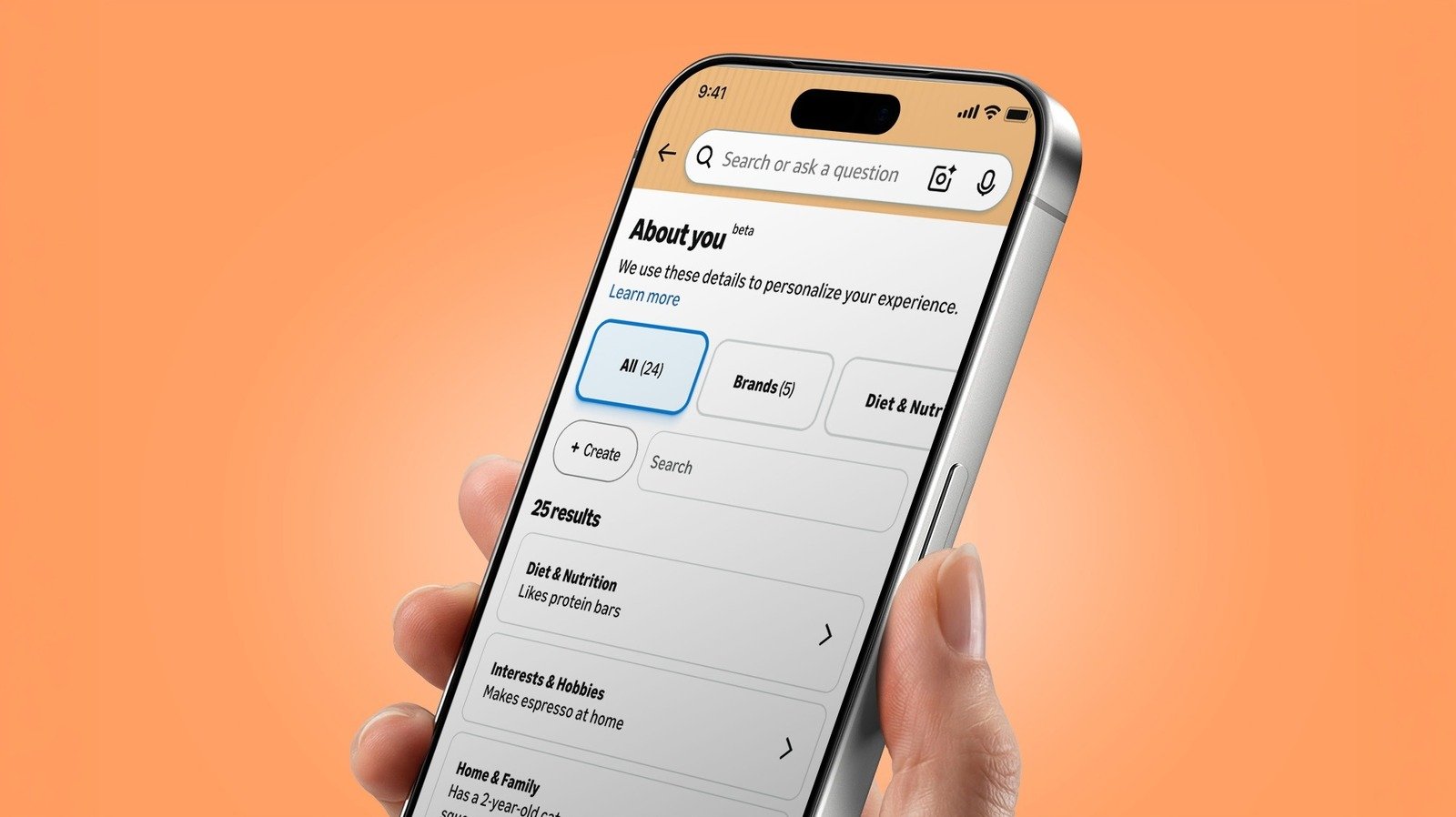
See if Amazon thinks you have “flat buttocks.”
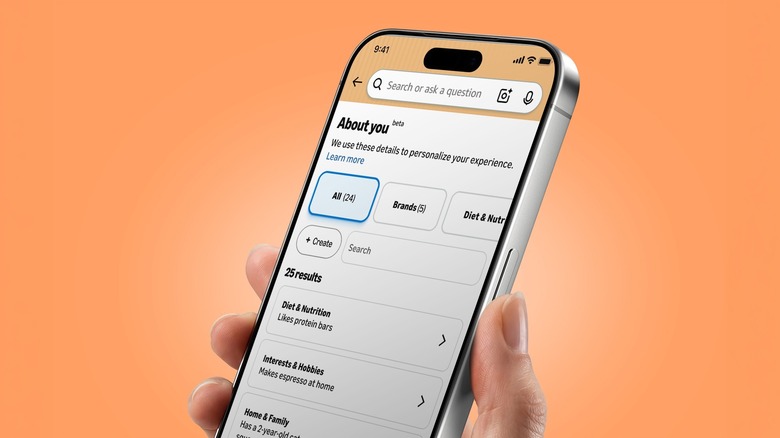
Online profiling isn’t new. And for that matter, neither is Amazon’s About You page, which was introduced back in May. (The personalization behind it has been around for much longer.) But the feature, which acts as a sort of dossier of details Amazon uses to personalize your shopping, has gotten a lot of attention lately.
Part of the reason for the renewed interest is that About You’s notes can be, well, oddly specific. One Threads user posted a screenshot showing that it said she “has flat buttocks.” In a Reddit thread, one person said it described them as having “mismatched trash bins.” Another Redditor rattled off a triad of strange observations: “has a mother,” “owns a tiny funnel” and “receives boxes from Amazon.” (Small world!)
Whether you find those details harmlessly amusing or a little creepy, it’s worth seeing what info Amazon thinks it knows about you.
Finding your About You page
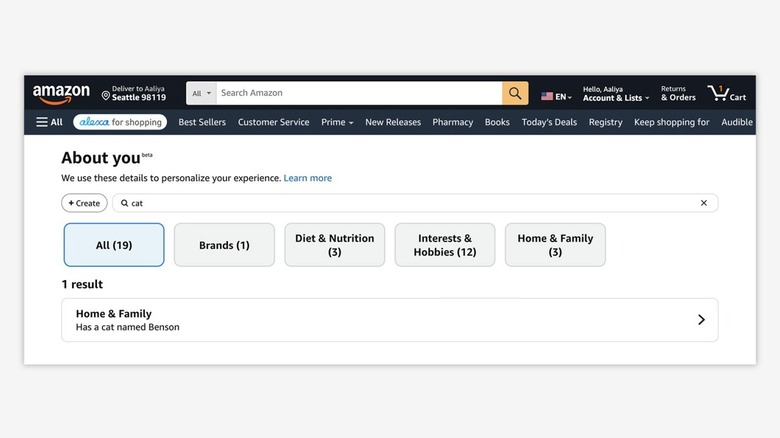
The process for finding the page differs a bit between mobile and desktop. In the mobile app, open the Me tab (the person icon at the bottom), tap your name, then select About You. If you’re using the web, go to Account & Lists > Account, and choose About You, which is under the “Ordering and shopping preferences” section.
You can also find it via Alexa for Shopping. Ask “What do you know about me?” and it should spit out a list of several preferences along with a link to the full About You page.
Editing or removing About You notes
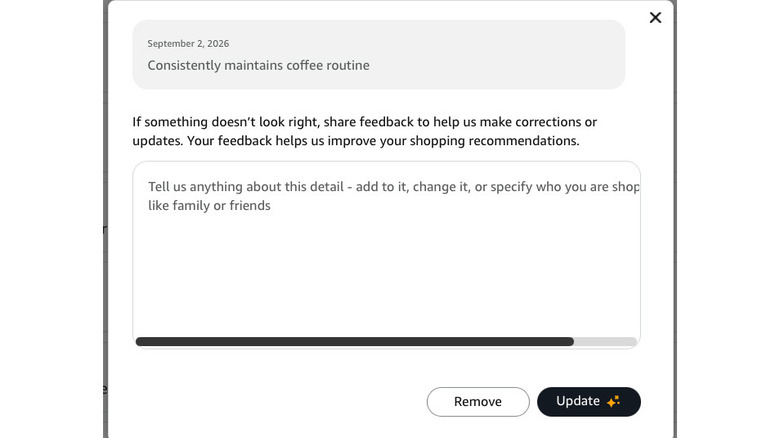
You can select any of the individual observations in your About You dossier. This will open a pop-up that allows you to remove or update the detail. There’s also a text box where you can provide feedback or additional information. If something looks off — or you’re just creeped out by the whole thing — this is the place to hack and slash Amazon’s observations.
If you want to add details, you can do that, too. Click the + Create button at the top left of the page. “You can tell us anything about you — your style, hobbies, interests, or who you shop for, like family or pets,” Amazon advises. For those who want Big Tech to know even more about them, there’s even an option to import information from other AI assistants. This uses a copy-and-paste process rather than directly connecting the services.
Keep in mind that editing or removing details doesn’t opt you out of personalized shopping. It just tells Amazon not to use that particular detail for personalization. Also, don’t assume it deletes the purchase, review, search query or conversation that led to the observation.