dailynewsnblog
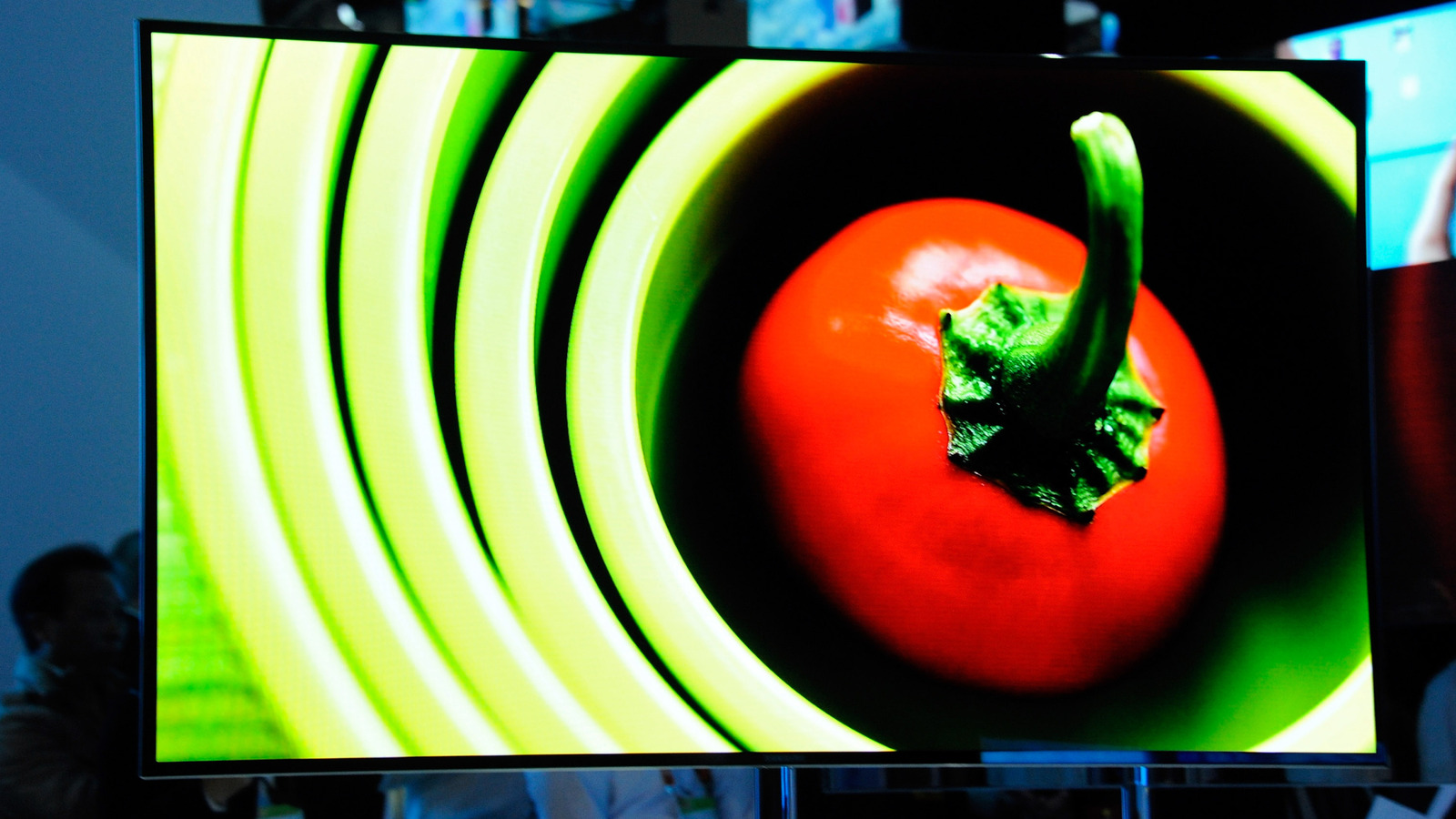
To simply reboot your TV, unplug it for 30 seconds or hold the power button on the remote for five seconds. Your TV will briefly turn off, then pop back on with the Samsung logo. A reboot might not seem very dramatic, but this does clear out your TV’s RAM and system cache. It also restarts background processes, which can sometimes glitch out.
You might, in rare cases, benefit from resetting the Smart Hub without performing a full factory reset. This reverts the Hub’s options to defaults and wipes associated apps and account info. You’ll have to redownload apps and log in again. To reset the Hub, follow these steps:
1. Go to Settings > All Settings.
2. Click Support.
3. Choose Device Care, then Self Diagnosis.
4. Click Reset Smart Hub.
5. Enter your PIN. If you didn’t choose one, enter 0000.
Lastly, you might try resetting network settings if you’re specifically dealing with connection issues. Chances are the problem lies with your router or service provider, so troubleshoot those first. It can’t hurt to reconnect with a fresh start, however, as long as you have your router’s login info handy. Here’s the process:
1. Head to Settings > All Settings.
2. Click Connections, then Network.
3. Choose Reset Network. To confirm, click Reset.
4. Return to Network Settings to enter your router’s SSID and password.
You might understand now why you’d want to jump straight to a factory reset if a reboot doesn’t work. If an issue is hard to diagnose, a total reset can save you the hassle of resetting components one by one. There’s also nothing to be lost unless you simply can’t remember a critical login.