dailynewsnblog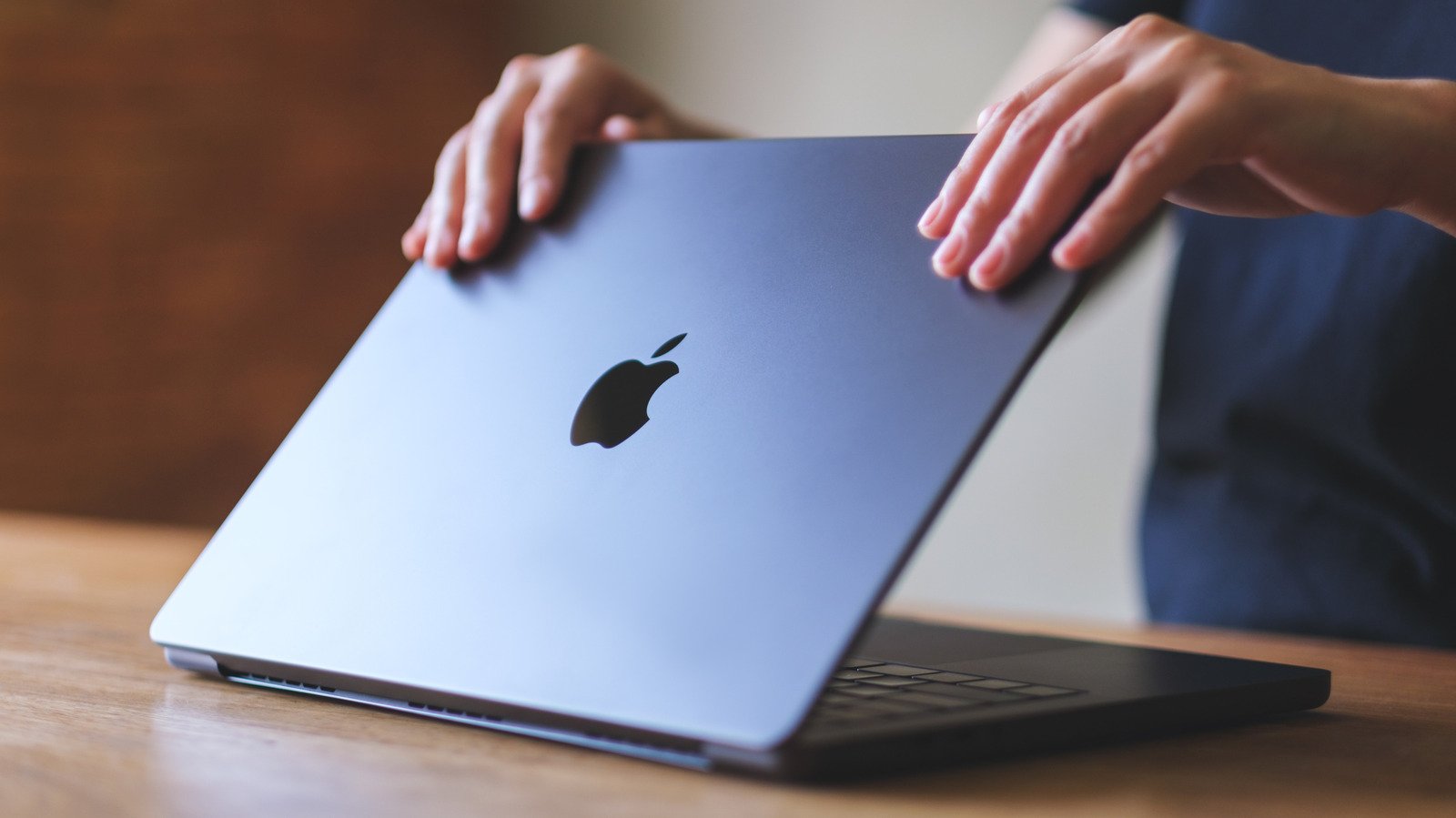
Putting on a screen protector may have unintended consequences.
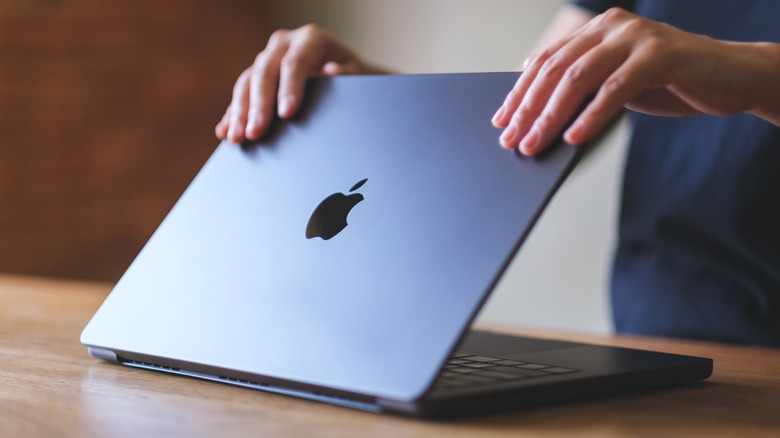
Putting a screen protector on expensive electronics is second nature for any experienced technology user, and in almost all cases is the smart choice for your device. Considering how much a new MacBook costs, it’s a natural assumption that this same logic would apply. However, putting a screen protector on your MacBook can actually do more harm than good.
There are a lot of theoretical boons that come along with using a protector on your MacBook, especially if you’re frequently transporting it from place to place. Fancier ones that boast privacy from prying eyes can be particularly appealing for anyone who frequently uses their laptop while out in public. A laptop is different from a phone, though, and in practice screen protectors really aren’t that necessary — it’s closed when on the move, and you aren’t nearly as liable to drop it since it’s used on a sturdy surface instead of one-handed. More so than that, though, the cons simply outweigh the benefits.
Why you shouldn’t use a screen protector on a MacBook
From a purely aesthetic point of view, a screen protector on your MacBook can visibly dampen the display you spent good money on. A protector can scatter more light and reduce overall clarity, and with such a large surface area, the chances you’re sticking one on with zero air bubbles is slim. However, the much bigger threat is to your screen’s overall health, particularly the anti-reflective coating that sits on the top layer of the screen. It’s something imperceptible so long as it’s not damaged, but a screen protector can ruin it. When it comes time to replace your screen protector, peeling off of the adhesive can leave the coating cracked, peeling and frankly pretty ugly to look at.
Depending on the thickness and material of the screen protector, it can also stop your laptop from closing properly or cause damage to the screen even deeper than this top layer. A MacBook is designed to close with a very small gap between the screen and keyboard, and a thick glass screen protector can bridge that gap. If that’s the case, the force of closing your laptop even a bit too hard could have a ripple effect from the base into the screen.
If you absolutely must get a screen protector for your MacBook, there are a few safe alternatives. There’s the UltraThin Magnetic Privacy Screen Filter from Kensington, for example, which is sold on Apple’s official website. Its magnetism prevents any of the dangers associated with adhesive, and its thinness eliminates the chance of force-based damage.
Other accessories can also be harmful
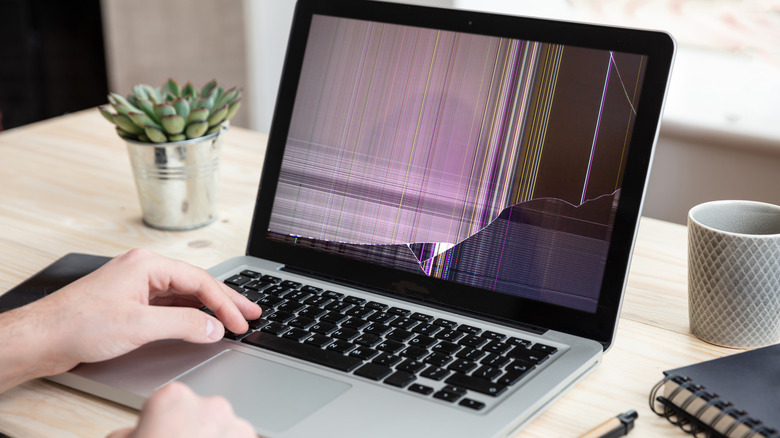
There are many useful MacBook accessories, but a screen protector isn’t the only one that can be harmful to your computer. Many others that sound like safeguards can also be a detriment, like a hardshell case. A heavier hardshell case can wear out the MacBook’s hinge, and depending on its design can also trap heat against your computer. To make sure your hardshell case is safe, make sure it’s very lightweight and has vent cutouts. It’s also important it doesn’t stop your laptop from closing fully, as Apple warns any accessories that do so pose a risk of damaging your screen by disrupting the “tight tolerance” between screen and base.
In that same vein of preventing your laptop from closing properly, keyboard and webcam covers pose a similar risk. Over time, a keyboard cover can even leave permanent marks on your screen, since the microscopic gap between screen and keys no longer exists. A webcam cover can also potentially damage the screen due to disrupting the tight tolerance, as well as make a very useful feature, the ambient light sensor, no longer work. Apple recommends that if you must use a keyboard cover, remove it before closing your laptop, and if you need to use a webcam cover, make sure it’s not thicker than an average sheet of printer paper.