dailynewsnblog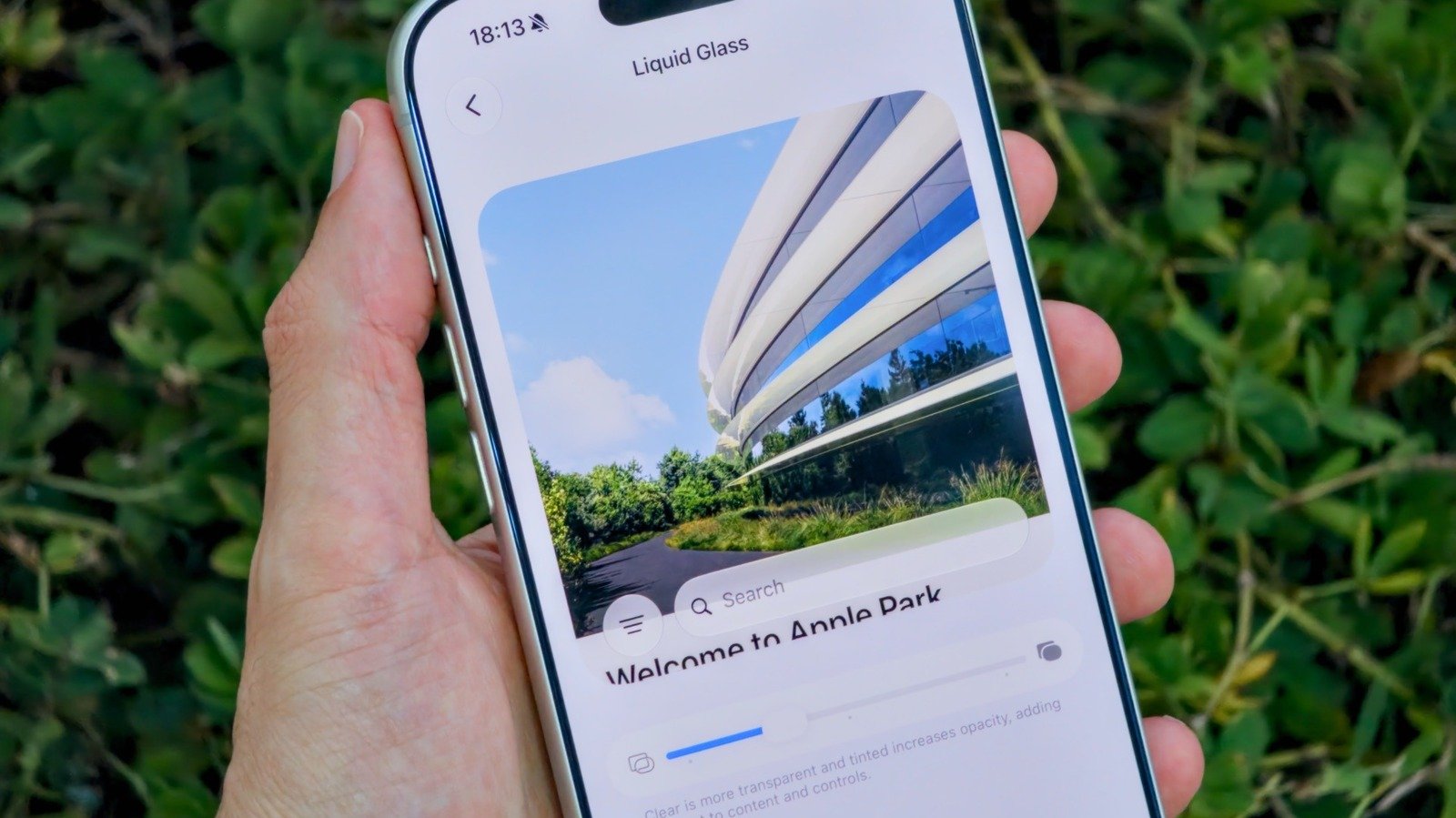
Apple’s new controls make it easier to set things just how you like them.
Apple’s Liquid Glass interface doesn’t appeal to everyone. Some people love the glossy look, while others criticize it for reducing readability. Apple quickly became aware of this after it launched and introduced new ways of adjusting the Liquid Glass effect in iOS 26.1. Dubbed Tinted Mode, the feature reduces the opacity of Liquid Glass and increases its contrast. Still, that wasn’t enough to satisfy frustrated users who continued to complain about Apple’s modern design language.
An even bigger update to Liquid Glass arrived with the release of iOS 27. If you’ve never been satisfied with the Tinted or Clear options on your iPhone, then you’ll probably like Apple’s latest update. It adds a much-requested slider for making Liquid Glass more readable and customizable, putting you in more control over how iOS looks and feels.
It begins with a slider
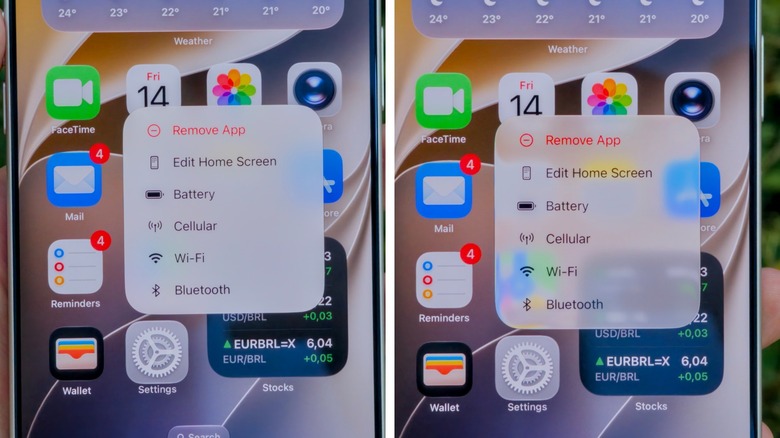
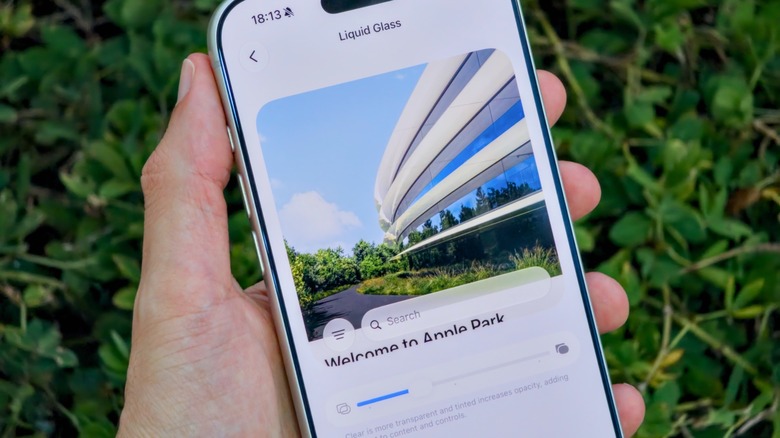
In order to customize how Liquid Glass presents on your phone, you’ll first need to go into your iPhone’s Settings app. From there, look for the Appearance section and select the Liquid Glass menu. Instead of the old rigid toggles, you’ll now see a slider. Dragging it to the left will make the glass look more like, well, glass. Dragging it to the right gives it that more opaque look from earlier versions of iOS.
If you want something that does a little bit of both, just leave the slider in the center. Apple gives you a quick preview of the effect right on that same screen, so you don’t have to keep switching between apps just to see the changes in action. It should be noted that the option to adjust the intensity of the glass effect on the Lock Screen remains separate from the slider in the Settings app.
Of course, this option is only available in iOS 27, so you’ll have to update your iPhone if you want to tweak the appearance of Liquid Glass. Fortunately, Apple has made iOS 27 compatible with iPhone 11 models and upwards, so your old iPhone likely won’t be stuck with a limited version of the UI.
How to turn off Liquid Glass completely
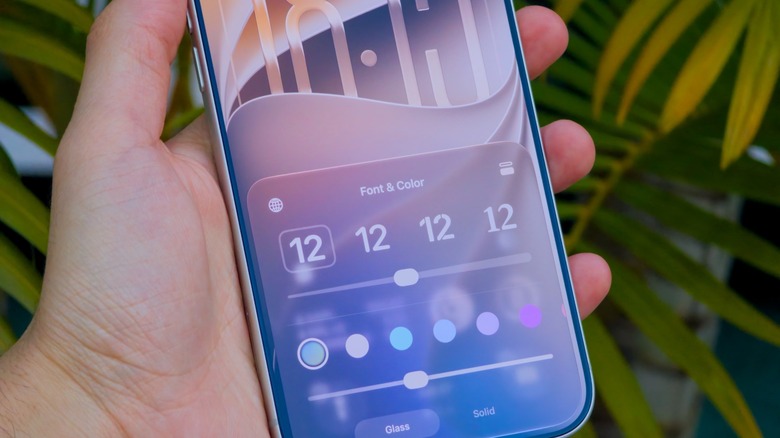
If you don’t like Liquid Glass and want to disable it almost completely, there’s a way to do just that in the Accessibility settings. There, look for Display & Text Size and enable the Reduce Transparency toggle. This option is much more aggressive than the Liquid Glass slider, but it works best for those who really don’t like the glassy effects in iOS.
iOS 27 updates have been accessible to developers and beta testers for a little while, but the public release rolled out in September. If you’re willing to get the beta version on your iPhone, then you won’t have to wait for future updates to Liquid Glass and other iOS features: Just sign up for the Apple Beta Program, and be aware there could be a few bugs here and there.