dailynewsnblog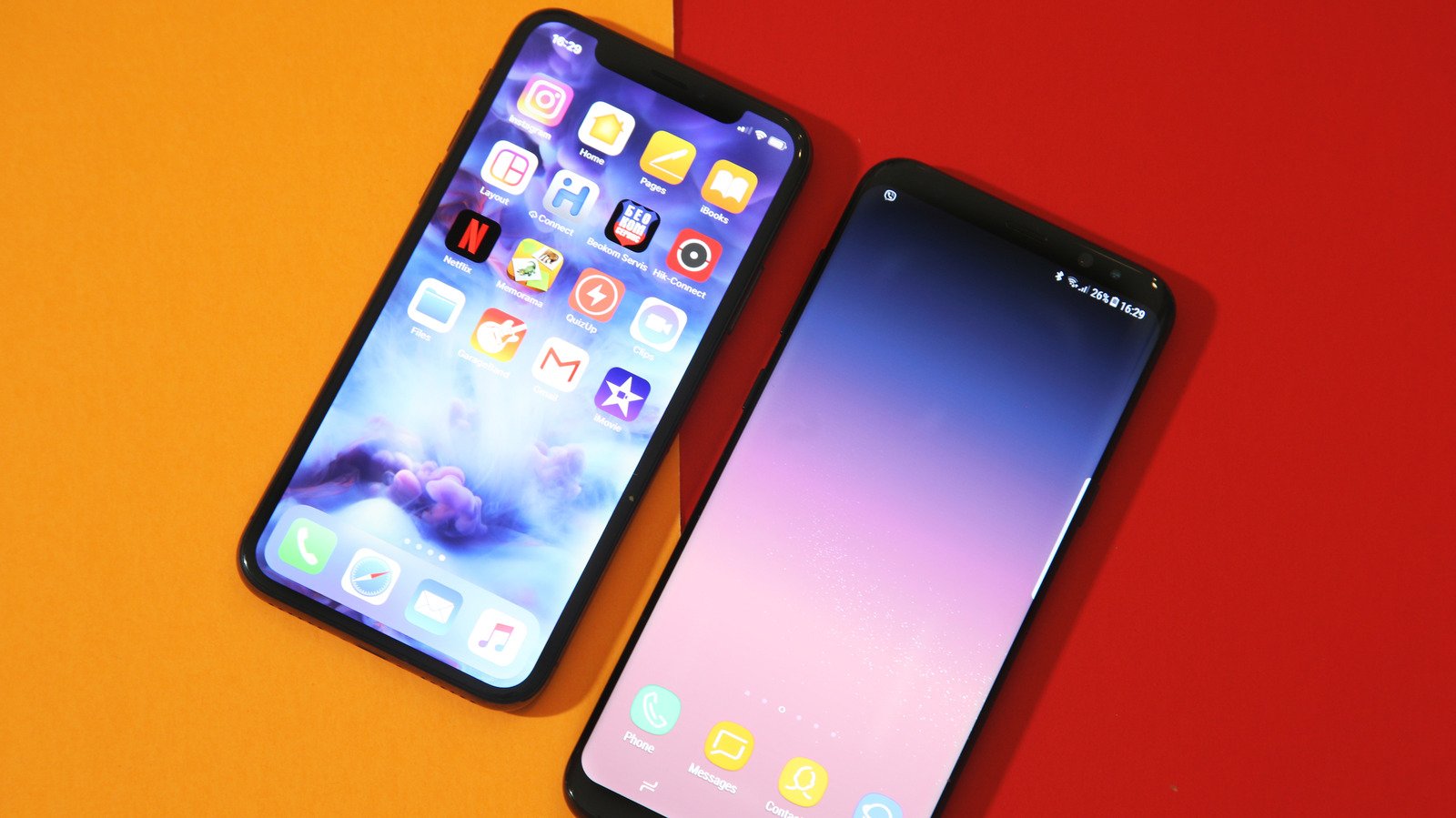
Dig out that dusty phone from your junk drawer.
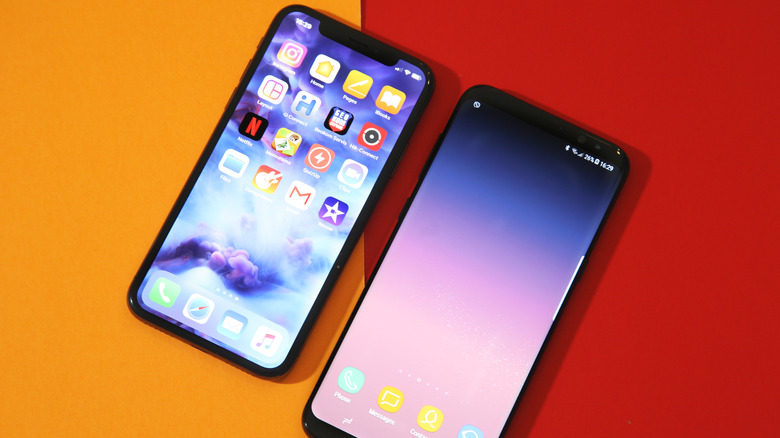
Your phone is more versatile than you think — even that old one that’s been gathering dust for a few years in your drawer. With just a few tweaks and the right apps, you can pretty much give your old phone a new lease on life. One of the interesting things you can do with your old phone is to turn it into a fully functional security camera.
Turning your old phone into a security camera is much easier than it sounds; in fact, you can get it done in under five minutes. Repurposing your old phone or tablet in this way saves you the money you’d spend on actual security cameras and saves you the hassle of recycling or selling these older devices. There are no special skills needed, and best of all, you don’t need to wire anything (except your phone’s charger). All you’ll need to get started is a few minutes of free time, your old phone(s), a stable internet connection (Wi-Fi is better, but mobile data works too) and the AlfredCamera app; it works on both iOS and Android.
How to turn your old phone into a security camera
First, download the AlfredCamera app on your main phone and the old phone. There are other apps that can do this, but we’re using AlfredCamera because it’s free, cross-platform and easy to set up.
On your main phone: Open the app, sign up, then in the “Prepare another device as your camera screen,” select Mobile Device.
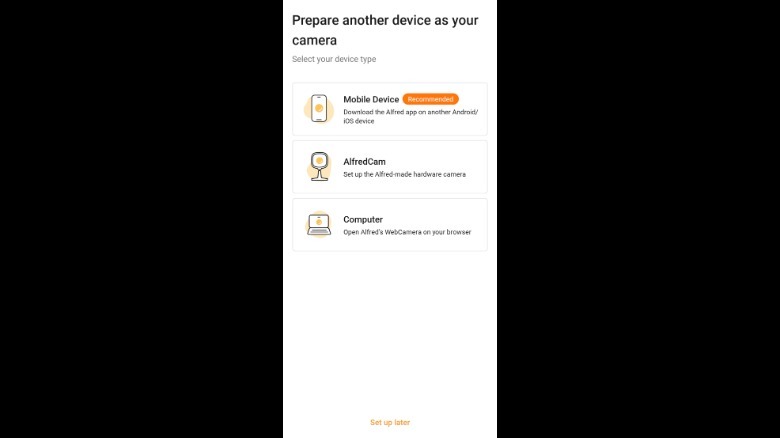 Screenshot by Isaac Egbon (AlfredCamera: Home Security)
Here, you’ll be given two options on how you want to connect your old phone: Log into the same account on your old phone or scan a QR code to pair both devices. Now, grab your old phone, open the app, then pair both devices using your preferred method. And just like that, your old phone is now a security camera. Lastly, make sure your main phone is set to Viewer in the top left corner while your old phone is set to Camera.
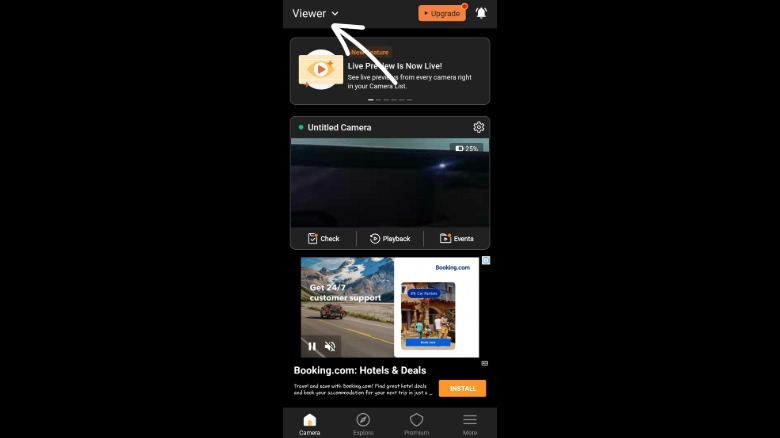 Screenshot by Isaac Egbon (AlfredCamera: Home Security)
AlfredCamera doesn’t stop at live video; the free plan includes a full-volume siren alarm, a low-light mode for nighttime viewing, two-way talk and the ability to switch cameras or rotate orientation, all from your main phone. Premium unlocks more: The Standard plan starts at $5.99/month and allows you to add up to four cameras (up from two in the free plan), HD streaming, an eight-hour recording loop, 14-day cloud storage and person/vehicle/pet detection. Premium Plus ($7.99/month) removes the camera limit and adds full HD, unlimited recording and 30-day cloud storage.
Getting the most out of your DIY security camera
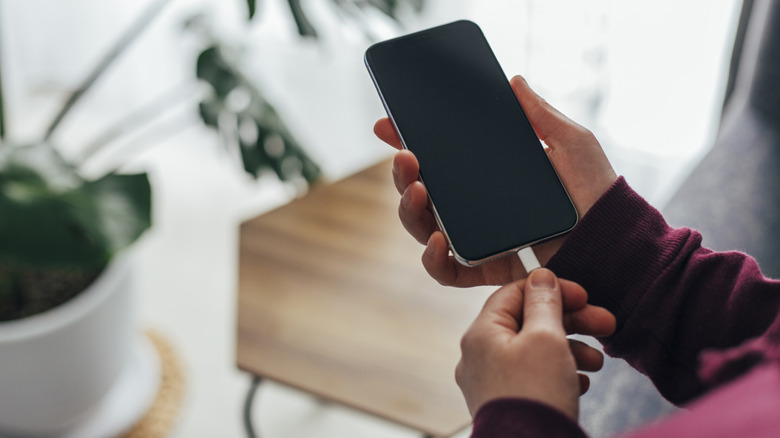
If there’s one thing that’s common on most old phones, it’s probably bad battery life. So, if you can, position your new security camera near an outlet and leave it plugged in at all times. If that doesn’t work well with the angle you want, a long charging cable can bridge the gap. A phone stand is also a good addition, so you can get more flexibility on where and how you angle the camera.
If you don’t have any important information on your old phone, you should factory reset it. Although this isn’t necessary, a factory reset not only frees up the phone’s storage for recordings, but it also clears out any old accounts, saved passwords or personal data still sitting on the device, which matters since this phone will now be running around the clock, connected to your Wi-Fi.
Next, check your old phone’s battery optimization settings and disable it for the AlfredCamera app. This step prevents Android or iOS from closing the app when it’s running in the background and keeps the app running 24/7. Lastly, if you’re placing the phone in a place that’s exposed to the elements, consider weather-proofing it with a clear, waterproof phone case, or better yet, mount it just inside a window instead of directly outside.