dailynewsnblog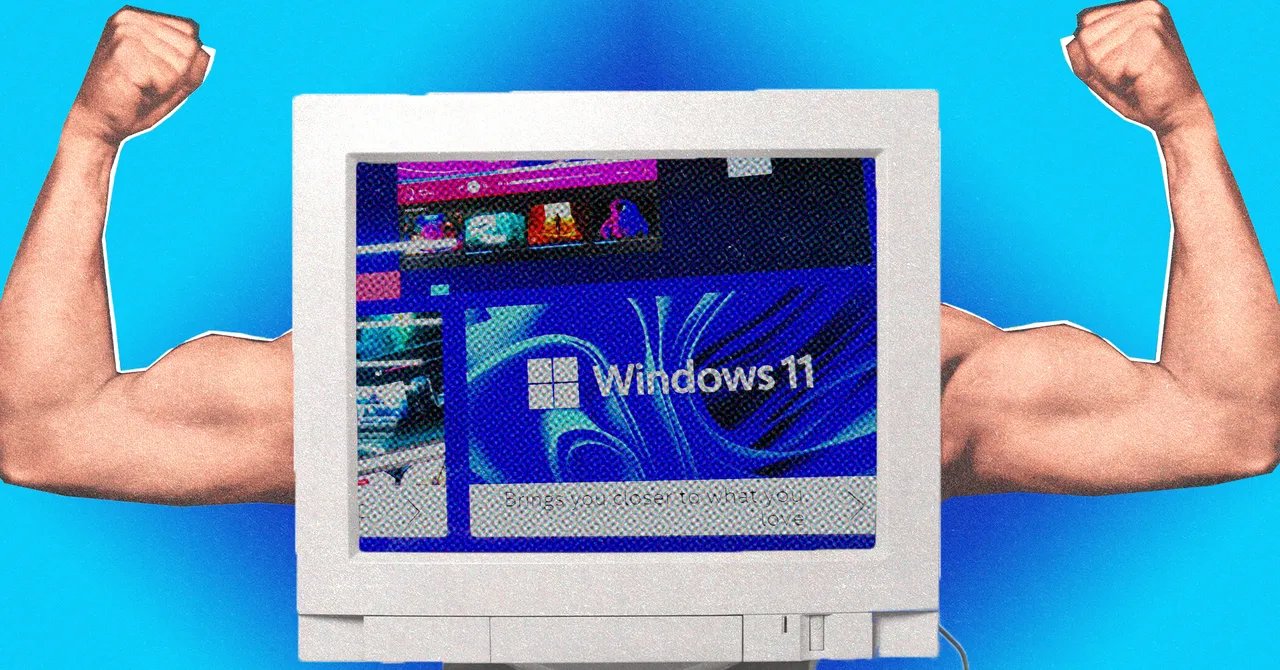
It’s the end of the road for Windows 10—at least, in terms of its official end-of-life point, as determined by Microsoft. The operating system will keep working, but it will be much less secure, and won’t get any more updates or security patches (unless you pay Microsoft to extend support for another year).
If you’re still on Windows 10, and you don’t meet the minimum requirements for Windows 11—which many older PCs don’t—then there is a potential solution in the form of Tiny11. This unofficial, stripped-down version of Windows 11 cuts out the clutter for a leaner, more lightweight experience, and it can run on machines that don’t support the full-fat Windows 11 released by Microsoft.
It’s not just a potential option for those upgrading from Windows 10—it’s something that anyone who’d like a less bloated version of Windows 11 can try. Do bear in mind though that it isn’t endorsed by Microsoft, so there are some caveats to consider, which we’ll get into below.
What Is Tiny11?
The history of Tiny11 goes back many years. So far back, in fact, that it actually predates Windows 11; it was previously known as Tiny10. The idea is that you get a streamlined version of Microsoft’s desktop operating system, reducing bloat without cutting out anything that’s crucial to the user experience.
A lot of the preinstalled Windows 11 apps are cut out from the Tiny11 experience, for example. These include Mail, Calendar, Alarms, Weather, and even Solitaire. You don’t get the Media Player, you don’t get Microsoft Edge, and you don’t get the OneDrive integration. This makes it worth a look for those who like Windows but not all the Microsoft extras.

There are downsides. You don’t get regular updates, you don’t get the same kind of security protections that Microsoft offers for official Windows 11, and you’re putting your trust in a third-party developer to look after your hardware. This is by no means an unknown piece of software—it’s been tried and tested by some of the biggest tech websites around—but it doesn’t offer same support and accountability as Microsoft.
As Tiny11 is stripped down a significant amount, you might find there are more obscure Windows 11 features or components you rely on that aren’t there. And while Tiny11 is free to download and install, you are going to have to provide a valid license key to use Windows 11—so this isn’t a way of getting the software for free.
If you’re looking to move from Windows 10 as soon as you can and you don’t want to pay anything extra, then you’ve got a couple of other options to consider: You could install one of the many flavors of Linux on your machine (and you’ll find plenty of guides for this on the web), or you could consider installing ChromeOS Flex.
Get Started With Tiny11
There are a couple of ways to get a bootable disk image (an ISO) of Tiny11. The first is to download a ready-made Tiny 11 ISO from the Internet Archive, like Tiny11 24H2. Just be sure that the ISO has the official developer NTDEV listed as the contributor to the project, and get the latest one that’s available.
The second option is to create the ISO yourself: Head to the GitHub page for Tiny11, and there you can download the “tiny11maker.ps1” script (whichever version is listed as the most recent). You then need to grab the official WIndows 11 ISO from Microsoft, via the Download Windows 11 Disk Image (ISO) drop-down menu.