dailynewsnblog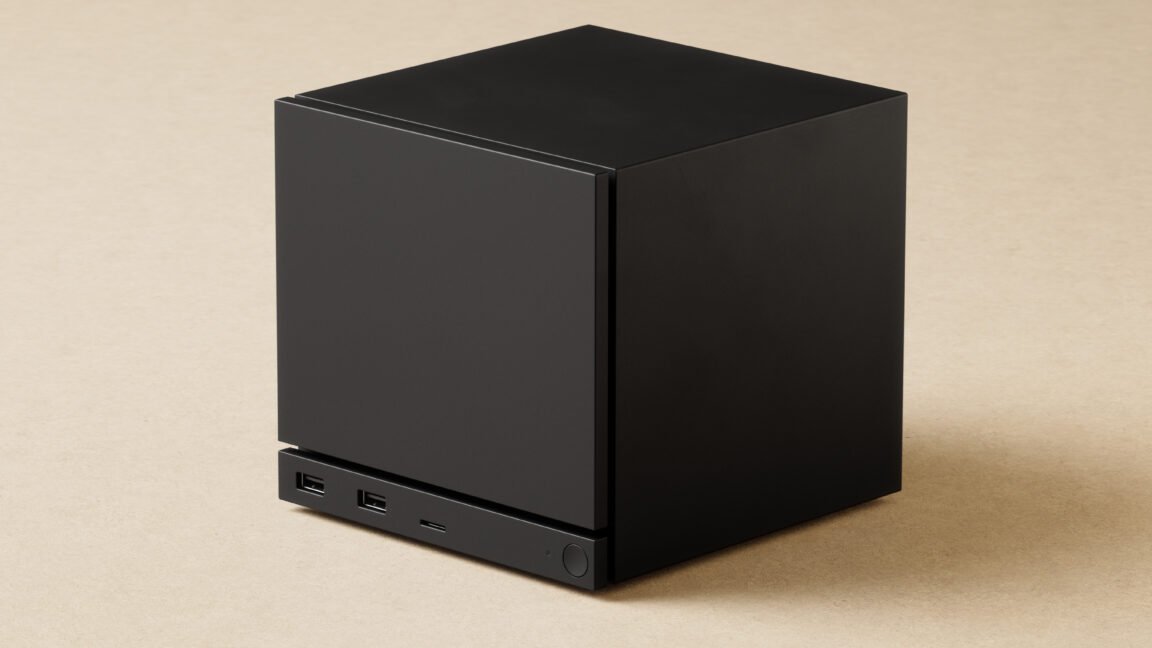
Taking control
While the Steam Machine will be able to connect to standard USB and Bluetooth PC controllers and peripherals, it has been designed with a brand-new Steam Controller in mind. And while both pieces of hardware will be sold separately, they will also be available in a bundle for gamers who want an all-in-one living room gaming solution.
Valve
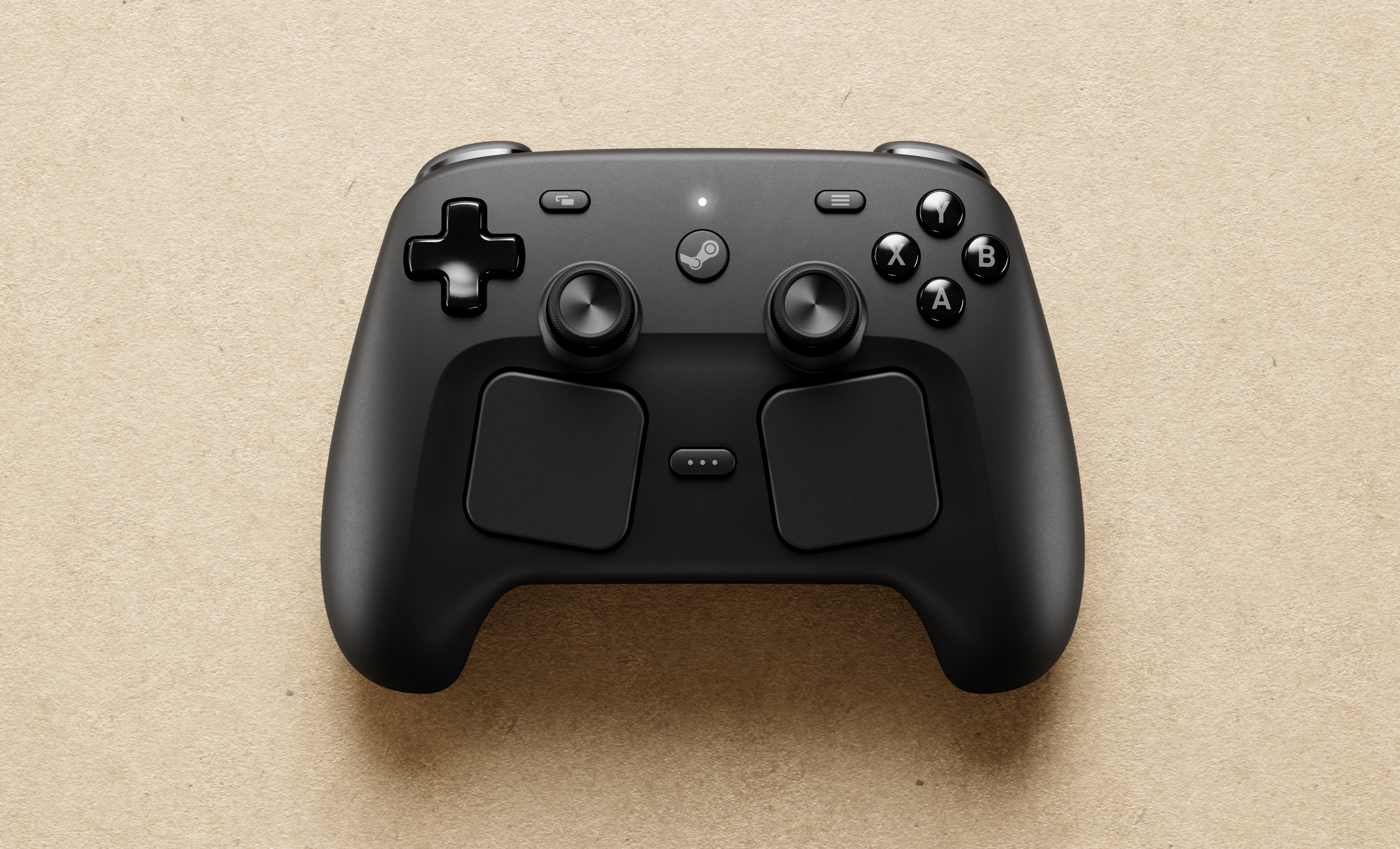
If it weren’t for those touchpads, it would be hard to distinguish this gamepad from a lot of other modern controllers.
Valve
Valve
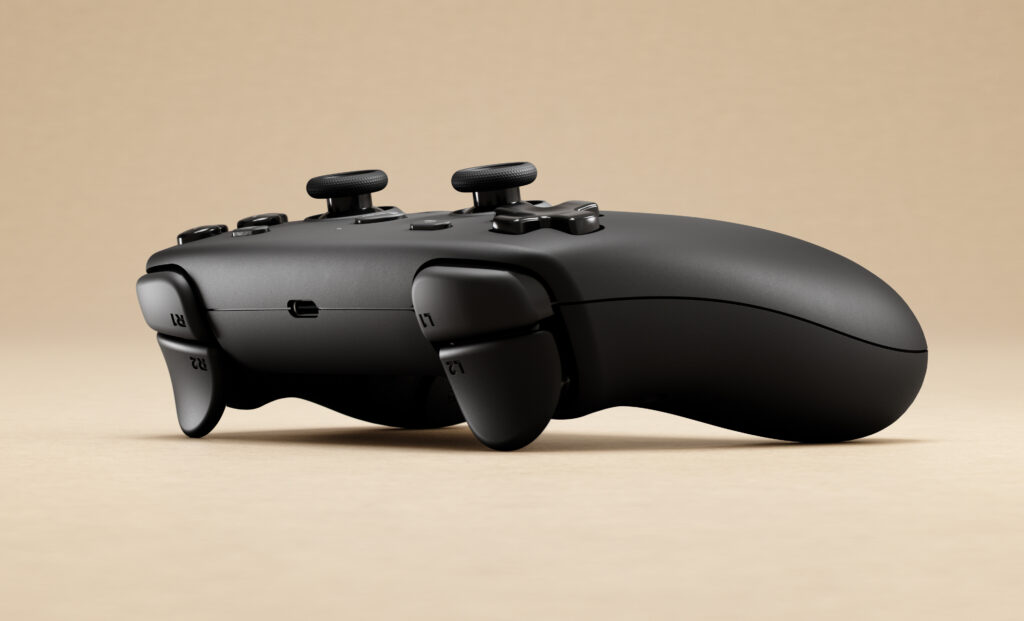
Seriously—from this angle, it’s very hard to tell this apart from many other console controllers.
Valve
Valve
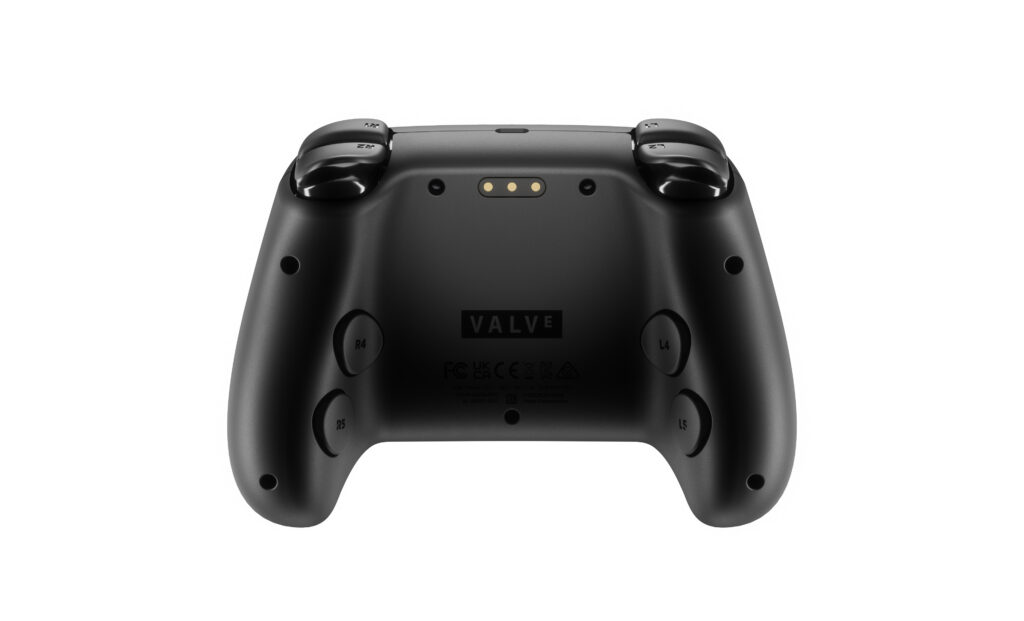
Four programmable grip buttons on the back side.
Valve
Seriously—from this angle, it’s very hard to tell this apart from many other console controllers.
Valve
Four programmable grip buttons on the back side.
Valve
The new Steam Controller (not to be confused with the identically named old Steam Controller) will make use of a proprietary 2.4 Ghz wireless connection that allows for around 8 ms of end-to-end latency between a button press and the resulting signal received by the system. A radio for that connection will be built into the Steam Machine but will also be available via an included “plug and play” Steam Controller Puck that can support up to four wireless controller connections.
Without the puck, the new Steam Controller can still connect to PCs (including portable gaming PCs) and smartphones via Bluetooth or a wired USB connection. And while console connections are technically possible, Valve Software Engineer Pierre-Loup Griffais and Designer Lawrence Yang told Ars via email that it would “require collaboration with the vendor” that the company would be “happy to discuss… if it came up.”
The most striking feature of the Steam Controller is the dual touchpads underneath the thumbsticks, mirroring the similar, somewhat underutilized control options on the Steam Deck. Each touchpad will come with its own haptic motor for “HD tactile feedback” that should feel akin to rolling a clicky trackball under your thumb (two more haptic motors in the grips handle force feedback output from the games themselves).
Aside from that, the Steam Controller seems a lot more standardized than Valve’s last attempt at a controller. It features thumbsticks, a d-pad, face buttons, and shoulder buttons pretty much where you’d expect them, plus four programmable “grip buttons” on the back side of the controller. The familiar Steam, View, Menu, and QAM (aka “three dots”) buttons also come over from the Steam Deck for quick access to useful SteamOS functions.