dailynewsnblog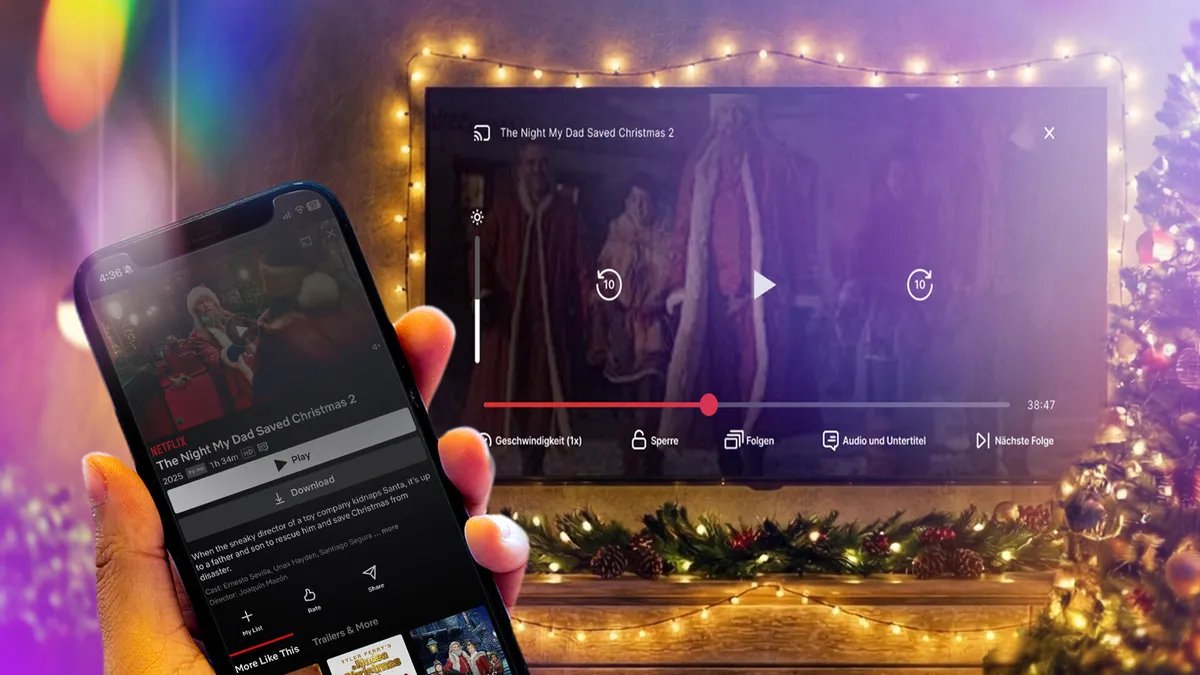
When visiting your friends and family this holiday season, you may want to show off your latest photos or stream movies to their television while spending time together. However, it can be a pain to log in to your streaming service account on someone’s television.
Thankfully, with most recent televisions, you probably don’t need to log in at all to do this. In most cases, the phone you carry right now can connect directly to a TV, and you can share or cast your screen using your own accounts saved on your phone.
Many TVs now ship with built-in support for AirPlay, Chromecast or Miracast, all of which let you wirelessly connect your phone. The trickiest part isn’t whether you can connect your phone to your TV (because you probably can). Rather, you’ll need to know which wireless casting connection your phone supports and make sure the TV you want to connect to also supports it.
We’ll talk about how this works, based on whether you’re using an iPhone or an Android phone. We’ll also point out when you’ll be using AirPlay, Chromecast or Miracast to make the connection, depending on what device you have.
iPhone supports AirPlay and Chromecast
Apple’s iPhone devices have two ways of connecting wirelessly to a television. On a system level, an iPhone can use AirPlay to cast media from video and music apps to any device that also supports AirPlay. This originally was exclusive to the Apple TV, but AirPlay now supports many televisions made by Samsung, LG, TCL and Vizio, along with Roku’s streaming devices. Odds are if your device supports the Apple TV app, somewhere in its settings is also support for AirPlay.
You can access AirPlay in one of two ways. If you’re using a supported app like Paramount Plus, you’ll want to tap the AirPlay icon represented by a TV with a triangle. You can also access AirPlay from your phone’s Control Center by tapping the icon represented by two rectangles and then picking the device you’re casting to. Using the latter option, you can also mirror your phone’s screen to your TV to display apps like Instagram or TikTok that don’t include AirPlay from within.
The Screen Mirroring settings on the iPhone.
If you are trying to connect with a television with the Google TV operating system or the Google TV Streamer, the iPhone also supports Chromecast. Similar to using AirPlay from a media app, you’ll tap the Chromecast icon represented by a rectangle with three wavy lines. You’ll then tap the device you want to cast to. The biggest difference between how AirPlay and Chromecast work on the iPhone is that you won’t be able to mirror your iPhone’s display over Chromecast.
The Chromecast icon is circled in this screenshot of the Paramount Plus app.
Certain apps like YouTube will blend these casting options together for convenience. When tapping Google’s Chromecast button, a submenu will let you choose between using AirPlay or Chromecast or linking directly to your TV’s YouTube app using a code.
And if you want to connect your iPhone to your television using an HDMI cable, you can use either a USB-C to HDMI adapter if you have an iPhone 15 or newer or a Lightning-to-HDMI adapter for the iPhone 14 and earlier. That adapter will allow for screen mirroring without using AirPlay.
Android always supports Chromecast, sometimes supports Miracast
Samsung’s Smart View screen mirroring.
Android phones don’t support AirPlay, but they sometimes support two wireless casting options that connect to nearly any television.
First, all Android phones include Chromecast support. So if your TV has Chromecast built-in or has a Google TV streamer attached, you’ll be able to connect your phone by tapping the Cast icon from an app. You can also set up a screen cast shortcut in the quick settings drop-down panel, which will provide an even faster way to quickly cast to your TV. CNET’s Nelson Aguilar has put together a guide for this.
The Google TV operating system includes Chromecast support.
And while it’s not supported on every Android phone, Samsung and Motorola both make Android phones that support Miracast for screen mirroring. These features are labeled as Smart View and Ready For, respectively, and will let you connect your phone to televisions or displays that support a setting that’s often labeled Screen Mirroring. More recent Motorola phones, like the Razr Ultra, are calling this feature Smart Connect. What’s unique about Miracast is that many Windows PCs also support this style of casting, and during my recent trip, that came in handy in order to play some Jackbox Games.
An additional note about these features from Samsung and Motorola is that both support connecting your phone to a television or computer monitor using a USB-C to HDMI cable, should you have one on hand. This could be particularly helpful if you’re trying to do a more data-intensive activity on your phone, such as connecting to a bigger screen in order to use your phone more like a computer.
YouTube TV on a phone that’s connected to the app on a television.
More tips about wirelessly connecting your phone to a TV
Even though many televisions and streaming devices support one or more of these methods, it’s still entirely possible that when traveling, you won’t have a perfect match. For instance, you might have an Android phone, but the TV in your hotel room supports only AirPlay or blocks access to the HDMI port. But for home use, now that many televisions support multiple connection options, you have a good chance to be able to set up a method that works for day-to-day viewing.
You’ll also want to keep in mind that much like with video streaming, your network could also affect how effective a wireless connection will be to your TV. With that in mind, you will want to have your phone as close to a router as possible, which will help with the connection. If your video quality degrades while streaming, you may also want to turn casting off and on again to reset the connection.
But as long as your phone and television can connect with one of the above methods, you should otherwise be free to stream any movie or music from your phone onto your TV.