dailynewsnblog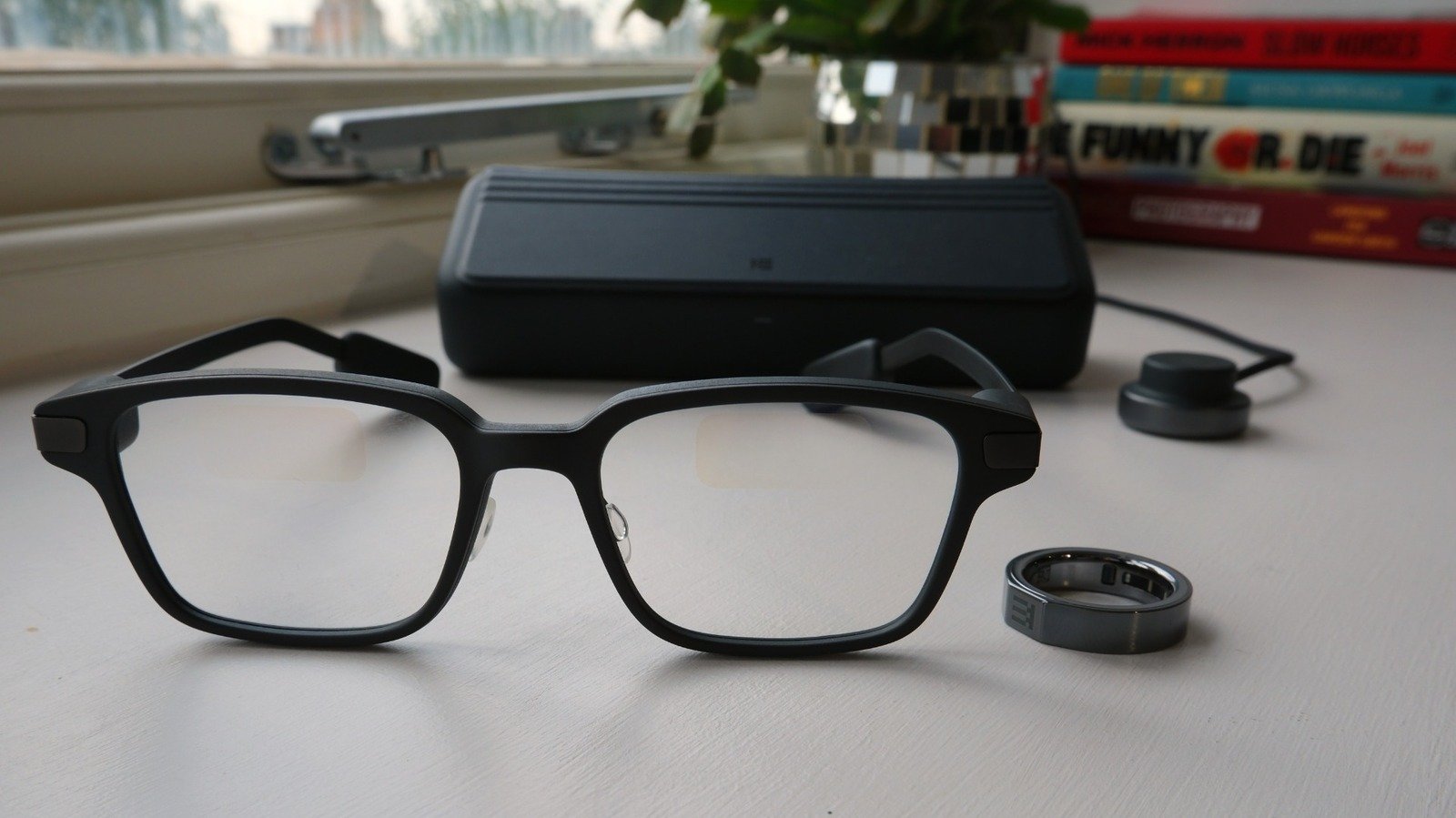
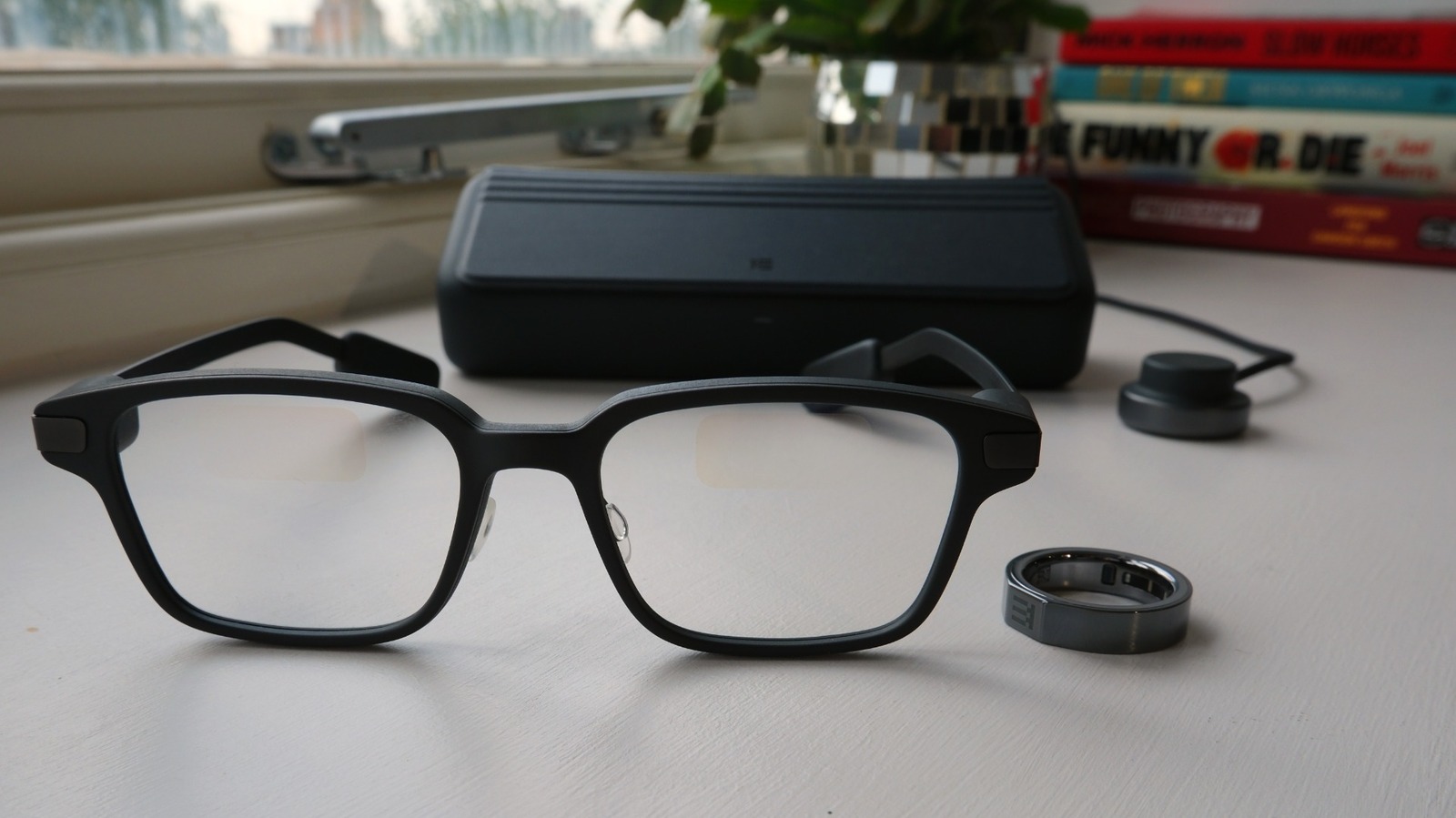
The point of using a pair of smart glasses over a smartphone, or even a smartwatch, is to both keep your focus on the real world and to free up your hands. But the more features you cram onto a face, the more complex the control scheme becomes, and that’s an issue. A ring makes a lot of sense in theory, because it would let you scroll and tap through menus in a way that’s both efficient and unobtrusive. You can remain focused on the world around you and you’re more or less able to have the free use of your hands — in theory.
Sadly in my experience, using a ring to control your glasses doesn’t quite work as well in the real world. Narrow touchpad surfaces like a ring can, if you’re lucky, identify four things: Swipe up, swipe down, a tap and a press. That’s a control scheme only slightly more sophisticated than you’ll find on a pair of AirPods, but it’s how you’re expected to do everything here. And I’ve found that to be a lot harder process than I would have liked or expected.
When you want to open the main menu, you’re asked to tap and long press on either the ring or touchpad, but the long press is at risk of being misinterpreted as a swipe. I’ve had enough taps identified as swipes and swipes identified as taps that after a while you stop wanting to cycle through menus. It kills your enthusiasm if you’re regularly inadvertently opening apps you wanted to scroll past. My theory is that the ring’s surface is too small and delicate to be able to clearly identify the gestures being used.
Now, I’m happy to accept that this is a me issue, and Even Realities’ representatives have said as much. The fact I’ve not found many others saying the same thing online adds weight to the idea that perhaps it’s just not for me.
The sad thing is that, in those rare moments when it does work, you really do feel like you’re living in the future. Part of this I can attribute solely to the improved refresh rate of the displays, which are fast enough now to allow for natural scrolling. In a single generation, Even Realities has gone from static frames to a setup where you can scroll through menus and text as if it was a computer. It’s a dream to be able to read and dismiss notifications when I’m out with a group without having to take my phone out of my pocket.
I’ve always appreciated the ability to have notifications popping up in my eyeline in a way that I can triage them without having to take my focus off whatever else I’m doing. (Annoyingly, you can’t put those notifications on the dashboard, the default screen which pops up in your glasses whenever you activate them). And the built-in apps are easy to use; Translation is whip smart and Navigation is handy, even if you still have to use Even’s proprietary maps rather than Google’s. The AI is fast and responsive enough, and although the transcription features in Conversate — which is designed to run during meetings and take notes — are fine, it wasn’t great at forming conclusions.
There’s even an app store with little homebrew apps you can add to your glasses for free. These aren’t yet massively well-developed, and tend toward the geekier side of the railroad tracks. For instance, one app will enable you to control your smartphone’s audio playback from your ring or glasses, and display the album art. But if you want to use it, you’ll need to access the developer dashboard on Spotify to hook into the necessary APIs. It’s surely a sign of a growing ecosystem, but one that may put off less-technically-minded would-be owners.