dailynewsnblog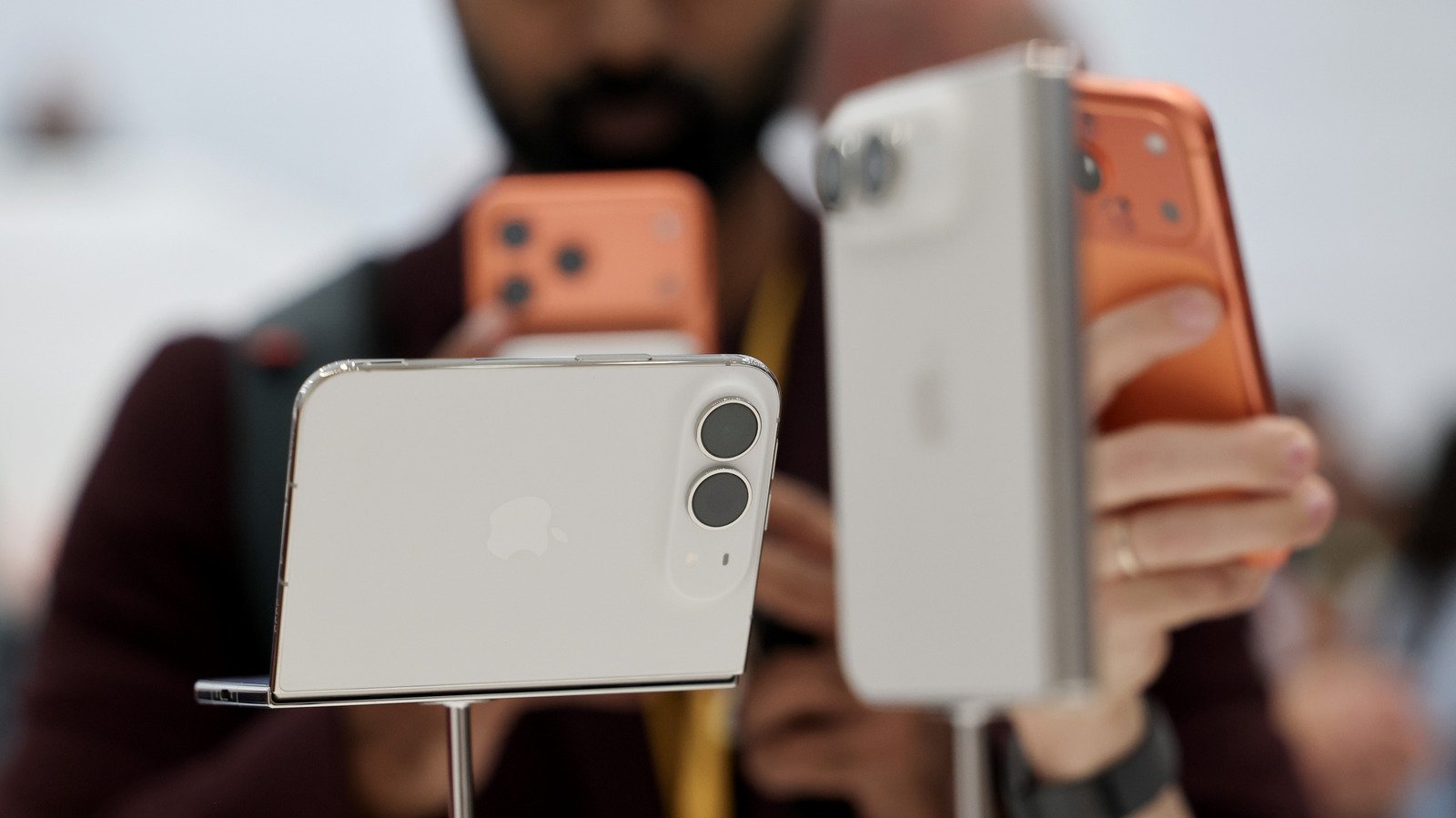
If you switch between two iPhones regularly, you’re going to love this new feature.
If you use two iPhones, you no longer need to run separate carrier accounts for each of them, thanks to a new iOS 27 feature: iPhone Handoff.
Mentioned briefly at WWDC and in more detail during Apple’s Surprise and Shine event on September 9, iPhone Handoff lets you use the same phone number across two iPhones; in typical Apple fashion, the feature is so easy it’s almost invisible. Once you set it up, all you have to do is unlock the iPhone you want to use, and you’re ready to go.
Handoff lets you take and make calls and messages on both phones using the same number, add payment cards on one device to work on both, and interact seamlessly with most apps and iCloud. There are some limitations; for example, your carrier must support iPhone Handoff, it does not switch your paired Apple Watch between devices, and some wallet items like IDs and passes won’t work, but most features work seamlessly. In this article, you’ll learn how to set up iPhone Handoff, how to use it and which carriers support it.
Setting up iPhone Handoff
You can set iPhone Handoff up on any two devices running iOS 27 or later. Both must be on the same Wi-Fi network and signed into the same Apple Account for iCloud, FaceTime and iMessage. One phone will be the primary phone, and one will be your secondary phone. The primary device holds the main eSIM and manages carrier settings, but you can also use each phone’s eSIM, so long as both are from supporting carriers.
While we expect that more will do so, only T-Mobile in the US and Telekom in Germany have confirmed support so far, with T-Mobile charging an additional $5 monthly fee. Here’s how to set it up on your iPhones.
- Place your two iPhones next to each other and unlock one.
- Navigate to Settings > Cellular, and tap Set Up Cellular/Add eSIM, or iPhone Handoff if a number is already set up on the device.
- Choose Use Number on This iPhone and Another, tap Continue and follow the on-screen prompts to assign one device as your main iPhone.
It is worth noting that once it’s time to replace one iPhone with another, you must transfer the eSIM to the new device. If you want to disable Handoff completely, Apple says you’ll need to contact your carrier.
Why and how to use iPhone Handoff
Apple has designed iPhone Handoff to be as easy to use as picking up your iPhone and unlocking it, which is literally all you need to do. A small notification will appear in your Dynamic Island just under the Wi-Fi indicator to let you know your device is activated for iPhone Handoff.
While it’s nice to have, iPhone Handoff is also a niche feature. However, you might find it useful as you migrate between an old and new iPhone, to easily carry an older and less valuable device when you travel, or to use a more portable or cheaper iPhone alongside a $2,000 iPhone Duo. Professionals using different devices for work and personal life may also find use for the feature.