dailynewsnblog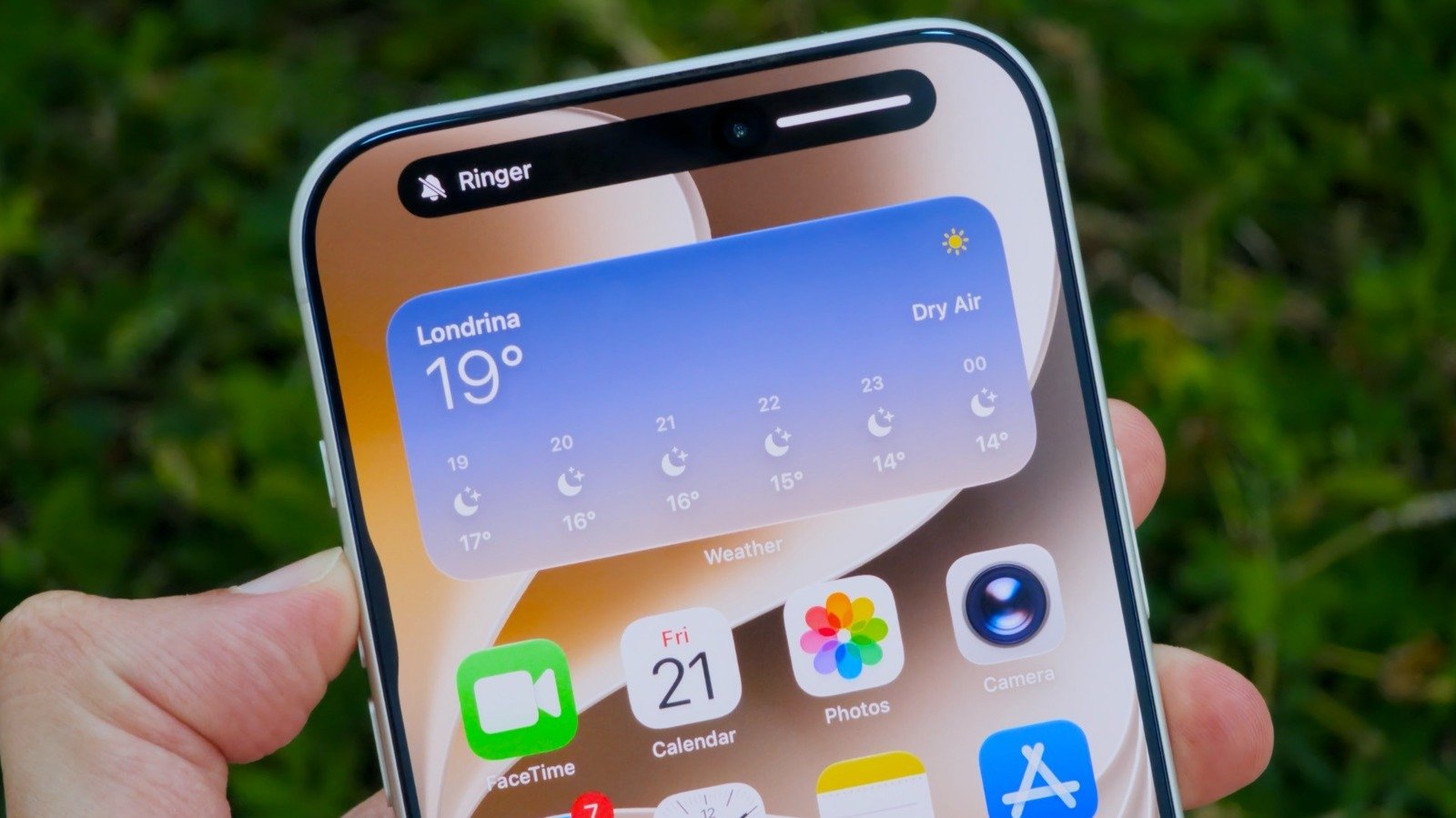
No more sleeping through your alarm because you dared to turn down the volume before you went to bed.
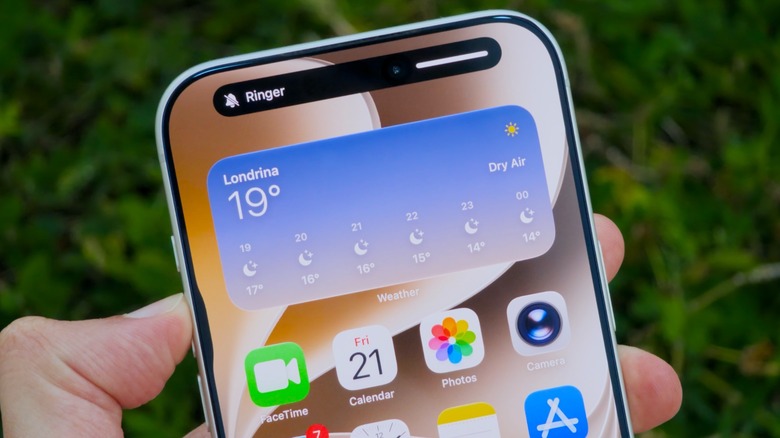
One really annoying thing about the iPhone is how alarm and ringtone volumes have always been linked. If you turned down the ringtone volume, chances are you’d probably oversleep the next morning. But, Apple seems to have listened to its users after many complaints and has finally added independent volume control for alarms and timers in iOS 27. All you need to do is change a single setting on your iPhone — that is, of course, once you’ve updated your iPhone to the new operating system.
Setting a separate alarm volume in iOS
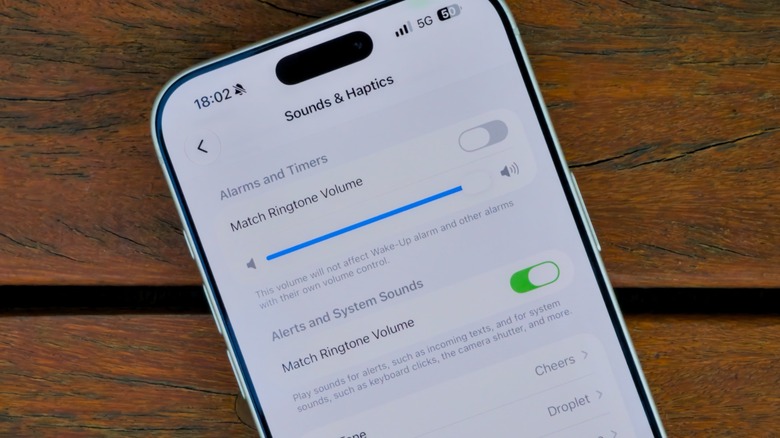
It’s generally a good idea to set alarm sounds at a high volume, but have some flexibility with the volume level for ringtones and alerts. The good news is that iOS 27 adds more control over the volume of each part of the system. You can now change this in the Sounds & Haptics menu within Settings on your iPhone. As you’ll see, there are many new options available. Just toggle off Match Ringtone Volume in the Alarms & Timers section. It really is that simple.
Turning off this option brings up a new slider to set the volume for alarms and timers. The next time you adjust the ringtone volume, your alarms won’t be affected — so you can sleep without worrying that your iPhone won’t alert quietly (or silently) beside you.
There are also other volume settings you can now control with iOS 27. Do you want system alerts, such as notifications and keyboard sounds, to have a fixed volume as well? Simply turn off the toggle in that section and you’re all set. It’s a great feature for when you require a loud alarm but don’t want notifications distracting you.
That’s not all. You can even choose whether you want the volume buttons to affect ringtones or just media playback. This isn’t really new to iOS 27, though. However, some users may not realize that this option actually exists.
Reversing these changes is also easy. Just go back to the Sounds & Haptic settings and re-enable the toggles you had previously switched off.
More new features coming with iOS 27
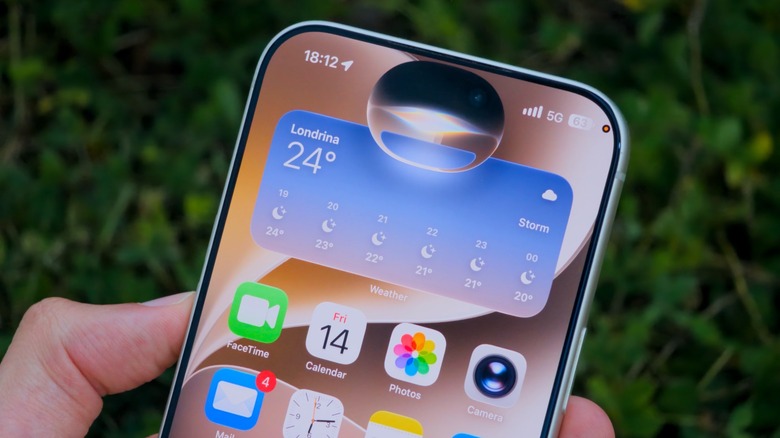
iOS 27 might not feel like a major update at first, but it does come with a bunch of small quality-of-life improvements. There’s Siri AI, which attempts to fix everything that was wrong with Apple’s virtual assistant. Not only that, but Liquid Glass is also becoming clearer and more readable. Apple has taken feedback on its design upgrades seriously this year and is putting more control in the hands of users.
Apple’s major new software releases typically land in September alongside new devices, so there’s no exact date for when iOS 27 will be available publicly. However, if you really don’t want to wait, a public beta is also available for download.
Just remember: Beta releases can be buggy, so be sure to back up your device and think twice before you take the leap.