dailynewsnblog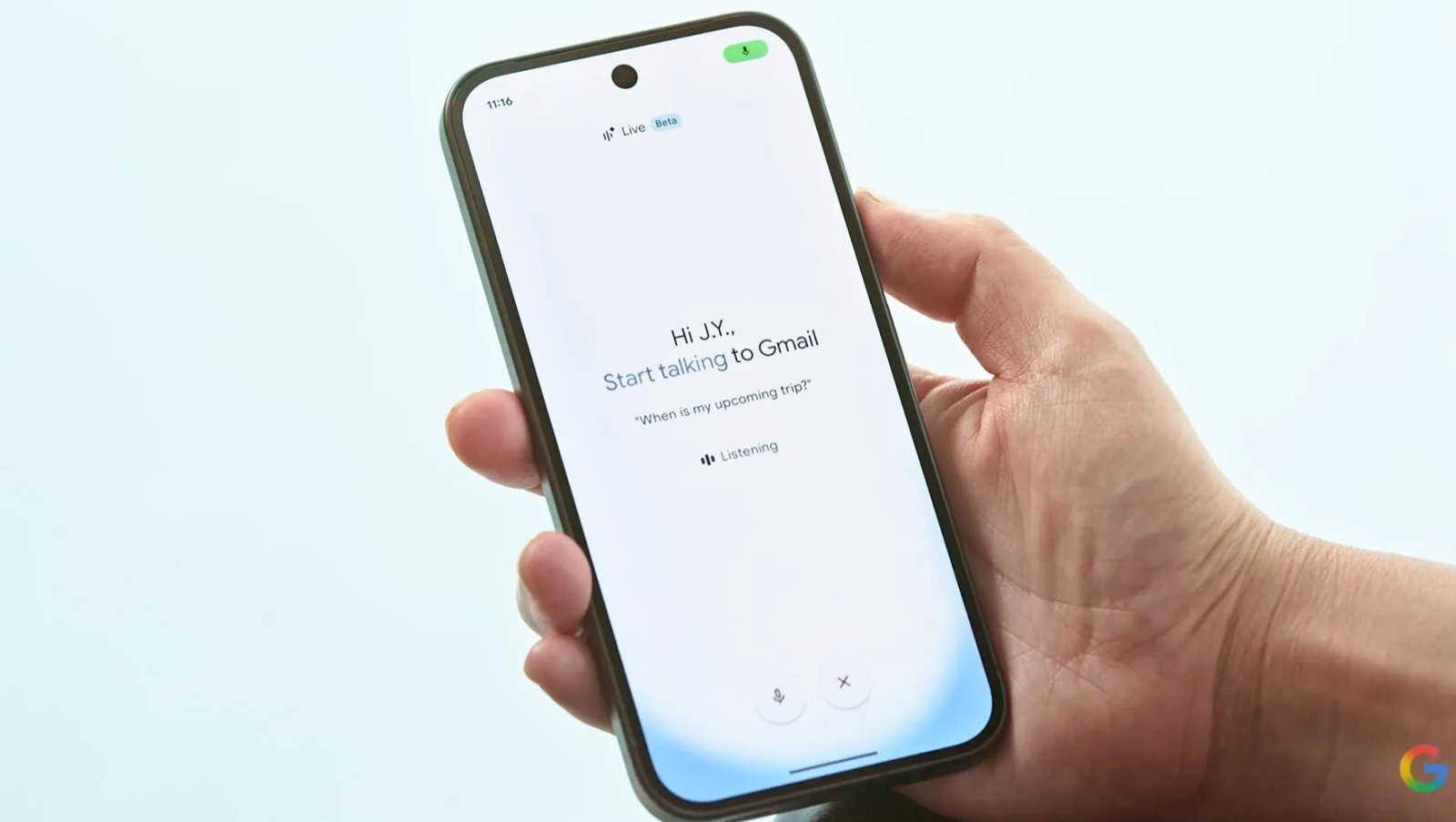
Google has begun rolling out beta voice features using Gemini 3.5 AI that allow you to have interactive conversations with its Gmail, Docs and Keep services. That means users can issue voice commands to find information in Gmail emails, incorporate AI search results into their Keep notes or start and organize a file in Docs without ever typing any text.
The features are in beta and are known collectively as just “Live,” as in Gmail Live or Docs Live. The Live features for Gmail and Keep are only currently available to Google’s AI Plus, Pro and Ultra paid-tier subscribers. Docs only works for Pro and Ultra subscribers right now.
Google said in a post that the new features will be coming soon for business customers who use Google Workspace.
In a video, Google staffers said that the Live voice features can make using the three Google apps more conversational and may be faster than typing searches or entering information manually.
Google previewed these features at its I/O event in May as part of a blitz of AI features powered by Gemini that it would be introducing over the next year. In the case of Gmail, Google has already been adding AI features to make inboxes easier to wrangle.
How to use the Live features
If you have access to them, using the voice features in Gmail, Docs and Keep should be as easy as tapping the Live icon at the top of each app.
You can ask Gmail to do things like find a specific email, compose a reply or answer questions from the context of emails, such as finding details about an upcoming flight you’ve booked or checking when you last received an email response from someone.
In Google’s examples of how to use Live for Keep, the company said making the note-taking app a kind of intake for brain dumps is a good use, but it can also help organize notes or find information within them with voice commands.
Docs, according to Google, can also pull in information from services like Google Chat, Gmail and Drive with permission as well as websites, allowing it to create documents that pull together different elements with just voice commands.

See full bio