dailynewsnblog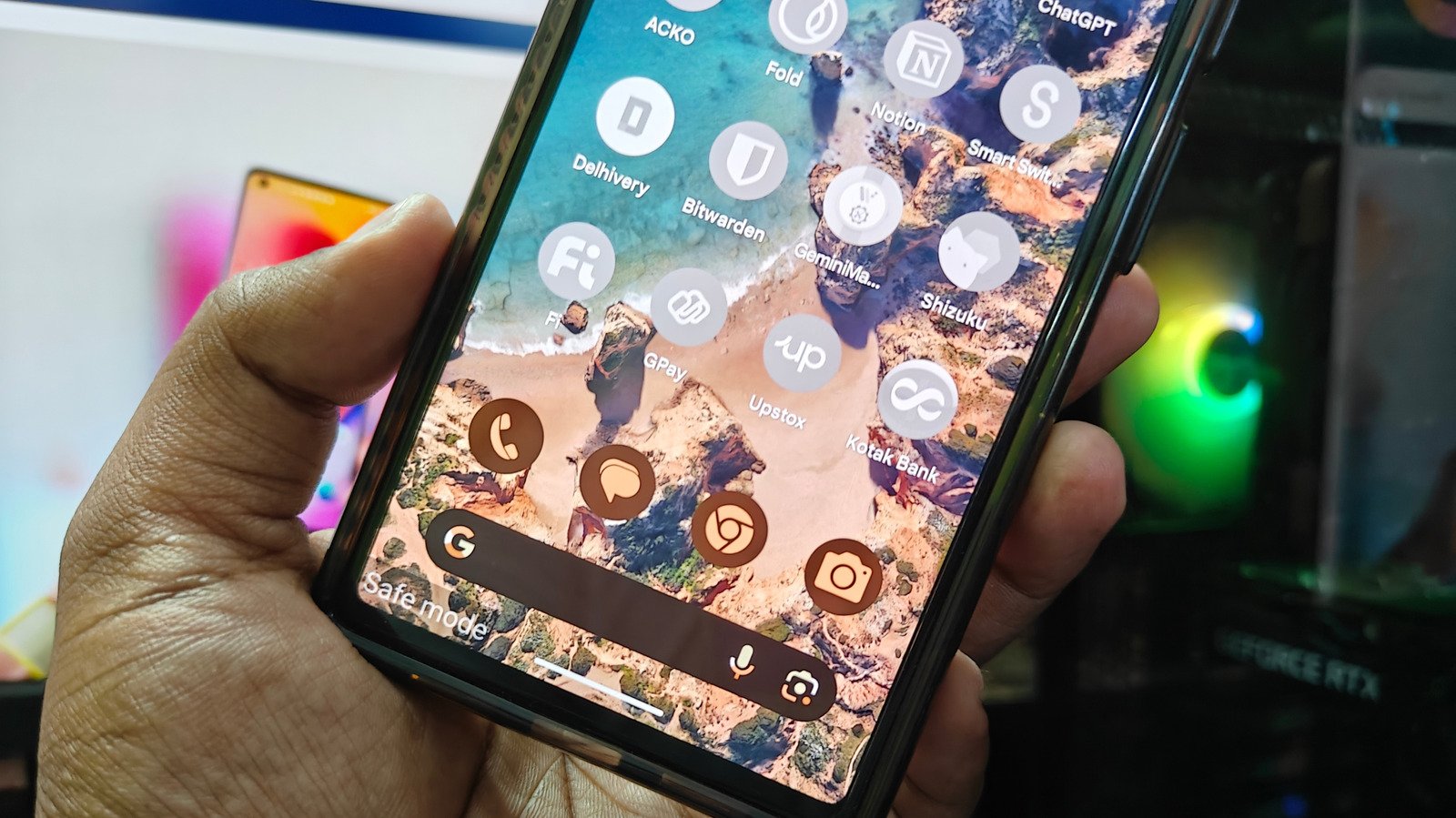
You’re a few taps away from getting your phone back to normal.
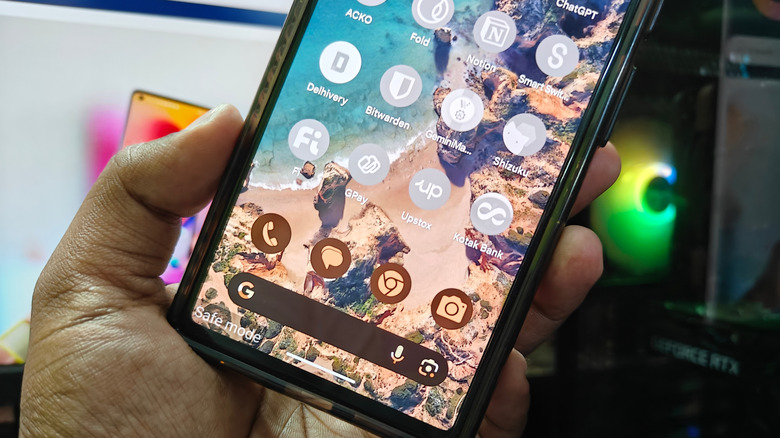
Safe Mode has a lot of utility when it comes to troubleshooting Android phone problems and protecting your device from malware. When an Android is in Safe Mode, all third-party apps are disabled, and Airplane Mode is activated. This means it’s much easier to isolate a new app that may be causing problems like lag or battery drain. And if you’re concerned about an application being malicious, you can easily delete it without interference or backend issues caused by the app.
Activating Safe Mode is simple: when on the power options menu, if you hold the Power Off button, a Safe Mode option will appear that you can select. Once you do, your phone will restart in Safe Mode. However, because it’s so quick to activate, it’s also easy to put your phone in Safe Mode when you don’t mean to. A phone stuck in Safe Mode when you aren’t trying to troubleshoot can be incredibly annoying — seeing all your apps grayed out when you’re simply trying to use your phone as usual isn’t something anyone user wants to deal with. Luckily, it’s an issue that doesn’t take long to resolve.
How to turn off Android Safe Mode
To turn off Android’s Safe Mode on your phone, you have a few different options:
Turn off Safe Mode by restarting
Access the power options screen, either by holding down the power button, or the power and volume down button, depending on your model of Android
Select Restart
When your phone restarts, Safe Mode will be turned off.
Turn off Safe Mode through the Notification Menu
Swipe down from the left side of the screen to access the Notification Menu
Find the notification that says your phone is in Safe Mode
Tap it the notification, and there will be an option to turn Safe Mode off
Airplane Mode may still be active after your phone is out of Safe Mode — you’ll be able to tell by the airplane icon on the status bar. If so, it can be turned off by swiping down from the right portion of your screen to access the Quick Settings menu, then tapping the icon that looks like a plane.
Safe Mode isn’t the only tool implemented on Android to protect users that can sometimes cause issues — Google Play Protect can also be a source of frustrating phone limitations, but thankfully it’s also an easy fix.