dailynewsnblog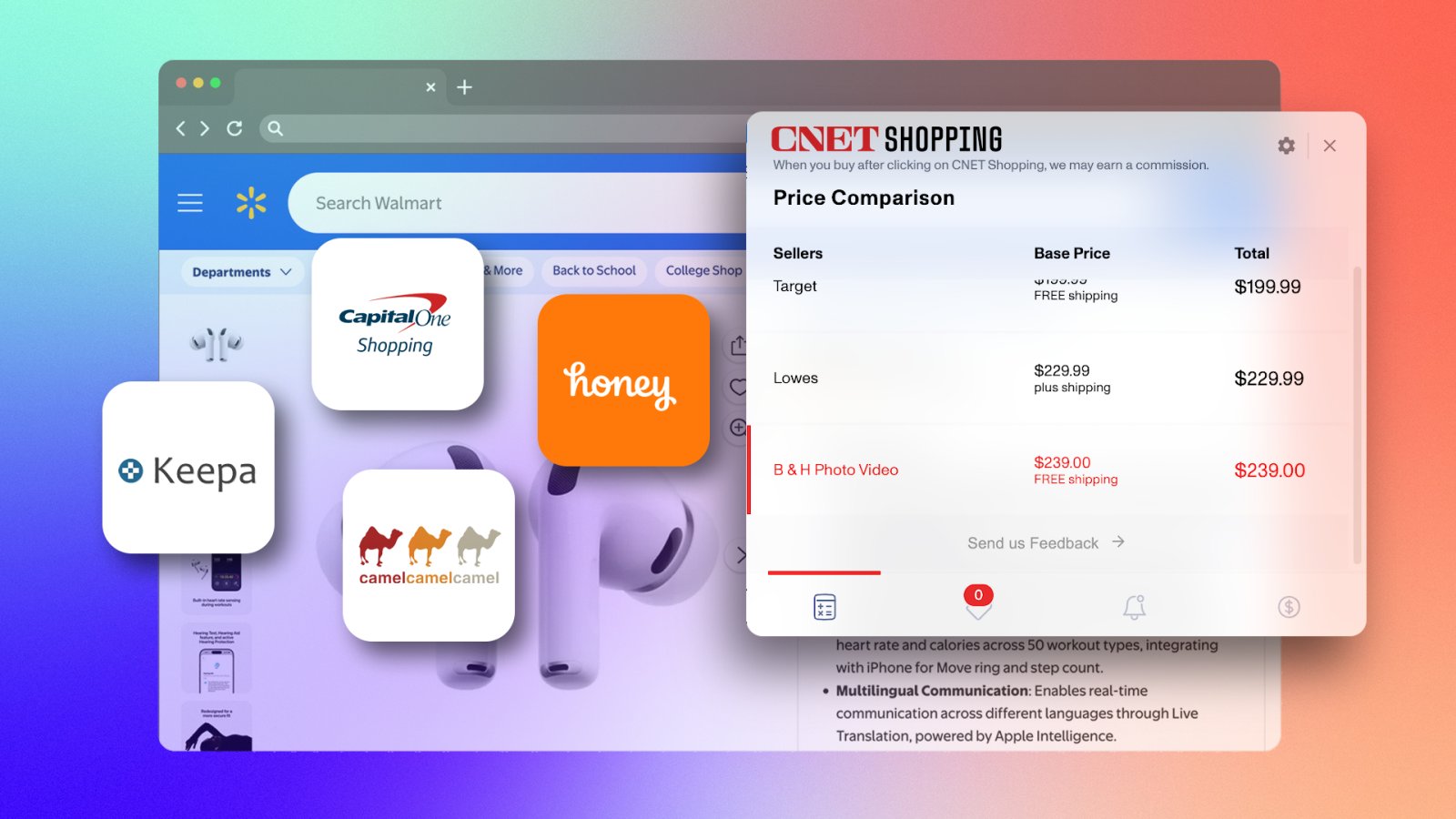
Even as someone who tracks deals for a living, I’ve still fallen for fake markdowns. If you’ve ever bought something during a “massive sale” only to realize it was actually cheaper last week, you know the sting. Retailers love raising prices right before big events like Prime Day just to fake a discount, but you don’t have to fall for it anymore.
To spot a real bargain, you have to keep an eye on a product’s price history, and the good news is you don’t have to do all that homework yourself. Here’s a list of the best price-tracking tools I’ve tested to make sure you’re actually getting the best possible deal.
Best Price Trackers Compared
| Features | CamelCamelCamel | Keepa | Capital One Shopping | CNET Shopping | Honey |
|---|---|---|---|---|---|
| Retailer | Amazon Only | Amazon Only | All the retailers | All the retailers | All the retailers |
| Price history/tracking | Yes | Yes – Detailed | Yes | Yes | Yes |
| Compare across retailers | Amazon Only | Amazon Only | Yes | Yes | Limited |
| Auto-apply coupons | No | No | Yes | Yes | Yes |
| Cashbacks/Rewards | No | No | Yes | Yes | Yes |
| Cost | Free | Free – $29/mnth | Free | Free | Free |
| Mobile App | No | Yes | No | No | No |
| Best Suited For | Casual Amazon shoppers. | Users and resellers | Multi-store deal hunters | Multi-store deal hunters | Convenince first shoppers. |
What is the best price tracker overall?
Capital One Shopping is our top overall pick because it runs quietly in the background, tracks price drops and regularly finds working coupons while CNET Shopping is a great alternative if you want something simpler that won’t spam your inbox.
There’s really no single winner here because all these tools do completely different jobs. If you shop only on Amazon, CamelCamelCamel is a great, free, simple option, while Keepa is perfect if you want deeper price-tracking features and don’t mind paying for a subscription.
If you shop all over the web, regardless of retailer, Honey is still hugely popular and works fine, but ongoing legal trouble over how it treats creators makes it hard to recommend it over the others right now. Finally, keep in mind that you don’t have to pick just one; you can easily run an Amazon tracker alongside a multi-store extension since they don’t clash and will cover way more ground together.
5 Best Price Tracking to Tools

capital one shopping/CNET
-
The largest selection of stores we tested. -
Factors in actual shipping and taxes instantly. -
No Capital One account required.
-
Requires tracking your browsing history to work properly. -
High volume of promotional emails and pop-ups. -
No long-run historical price charts.
I’ve been using Capital One Shopping for a while, and honestly, it’s a pretty solid all-in-one tool if you shop at a bunch of different online stores. You don’t need to be a Capital One customer to use it, and it’s completely free. Once you install the extension, it just sits in the background and automatically tests coupon codes at checkout, though, to be fair, it does miss the mark on some smaller sites.
What I actually like is that it compares prices across different retailers, factoring in shipping and tax, so you know if you’re really getting a deal. It also tracks prices for you and lets you earn rewards points toward gift cards. The only real annoying part is how much it spams your inbox and pops up trying to get you to keep shopping, but if you can get past that, it’s a great way to save money with little effort.

-
Less aggressive with pop-ups and marketing emails. -
It is entirely free with no account setup required. -
It’s backed by a long-standing, highly recognizable media brand.
-
It has a noticeably smaller retailer network compared to other major price trackers.
I gave CNET Shopping a spin, and honestly, it’s a pretty decent extension if you just want something subtle. The best part is that it checks other stores in the background to see if what you’re looking at is cheaper elsewhere. When you get to checkout, it automatically tries a bunch of promo codes for you.
There’s a built-in price-tracking feature that lets you know when an item gets cheaper, but to be real, it’s pretty buggy and doesn’t always work. It definitely doesn’t hit on working coupons as often as tools like Honey or Capital One, but I actually prefer it because it doesn’t spam my inbox or bug me with constant pop-ups.

-
There’s no premium tier or hidden paywall. -
This one holds the longest and most reliable historical data. -
The interface is straightforward and gets right to the point.
-
It strictly works for Amazon. -
There’s no mobile app, and price drop alerts only come via email. -
You can only set price alerts by dollar amount, not by a percentage drop.
CamelCamelCamel is a go-to for checking if an Amazon deal is actually real. Just paste the product link into their site or click the Camelizer extension in your browser. You will get a clean line graph showing the cost of that item over the years. It categorizes prices by Amazon, third-party new, and third-party used options. You can even set a target price alert.
It works smoothly across multiple regional Amazon sites, though it has a few limits: it doesn’t test coupon codes and lacks a dedicated mobile app, so you have to use your phone’s browser. While it doesn’t track stores like Best Buy or Target, the creators recently launched Camelmart to handle Walmart prices.

-
It offers the most detailed Amazon price and sales data. -
The free version is actually practical and genuinely useful.
-
The interface is dense and can feel pretty overwhelming. -
Like CamelCamelCamel, it sticks strictly to Amazon. -
For full access, paid plans run about $19 to $29 a month.
I’ve used Keepa primarily to dig deeper into price history, and it never disappoints. Instead of making you visit a separate site, the browser extension embeds an interactive graph directly on the Amazon product page, layering up to 18 data points. It has a mobile app with a barcode scanner, which comes in handy for checking Amazon prices while shopping offline.
While it may offer more data than casual shoppers need for a quick price check, Keepa’s unmatched depth and lightning-fast alerts make it the gold standard for full pricing visibility.

-
The interface is simple and straightforward. -
The coupon converage is immense, across thousands of sites. -
You can use it on Chrome, Firefox, Edge and even Safari.
-
The price comparison feature is limited to Amazon sellers only. -
There’s an ongoing law suit. -
Google has tightened Chrome Web Store policy in response to the controversy.
I also tested Honey and honestly, it’s one of the most painless ways to try and save a buck online. It has a feature called “Droplist” where you can track specific items — even on Amazon — and it’ll email you if the price dips over the next few months. Plus, you earn points (called Honey Gold) while you shop that you can eventually redeem for gift cards or cash back through PayPal.
Just keep in mind that its price comparison feature really only works on Amazon. It checks whether another seller on Amazon has the item cheaper, but it won’t check whether Target or Walmart has a better deal, as Capital One does. Also, if you care about privacy, it’s worth noting that Honey has had its fair share of controversy and lawsuits over how it tracks user data.
Other Notable Mentions
- Amazon Alexa: This AI shopping assistant lives right in the Amazon app, on the Echo Show, and on the website to help you find products, compare prices, track deals, and answer your questions.
- CheapShark: The best price tracker for gamers out there. You will get all the best game deals in one easy-to-search place.
- Google Price tracker: Google has a built-in feature in both the Google app and Chrome that keeps an eye on prices for you. Whether you are shopping for a product or booking a flight, it tracks price drops and sends you notifications via email or push notifications.
- Rakuten Cash Back: Rakuten is an easy way to get money back when you shop online. Once you join, it lets you activate cashback right on store websites and automatically finds and applies coupon codes for you at checkout.
- CouponCabin Sidekick: Just like other shopping extensions, CouponCabin’s Sidekick add-on helps you save money by finding coupon codes and giving you chances to earn cash back while you shop.
How can I track the price of an item?
Tracking an item’s price is pretty easy, and there are a few great ways to do it without manually keeping a tab. Just install your favorite browser extension like CNET Shopping, CamelCamelCamel or Keepa. These price extensions track prices and show you the product’s price history. You can even set a price alert and you’ll get notified when prices fall.

See full bio