dailynewsnblog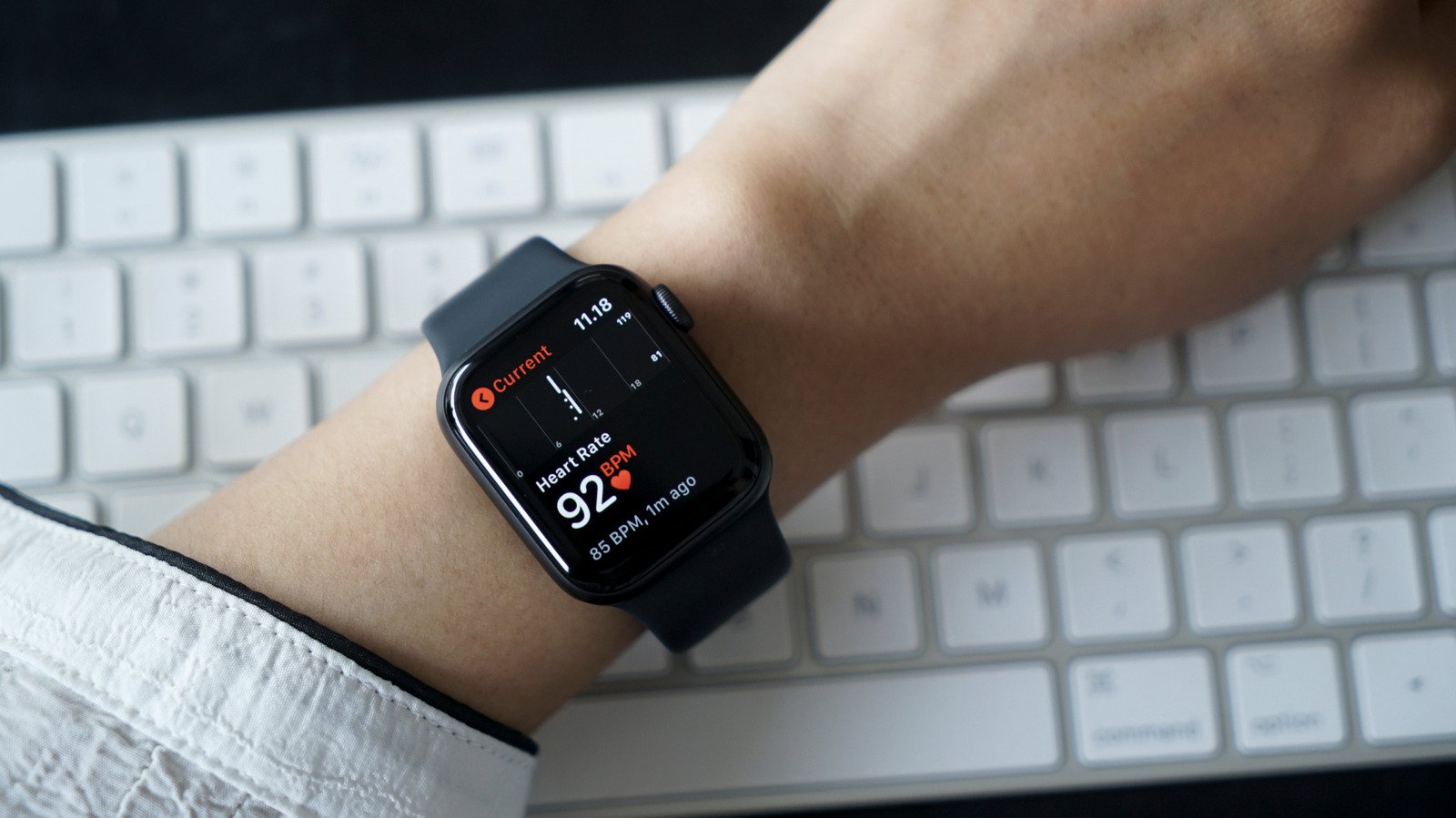
It can do more than track your heart rate during workouts
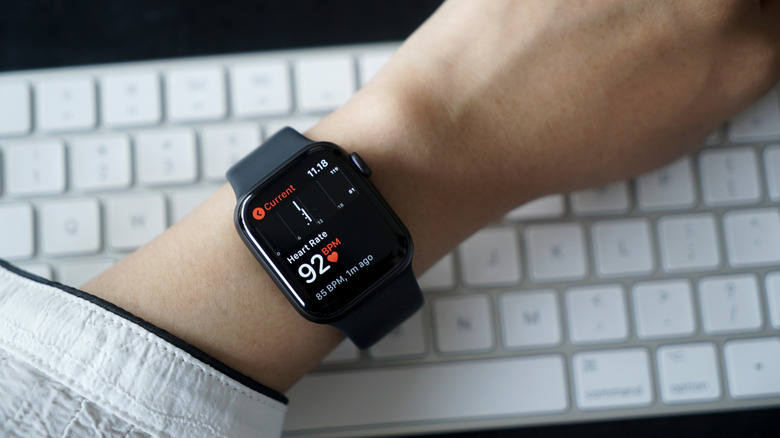
The Apple Watch has such an extensive collection of features that it’s easy for some to get lost in the shuffle, including one that can help you more closely monitor your heart health: a dedicated ECG app. Short for electrocardiogram, the feature allows for more in-depth analysis on your ticker than the baseline BPM monitor included in the device. Most modern Apple Watches have this feature, and it’s never a bad idea to take some readings from time to time.
The frequency at which your Apple Watch logs your heart rate varies based on your activity. During a workout, it does so constantly, but otherwise the only official detail given by Apple is that the time between these measurements “will vary” based on your activity unless you check it manually through the Heart Rate app. These measurements on their own can only tell you when your heart rate is too fast or slow; an ECG, on the other hand, measures the electrical signals from your heart, tracing each stage of each beat as it moves through the organ and painting a much more detailed picture.
While an ECG does give a deeper look at how your heart is doing, it’s important to note that this feature is not designed to detect heart attack symptoms, and shouldn’t be used in place of medical attention if you think something is wrong.
Which Apple Watches have the ECG app?
The ECG app is available on all Apple Watches Series 4 or later (excluding SE models) and all Ultra models. To use the ECG app, you’ll need to make sure you’re updated to both the most recent version of watchOS and iOS. Though most countries allow the usage of the ECG feature, there are a handful that do not, particularly in Eastern Europe, Africa, Central and South America and the Middle East. If you’re not sure if the feature is available in your country, you can check the official list from Apple.
How to get the Apple ECG app
Open the Health app on your phone
To easily find the ECG section, you can use the Search function and search “ECG”
Select Set Up ECG App
Follow the setup instructions to download the app
How to take an ECG
Make sure your Apple Watch is snugly fitted to your wrist
Open the ECG app on your Apple Watch
Rest your arms in a relaxed position you can hold
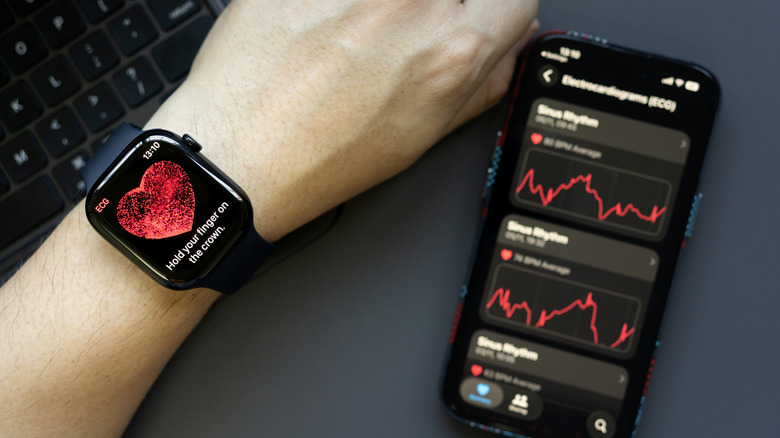
Hold your finger on the Apple Watch Digital Crown, but don’t press down
Wait for 30 seconds to receive your reading
How to interpret your ECG results
Some results will vary slightly based on whether you have the first or second version of the ECG app; which version you have will depend on regional regulations. You can check which app you have from within the Apple Health app or from your Apple Watch via the following steps:
From your Apple Watch
Open the Settings app
Select Heart
Select ECG, and the version will be displayed
From the Apple Health app
Open the Health app
Select Search
Select Heart
Select ECG
Scroll to the bottom and select About, and the version will be displayed
Regardless of the version you have, after performing an ECG, you’ll receive one of several results that can give insight into your health — this is what they mean.
Sinus rhythm: Though it sounds like it has to do with your nose, sinus rhythm is related to your sinoatrial node, which is the body’s natural pacemaker, generating electrical impulses that set the rhythm and rate of your heartbeat. Getting this result means your heart is beating uniformly between 50 and 100 beats per minute. However, it’s important to note this result doesn’t necessarily mean your heart operates this way all the time, only when it was measured — If you’re concerned, you should still go to a doctor.
Atrial fibrillation: This result means the heart is beating irregularly. Typically shortened to AFib, it’s the most common type of irregular heart rhythm. If you receive this result and aren’t already diagnosed with AFib, you should consult your doctor.
Low or high heart rate: This means that an excessively low or high heart rate has affected the app’s ability to check for AFib. With version 1 of the app, this occurs if your heart rate was below 50 BPM or above 120; for version 2, the threshold is below 50 BPM or over 150. Try testing again at another time and consider any outside factors, as things like medications, stress, dehydration and much more can affect your heart rate. If you repeatedly get this result and don’t know why, it’s best to speak to a doctor.
Inconclusive: This result happens when the recording can’t be classified, which can have several different causes. It can happen if you have a pacemaker or implantable cardioverter-defibrillator, if the app has picked up on other conditions it isn’t designed to recognize or because of what Apple only describes as “certain physiological conditions” that prevent producing recordable signals. With version 1 of the app, this result can also appear if your heart rate is between 100 and 120 BPM but not in AFib, if your watch is too loose or if you move too much during the test.
Poor Recording: This result is specific to version 2 and largely relates to physical factors affecting the test. It may be that your wrist or the watch are too wet, the Apple Watch is too loose on your wrist or that you moved too much during the test. Try remedying these factors and testing again.