dailynewsnblog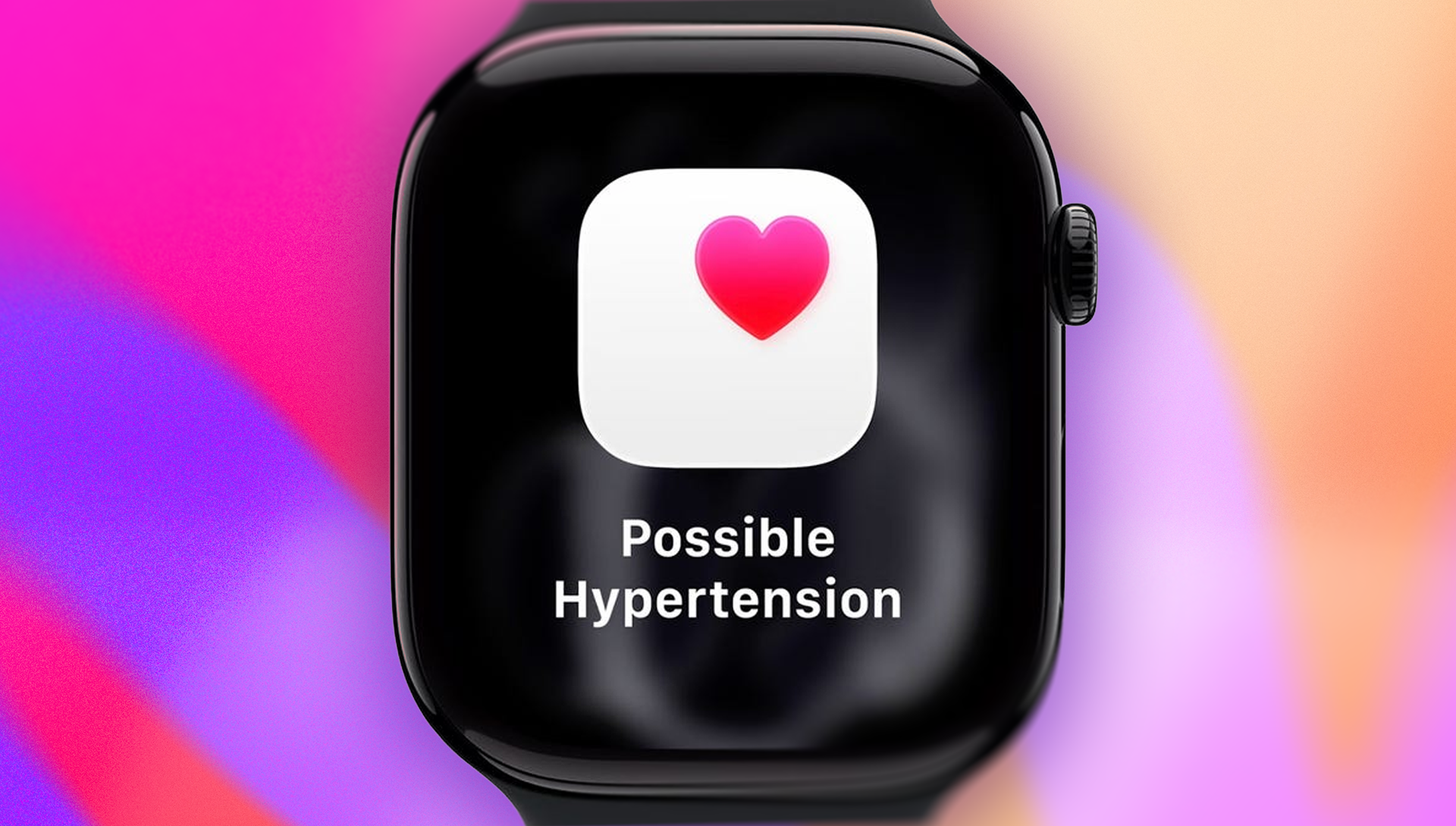

Almost half of US adults have high blood pressure, also known as hypertension, making it an important health metric to monitor – especially since hypertension increases your risk for strokes and heart disease.
If you regularly wear an Apple Watch, you may be wondering whether you can use it to track your blood pressure. While it can provide hypertension notifications, the Apple Watch can’t measure blood pressure on its own. However, it can be paired with compatible tools that read your blood pressure and consolidate that data in your Health app.
Connecting a third-party blood pressure cuff to your Apple Watch makes it easier to keep track of your readings between doctor’s visits. Keep in mind that this won’t replace doctor’s checkups, but it does help you monitor your blood pressure between visits. Collecting this data can help your doctor better understand your numbers during your next appointment.
Here’s how to use your Apple Watch to monitor blood pressure, along with compatible devices.
How to measure blood pressure with your Apple Watch
The Health app on your Apple Watch provides a convenient way to consolidate your blood pressure information in one location on a device that stays on your wrist for most of the day.
While the smartwatch itself can’t directly measure your blood pressure alone, compatible tools and devices can pair with it. These devices, typically wireless monitors that link to your iPhone or Apple Watch, come with an arm cuff and a dedicated app, enabling seamless data synchronization with your Apple Watch’s Health app.
Discover the top devices that can sync with your Apple Watch below.
Blood pressure devices that connect with your Apple Watch
Here are three wireless blood pressure monitors that sync to your Apple Watch’s Health app.
- Omron Evolv Wireless Blood Pressure Monitor ($75): The portable monitor provides precise clinical readings and features a built-in display that conveniently shows your results. Through Bluetooth connectivity, the Omron BPM effortlessly syncs with your Apple Watch via the Omron Connect mobile app.
- Withings Wireless Blood Pressure Monitor ($130): This upper-arm monitor provides immediate color-coded feedback and generates a comprehensive chart of your previous measurements for easy monitoring. You can seamlessly connect your Withings BPM to your Apple Watch using Bluetooth.
- iHealth Feel Wireless Arm Blood Pressure Monitor ($57): The device can store up to 200 readings, and you can view your systolic and diastolic blood pressure in the iHealth App and see whether your reading is normal or above average. The iHealth blood pressure monitor syncs to your Apple Watch using Bluetooth.
How to get blood pressure control through exercise
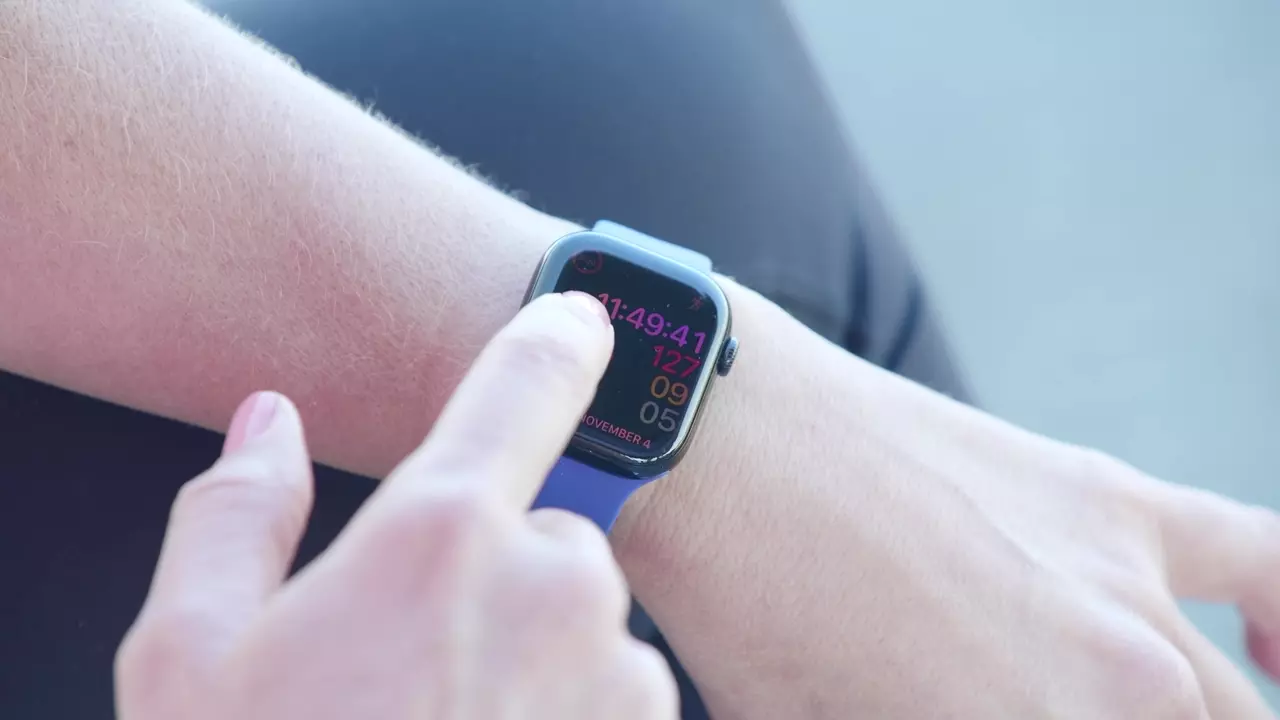
Regular physical activity is widely recognized for promoting a strong, healthy heart, which can help regulate blood pressure. Here’s how you can use the Apple Watch during exercise:
- Utilize your Apple Watch to monitor your daily step count and ensure you’re meeting your targets.
- The smartwatch’s sensor can track your heart rate. A decrease in your resting heart rate indicates progress toward your fitness objectives.
- You can log your exercise with the watch, which offers workouts you can select or automatically recognizes your activity.
- During workouts, you can conveniently monitor your heart rate and set thresholds to alert you if it rises or falls too high or too low.

See full bio