dailynewsnblog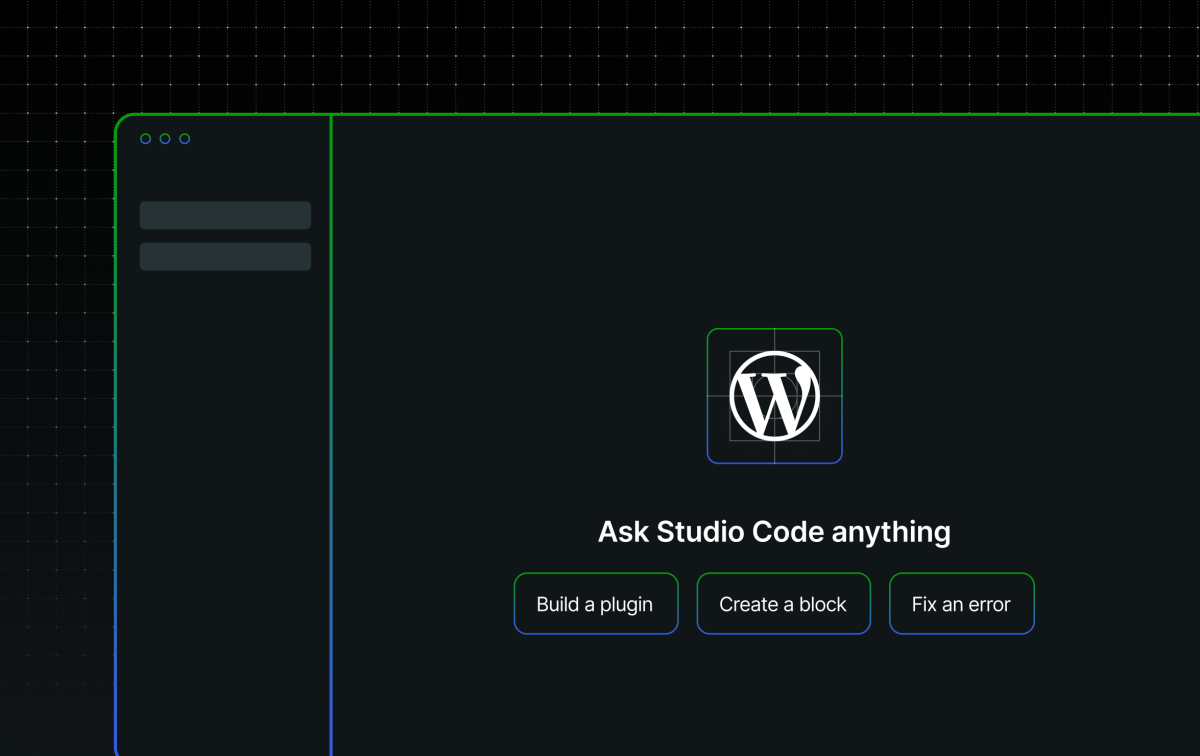
Remember Studio Code, your agentic WordPress expert in the terminal?
It’s now available in the WordPress Studio desktop app on macOS, Windows, and Linux.
And it’s still free to use while in beta.
Goodbye, AI assistant; hello, Studio Code
Studio Code replaces the V1 of the AI assistant in the desktop app.

The assistant was a good first step towards AI-supported coding. It helped you run WP-CLI commands inline, could generate code, and made suggestions based on your local site specs.
If the assistant was a reliable sedan, Studio Code is a brand-new, bright-red Ferrari.
Studio Code is much more powerful and flexible, letting you build by talking to the agent:
- Spin up new sites
- Run performance audits
- Add new pages, content, and images
- Install and deactivate plugins and themes
- Make specific bulk updates by annotating your site
- Generate preview sites and sync local to production or staging
And people are already doing exactly that. We had so many conversations about Studio Code at WordCamp Europe just a few weeks ago, including one with an agency about how a specific Studio Code feature would speed up feedback loops with their clients.
The power of local agentic coding
What’s great about working locally like this is that your site files live only on your computer; you’re not poking at a live site where every mistake is public.
If you haven’t tried agentic coding yet, or if you’re an agentic-coding pro and want to try it with your local builds, Studio Code is a risk-free place to do that. Spin up a new site in your Studio desktop app and play.
Of course, you can still bring a production or staging site from WordPress.com or Pressable into Studio (or import a site from any other host into Studio) and work on it locally. But by developing with Studio, nothing touches your production or staging site until you sync it yourself.
It’s a place to learn, tweak, and play in this new age of agentic vibe coding.
And if you need some inspiration on how to start, here’s a quick video from Ryan Welcher about how he likes using Studio Code in his day-to-day:
Build with Studio Code
If you want to try Studio Code out for yourself:
- Download the Studio desktop app on macOS, Windows, or Linux
- Spin up a new site, then click the Studio Code tab to open the chat
- Talk to the agent and build using natural language
And it’s still available (and free to use while in beta) via the CLI too if the terminal is where you like to build.
It’s a great time to embrace agentic coding, and Studio Code makes it easier (and safer) than ever to experiment and learn. Try it out today, and give us feedback on GitHub.