dailynewsnblog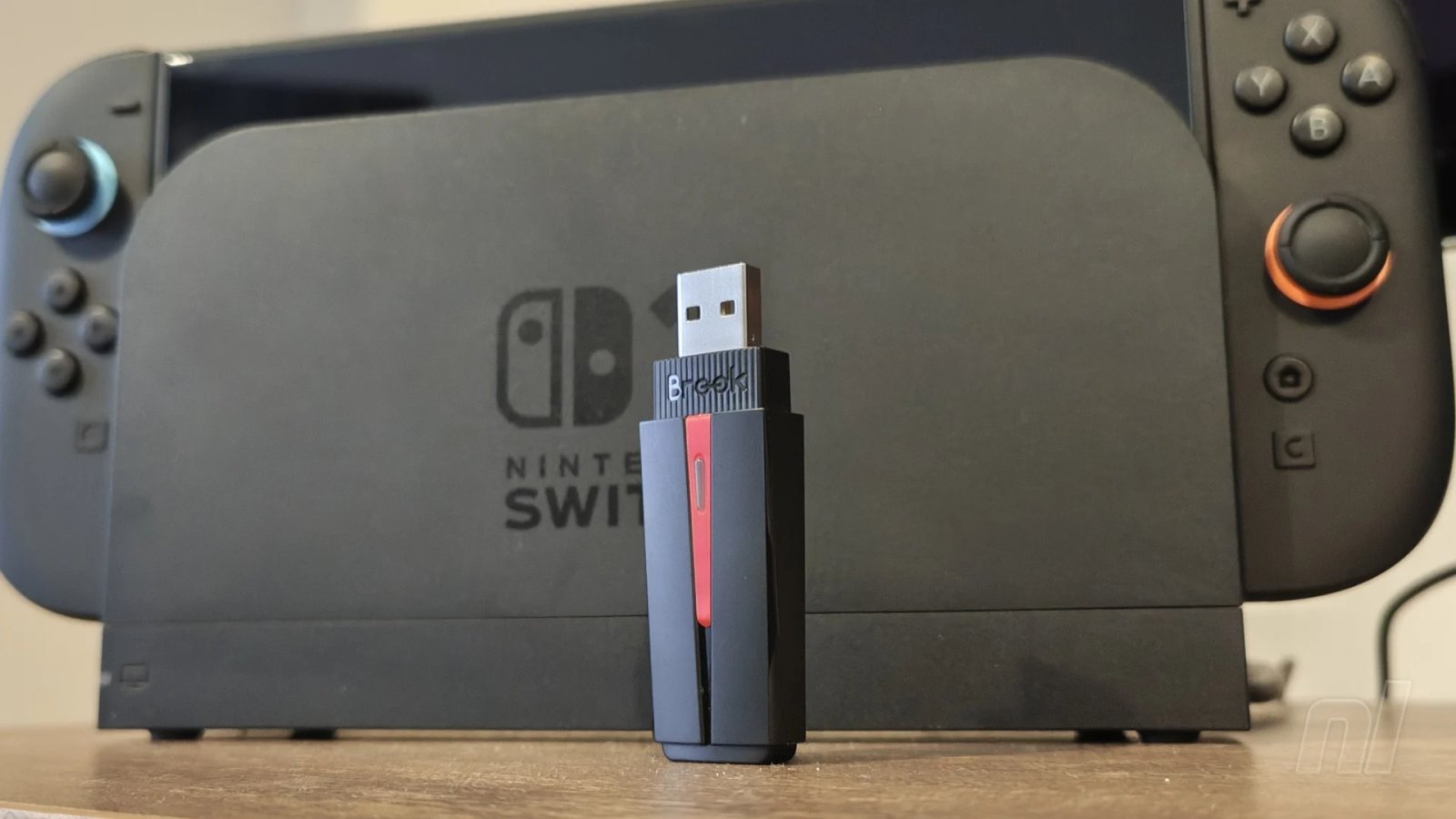

There’s a good chance you’ve never considered the possibility of using first-party controllers on other platforms. Generally, you use the pad that comes with the console, and that’s it. But what if you could break down boundaries and have total freedom of which controller to use? The Brook Wingman P5S may be the answer.
This is the latest in a line of converters from accessory manufacturer Brook, one that’s been designed specifically for the Switch 1 & 2, PS4/PS5, and PC. Previous versions have been particularly well-received in the fighting game community, with the Wingman FGC converter — which is designed for arcade sticks — winning the EVO Award for Best Product.
The P5S, priced at $79.99, will be more up your alley if you’re looking to play with more standard controllers on Switch and PlayStation.

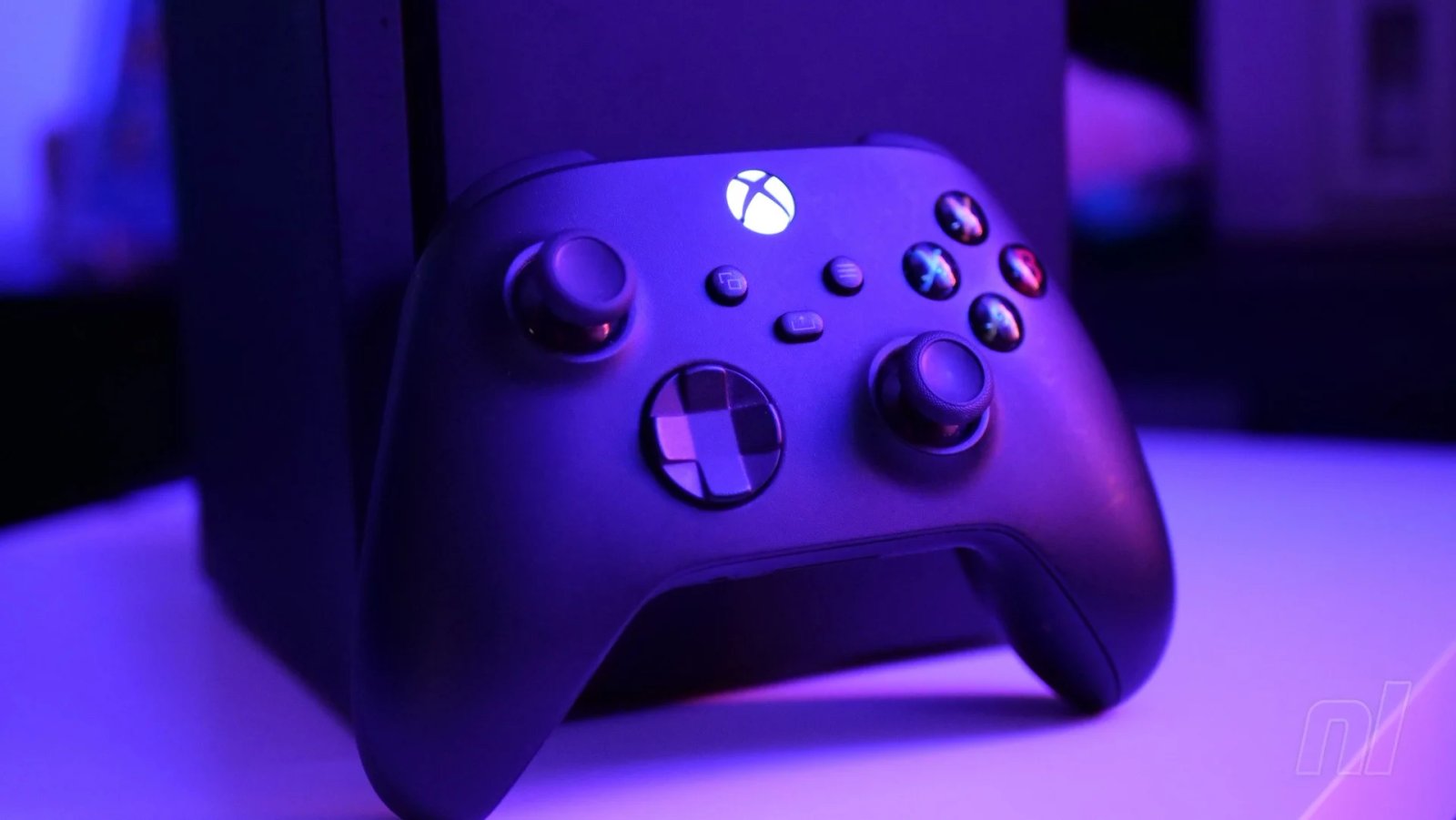
From my experience, I’ve been playing Switch 2 games with a Dualsense, an official Xbox Series controller, and a Nacon Revolution pad for the PS4 that I managed to borrow for testing. All work flawlessly. You plug the converter into your Switch dock, then use the included cable to physically hook up your controller. Once you’ve established an initial connection, you can link your pad up wirelessly from then on.
What’s impressive is that the controllers I’ve used – which are registered by the Switch as Pro Controllers – are all instantly mapped correctly according to the standard Nintendo setup. So on the Xbox controller, for instance, ‘B’ is mapped to ‘A’ when using it on Switch 2 – there’s no need to fiddle around with the settings. Rumble functions and motion controls also work as intended.
Similarly, input lag is kept to a minimum, and I didn’t notice anything egregious whether playing wired or wireless. Frankly, the first time I started navigating the Switch 2 home screen with a Dualsense pad, I felt like I was doing something dodgy. Brook itself even states on its website: “It shouldn’t work – but it does”, and that’s my takeaway following my tests.
Of course, you can go the opposite way, too, and use the Wingman to hook your Pro Controller 2 up to your PS5. Again, it works like a charm with all of the inputs mapped correctly, and there’s no getting around the fact that the Pro Controller 2 runs rings around the Dualsense with its smooth-gliding analogue sticks.
Unfortunately, the vast majority of controllers I own are already compatible with Switch, so a lot of my tests involved using the PS5. That said, everything I tried works perfectly fine, whether it’s the 8BitDo Pro 3, the Gulikit TT Max, or the Mobapad Chitu2 HD. I’m sure there will be some that won’t be compatible, but Brook has included a laundry list of devices that you’ll be fine to use on its site, and it’s pretty extensive.
It’s also recently released a firmware update to allow the new Steam Controller to work on the Switch 2, so I’ll be testing that out as soon as I’m able. Similarly, for fighting enthusiasts, the company has stated its intention to allow compatibility with Sony’s upcoming Flexstrike arcade stick, due for launch on 6th August.

The target audience for the Wingman P5S is likely going to be pretty small. Even if you own more than one console, chances are that you’re happy to use whichever controllers came with them as standard. But if you’re absolutely dead set on using one specific pad for all of your gaming needs, the P5S does a great job at enabling instant compatibility across multiple systems.
Please note that some external links on this page are affiliate links, which means if you click them and make a purchase we may receive a small percentage of the sale. Please read our FTC Disclosure for more information.
Thanks to Brook for providing the sample used in this review.