dailynewsnblog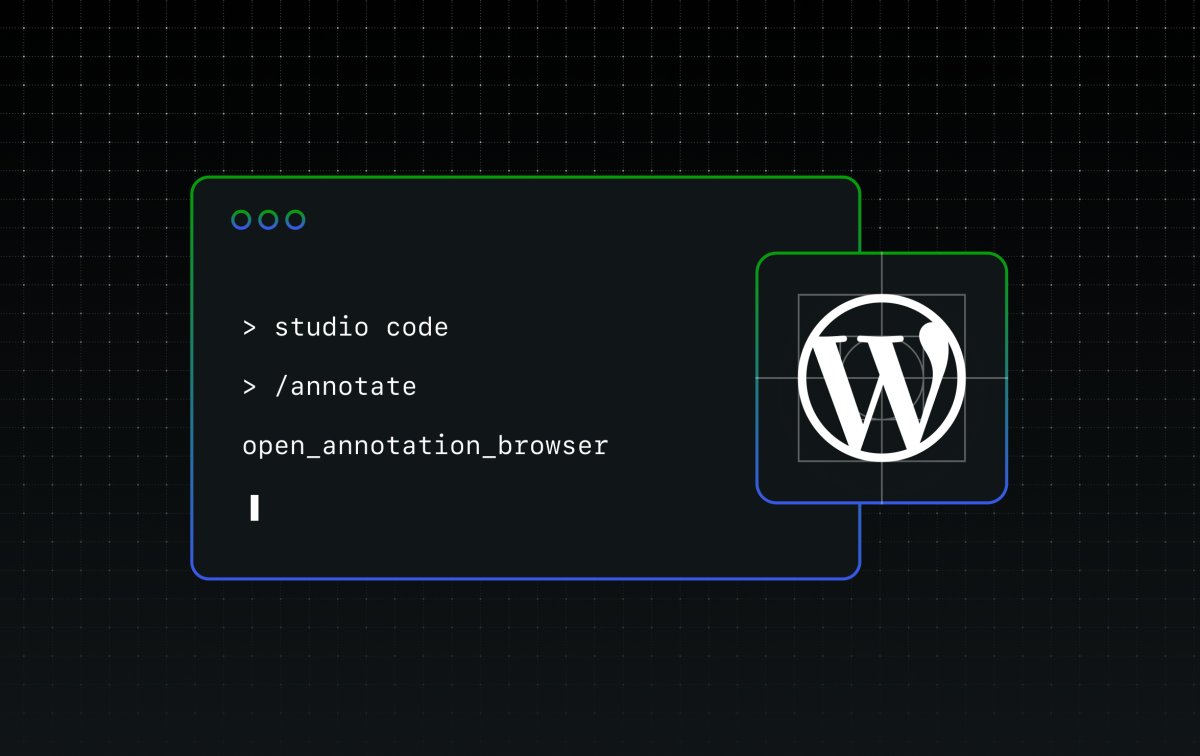
I had a great talk with an agency partner, Marco from Arsnova, at the WordPress.com booth at WordCamp Europe a few days ago. Halfway through the conversation, I realized the feature I reach for almost every day would erase one of the most tedious parts of an agency’s job: chasing down client edits one screenshot at a time.
Studio Code is an agentic WordPress expert that lives in your terminal, helping you build sites, plugins, and themes locally on your computer. It’s part of the WordPress Studio suite of tools. Just describe what you want in plain language, and it gets to work. Think of it as a senior WordPress developer helping you build, with deep knowledge of WordPress baked in.

One of my favorite features built into Studio Code is a powerful little slash command called /annotate.

I told so many people about this feature at the booth, over Slack, and in hallway conversations with colleagues because it helps me solve a problem that I always have with similar coding agents: the classic screenshot-arrow-request feedback loop.
Without /annotate:
- My coding agent creates something.
- I don’t like a few elements, so I take screenshots of the things I don’t like and manually annotate it with arrows.
- I upload the screenshots back to the agent, explaining the changes I want.
- Repeat forever until the coding agent gets it right.
But with /annotate:
- Studio Code creates something.
- I want to make some changes, so I type /annotate.
- It launches a browser window where I can click on specific elements to give feedback, lump the feedback together, and send it all back to Studio Code at the same time.
- Studio Code makes the specific changes I requested all in one go.

Remember Marco, the agency partner I mentioned at the beginning? As I was demonstrating this feature in Studio Code for Marco, a colleague (Davi!) mentioned that this would be a time-saver and an excellent user experience to run /annotate while on a call with clients.
Picture this: you’re on a call with a client, sharing your screen, walking through the site you built them. They point out changes as you talk. You drop annotations, as many as you want, as specific as you want, and Studio Code makes every edit when you’re done.
No more endless feedback loops. One /annotate session, and all of their changes are live on your local site. Then you can push the updated version to your client’s live WordPress.com-hosted site in just a few clicks.
Studio Code is currently in beta, and you can try it by downloading Studio CLI (either from the desktop app or directly from your terminal) and running studio code. Then simply select or create a local site and run /annotate to try this feature out for yourself.
As a reminder, tokens are unlimited while Studio Code is in beta — build, iterate, and give us feedback on GitHub.