dailynewsnblog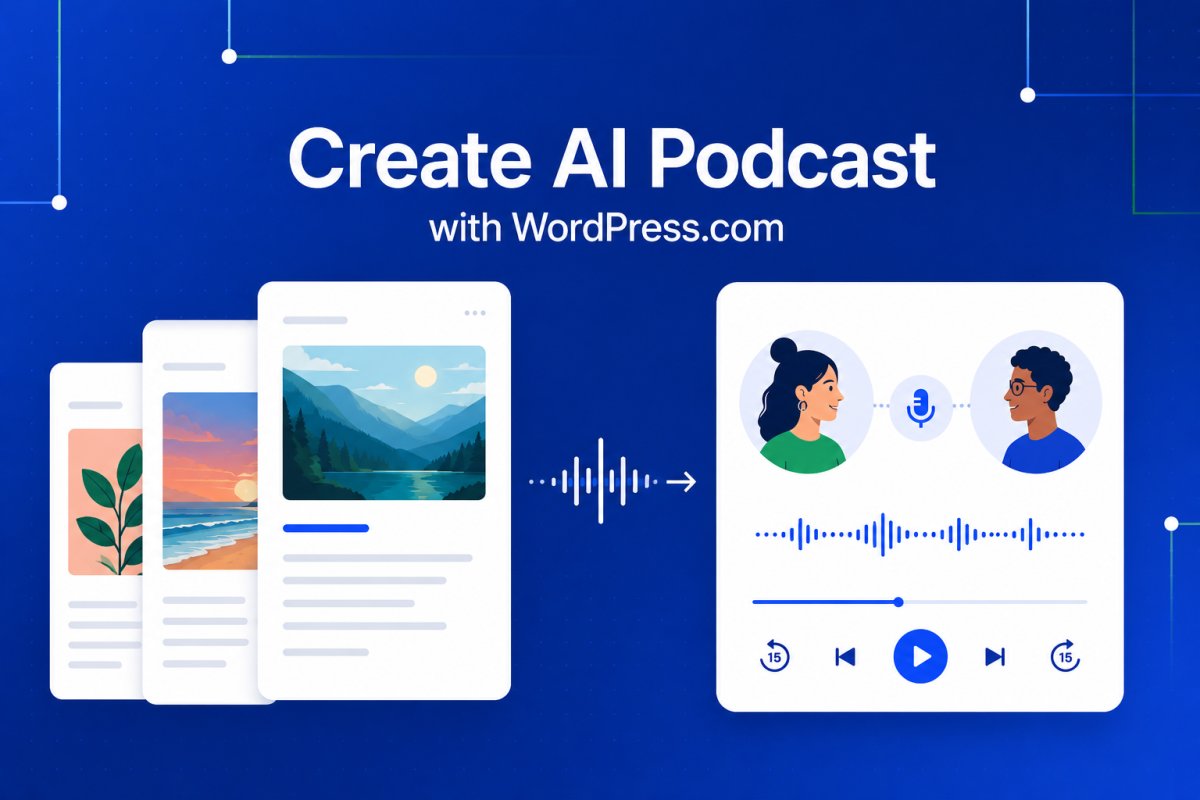
Some readers love settling in with a post. Others catch up while walking, commuting, cooking, or working through a long list of tabs.
Posts to Podcast gives your audience another way to keep up with what you publish.
Starting today, WordPress.com bloggers can turn recent posts into AI-generated podcast episodes directly from their dashboard. Choose the posts you want to include, generate a two-host audio conversation, review the draft, and publish it when you’re ready.
Find it in your dashboard
You’ll find Posts to Podcast under Media -> Create AI Podcast in your WordPress.com dashboard. Choose a time range, such as the last week or month, or select specific posts yourself.

The episode below was generated from recent WordPress.com blog posts using the same feature we’re announcing today:
How it works
Posts to Podcast turns the posts you select into a two-host audio conversation. The finished episode is saved to your Media Library, and WordPress.com prepares a draft post with the audio and transcript already included.
From there, you stay in control: review the draft, make any edits you want, and publish it like any other post. Since the audio is saved to your Media Library, you can also reuse it elsewhere, upload it to another platform, or keep it as part of your site’s media archive.

More ways to share your posts
Use Posts to Podcast to create weekly recaps, monthly digests, audio companions to newsletters, or listening-friendly versions of recent posts.
- Summarize your latest posts for subscribers who prefer listening.
- Turn a month of updates into a conversational recap.
- Share an audio companion to a newsletter, publication, or personal blog.
- Make your archive easier to revisit in a new format.
Available to all WordPress.com sites
Posts to Podcast is available to all WordPress.com sites. Whether you publish daily updates, weekly essays, tutorials, newsletters, or personal reflections, you can turn recent posts into a listenable episode directly from your dashboard.
A new format for your writing
Your words do the work. Posts to Podcast gives them a microphone.
Open your dashboard, go to Media -> Create AI Podcast, and turn your recent writing into something your audience can listen to.