dailynewsnblog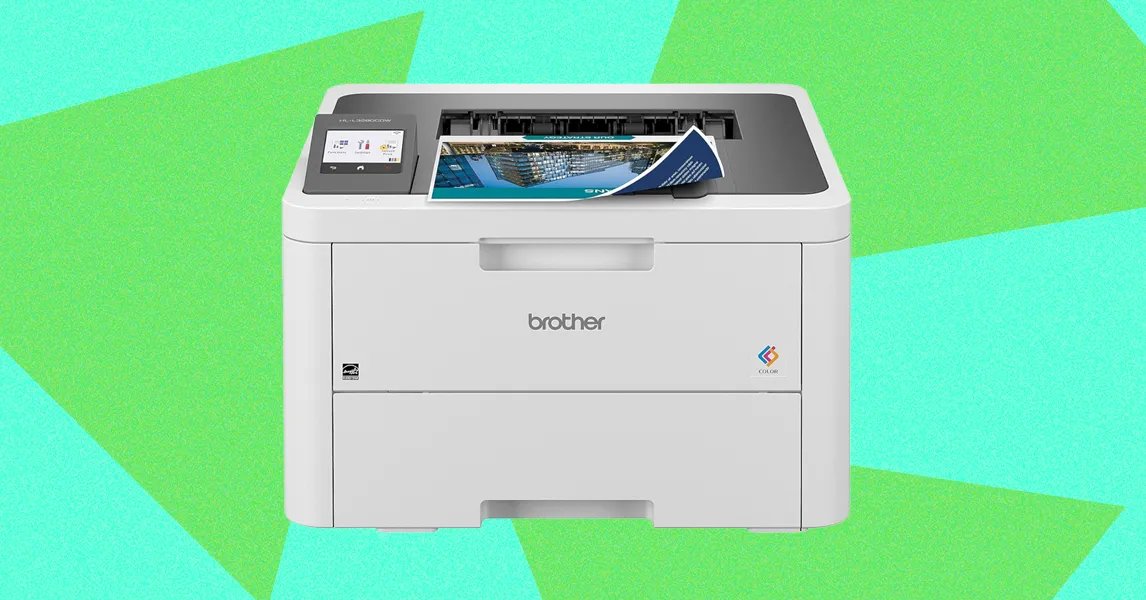
Before anything else, you’ll have to decide between ink and laser. I’ll get into the details when it comes to each model, but the most important consideration is the paper type you print onto most often. Laser printers use heat in the bonding process, which means if you regularly print on windowed envelopes or photo paper, you’ll need to either use an ink printer or change to a thermally safe alternative, which can be cost prohibitive if you print a lot.
Inkjets are the most common flavor of home printer, and they work by boiling ink until it splatters through a series of tiny holes. Inkjet printers either come with prefilled cartridges or built-in tanks. The latter is quickly becoming more popular thanks to better pricing, more convenience, and a massive reduction in wasted plastic. If you’re buying a new printer in 2026 I recommend you opt for an ink tank (or a laser printer, depending on your needs). Ink tanks are a little more work to set up and maintain than using replaceable cartridges, since you have to keep the tanks topped off and they should remain in one place on a flat surface to avoid leaks. I can’t imagine many situations where a printer would be constantly moving and tilting, but it’s a consideration nonetheless.
You thought inkjets were cool? Laser printers work by blasting a tube full of dried plastic particles, then fusing them to the paper with heat. They tend to cost more upfront, but the cost per page is overall much lower. Where a $20 ink cartridge might print 200 pages, a $60 toner cartridge could print 2,000. Laser printers don’t dry out and tend to be a lot faster than inkjet printers. Plus, the pages come out of the printer nice and warm, and you can’t really put a price on that.
There are also thermal printers, which are commonly used for receipts or shipping labels. Instead of filling the printer with ink and depositing it onto a surface, these apply heat in precise patterns to special paper, allowing you to print text and images in low resolution, and typically in one color. If you print shipping labels or simple stickers at home, these can save you a lot of time and ink cost, but beyond those uses, they’re pretty limited.
Finally, there are UV printers, which make it possible to print onto a variety of surfaces. However, they’re typically incredibly expensive, so if you don’t anticipate regularly needing to make custom mugs or coasters, you could safely opt for a different printing format.
From my experience, most folks will get the best value from an ink tank printer. The ink pricing is generally much lower than cartridges, and without the limitations of a laser printer.