dailynewsnblog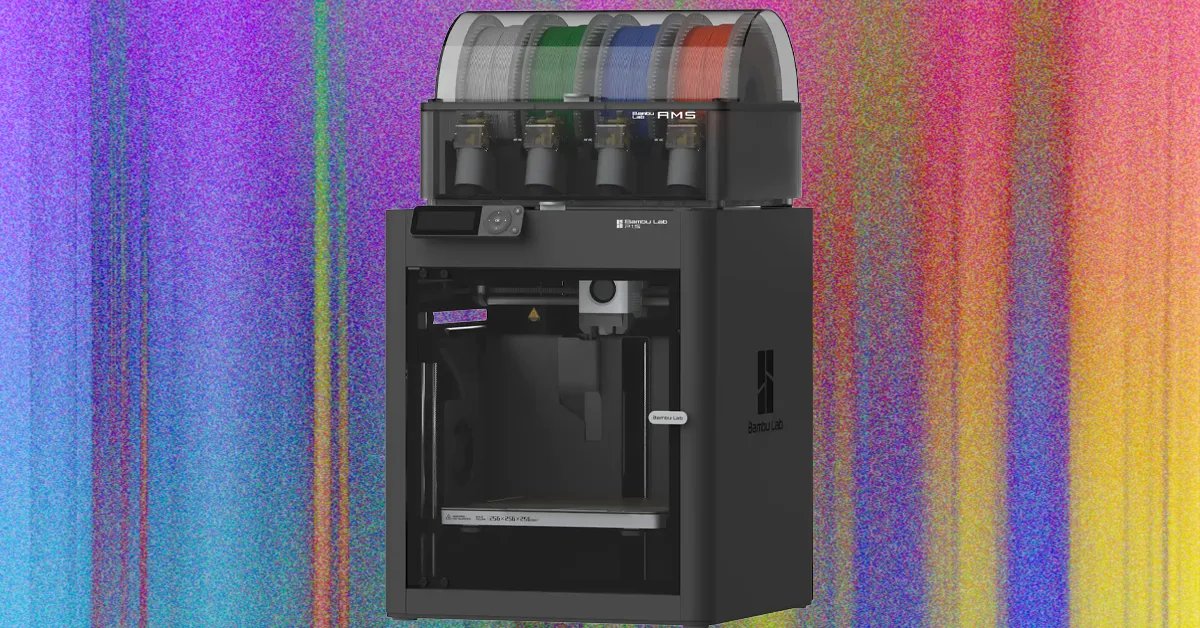
It’s such a known issue that a lot of users print an aptly named “poop chute,” which collects and redirects the waste to the side where it’s easier to empty. I went with the simpler solution of putting an empty filament box behind the printer to catch it.
Before printing, the Bambu also sweeps and levels the bed in a grid, and warns you if it hits any obstructions like leftover supports or an errant bed scraper. I’ve checked out several printers with an auto-level before, but they were slower, and usually required a second check by hand before actually hitting go. I haven’t had to adjust anything on the P1S in the month or so I’ve been using it, with the printer handling the initial setup, regular re-leveling, and nozzle cleaning.
The Bundle

Photograph: Brad Bourque
The Bambu P1S is sold on its own, but I think the bundle that includes the multi-filament handling AMS is well worth the extra cost. When I unpacked the AMS, I had dreams of vibrant, multi-color prints, and while that’s certainly possible, it isn’t the component’s best feature. Changing colors or materials mid-print forces the nozzle to dump a little coil of extra material, and you have to print a tower off to the side to minimize Z-axis variation.
The result is quite a bit of wasted plastic, extra time spent printing, and effort optimizing models and slicing for layers and colors. I also noticed there was a lot of extra length in the purge coils when switching colors, and slowly reduced that amount in Bambu Studio, but your mileage may vary. To get ahead of any questions: Yes, it did feel weird to inspect my 3D printer’s poop to improve its diet.
Rather than print complex multi-color parts in one shot, I found the AMS more useful for reducing the amount of time I spent dealing with the printer to swap filaments. While it walks you through the process, switching a single filament is a fairly hands-on process. You have to wait for the nozzle to heat up, pull the old filament out, push the new one in until it drips out again, then get the roll situated on the spool holder, and make sure it purges anything leftover. With the AMS, I just load the colors I want for a multi-piece project onto the rollers, choose them in the slicer, and it handles everything from heating to purging.