dailynewsnblog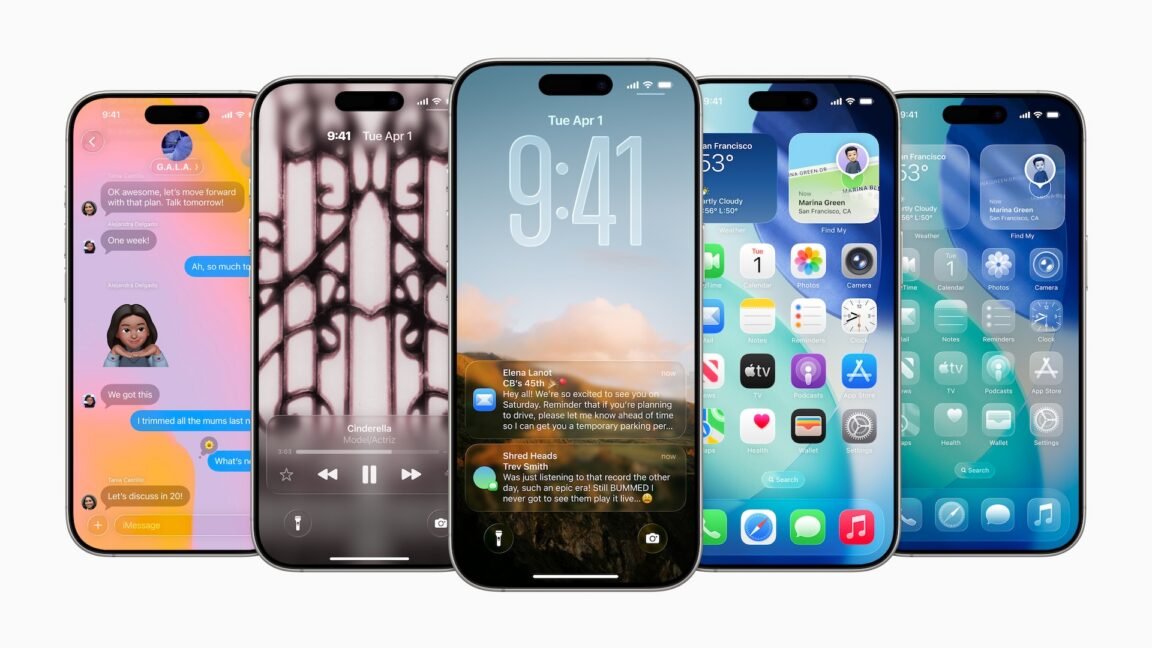
The 26.4 update is the first to begin testing encryption for RCS messages. But as with the initial RCS rollout, Apple is moving slowly and deliberately: for now, encrypted RCS messaging only works when texting between Apple devices, and not between Apple devices and Android phones. The feature also won’t be included in the final 26.4 release—it’s only included in the betas for testing purposes, and it “will be available to customers in a future software update for iOS, iPadOS, macOS, and watchOS.”
Encrypted iMessage and RCS chats will be labeled with a lock icon, much like how most web browsers label HTTPS sites.
To support encrypted messaging, Apple will jump from version 2.4 of the RCS Universal Profile to version 3.0. This should also enable support for several improvements in versions 2.5, 2.6, and 2.7 of the RCS standard, including previously iMessage-exclusive things like editing and recalling messages and replying to specific messages inline.
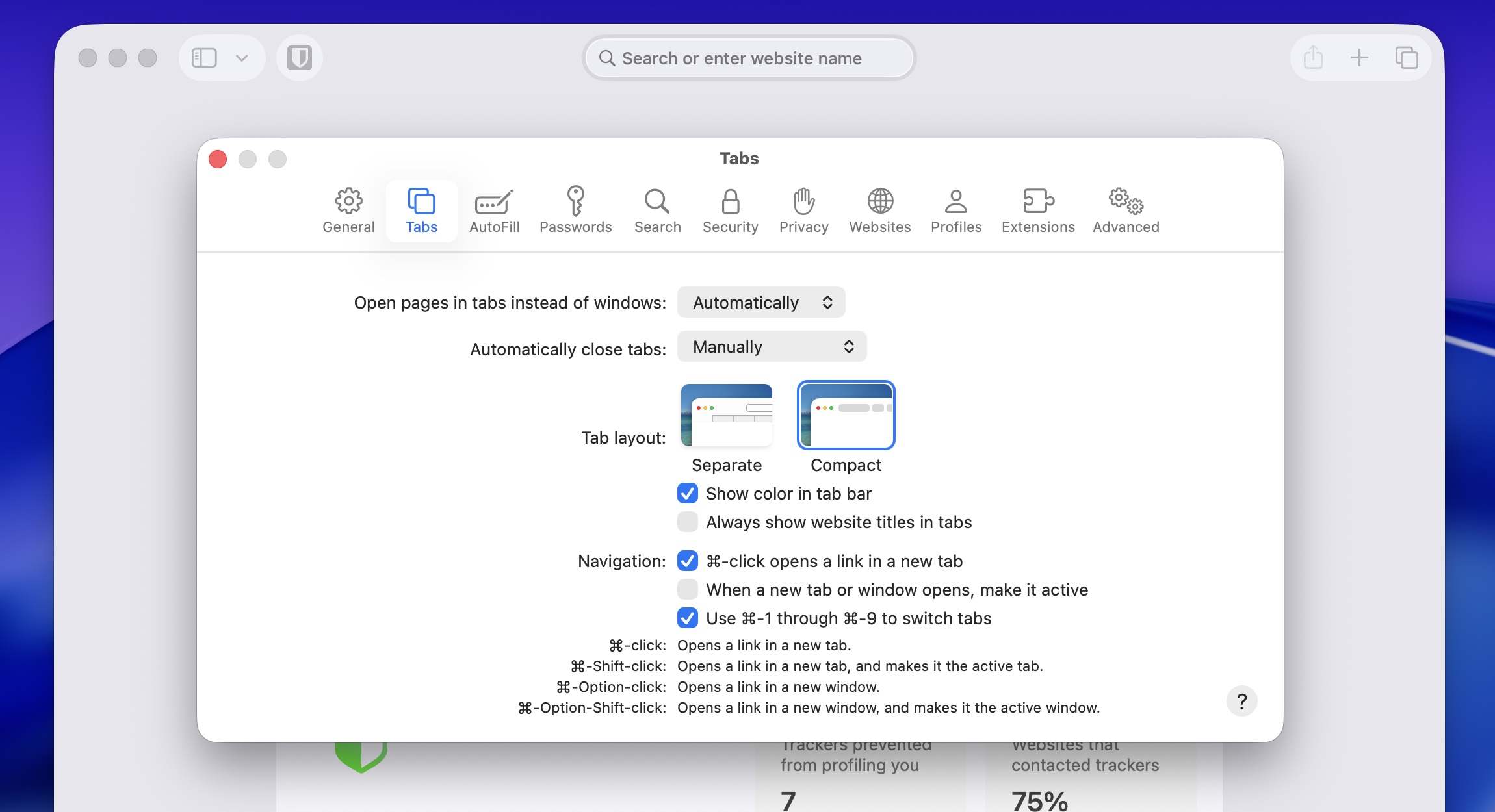
The return of the “Compact” Safari tab bar
Credit:
Andrew Cunningham
The Compact tab view returns to Safari 26.4 and iPadOS 26.4.
Credit:
Andrew Cunningham
As part of the macOS 12 Monterey/iPadOS 15 beta cycle in 2021, Apple attempted a pretty radical redesign of the Safari browser that combined your tabs and the address bar into one, with the goal of increasing the amount of viewable space on the pages you were viewing. By the time both operating systems were released to the public, Safari’s default design had more or less reverted to its previous state, but the “compact” tab view lived on as an optional view in the settings for those who liked it.
Tahoe, the Safari 26 update, and iPadOS 26 all removed that Compact view entirely, though a version of the Compact view became the default for the iPhone version of Safari. The macOS 26.4, Safari 26.4, and iPadOS 26.4 updates restore the Compact tab option to the other versions of Safari.
On-by-default Stolen Device Protection
Originally introduced in the iOS 17.3 update, Apple’s “Stolen Device Protection” toggle for iPhones added an extra layer of security for users whose phones were stolen by people who had learned their passcodes. With Stolen Device Protection enabled, an iPhone that had been removed from “familiar locations, such as home or work” would require biometric Face ID or Touch ID authentication before accessing stored passwords and credit cards, erasing your phone, or changing Apple Account passwords. Normally, users can enter their passcodes as a fallback; Stolen Device Protection removes that fallback.